

1.What is a WMaster ID?
A WMaster ID refers to the account you create on WMaster Cleanup. It helps you manage orders, supports login on other computers, and serves as your unique identification number within the product.
💡Tips:If you have questions in the future, our customer service team can quickly verify your identity using your WMasterID.
2. How to login to WMaster Cleanup?
Step 1:After installing and launching WMaster Cleanup, click the profile icon in the top-right corner to open the next window. We support both guest and account login methods. While in guest mode, you can still use our product like you normally would.

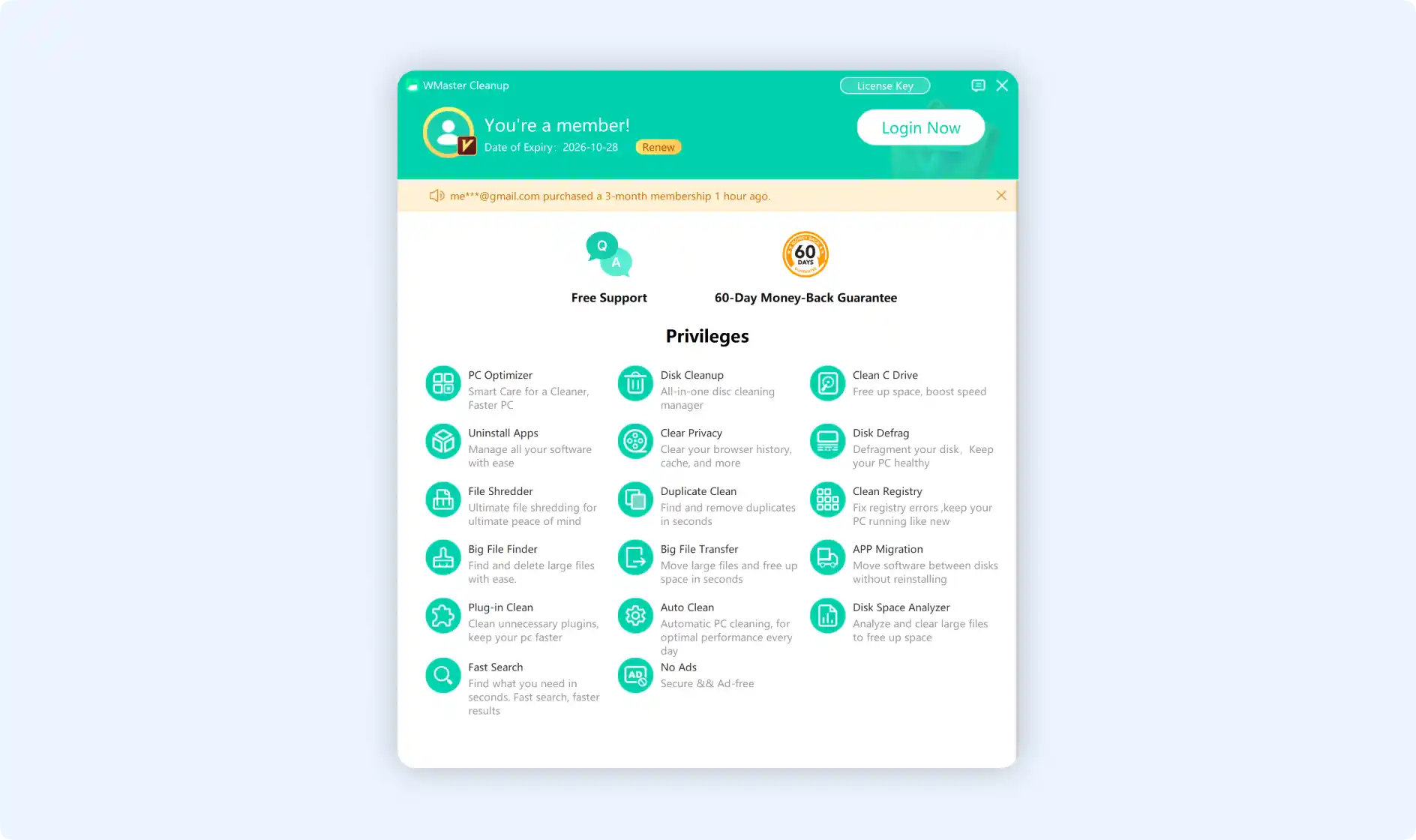
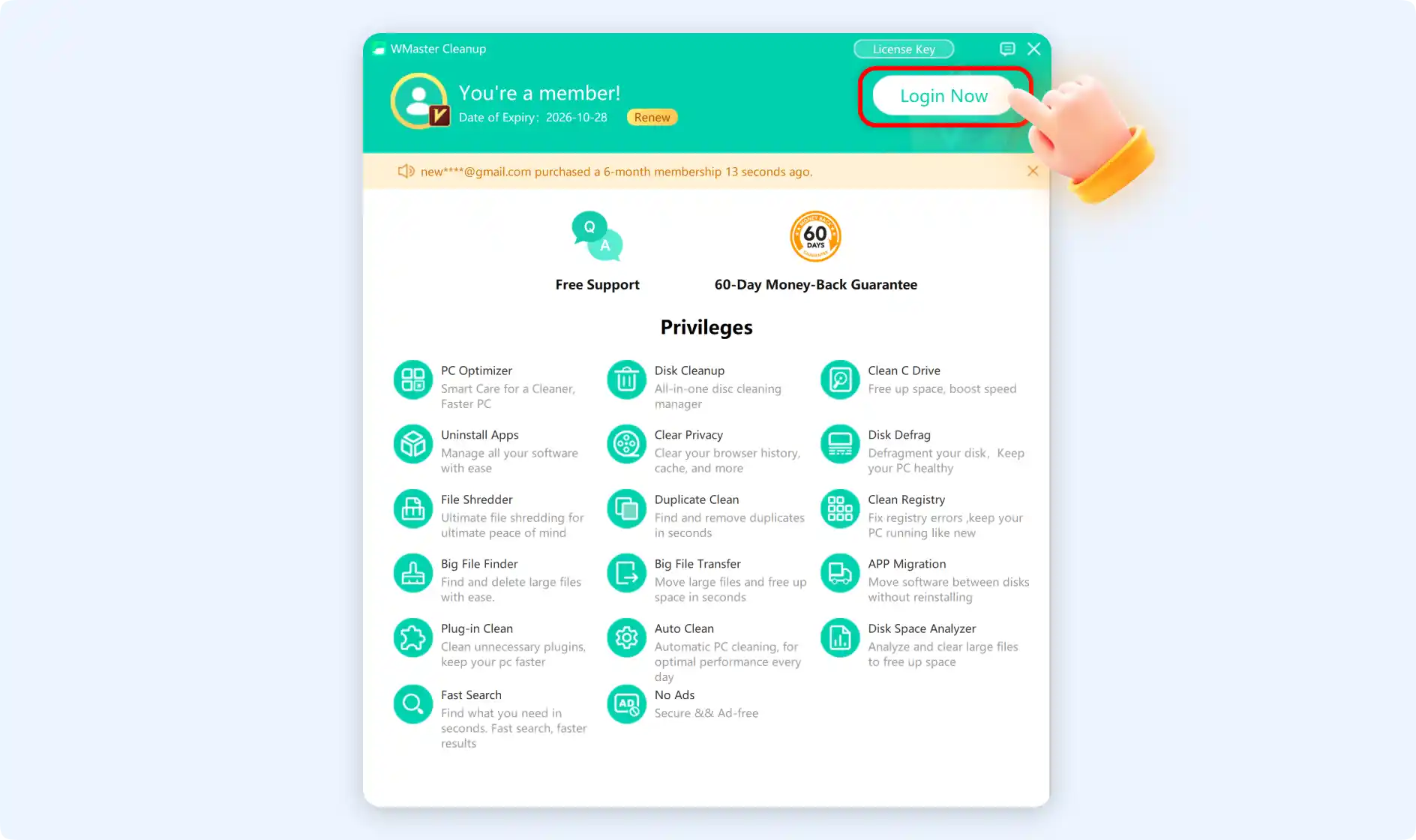
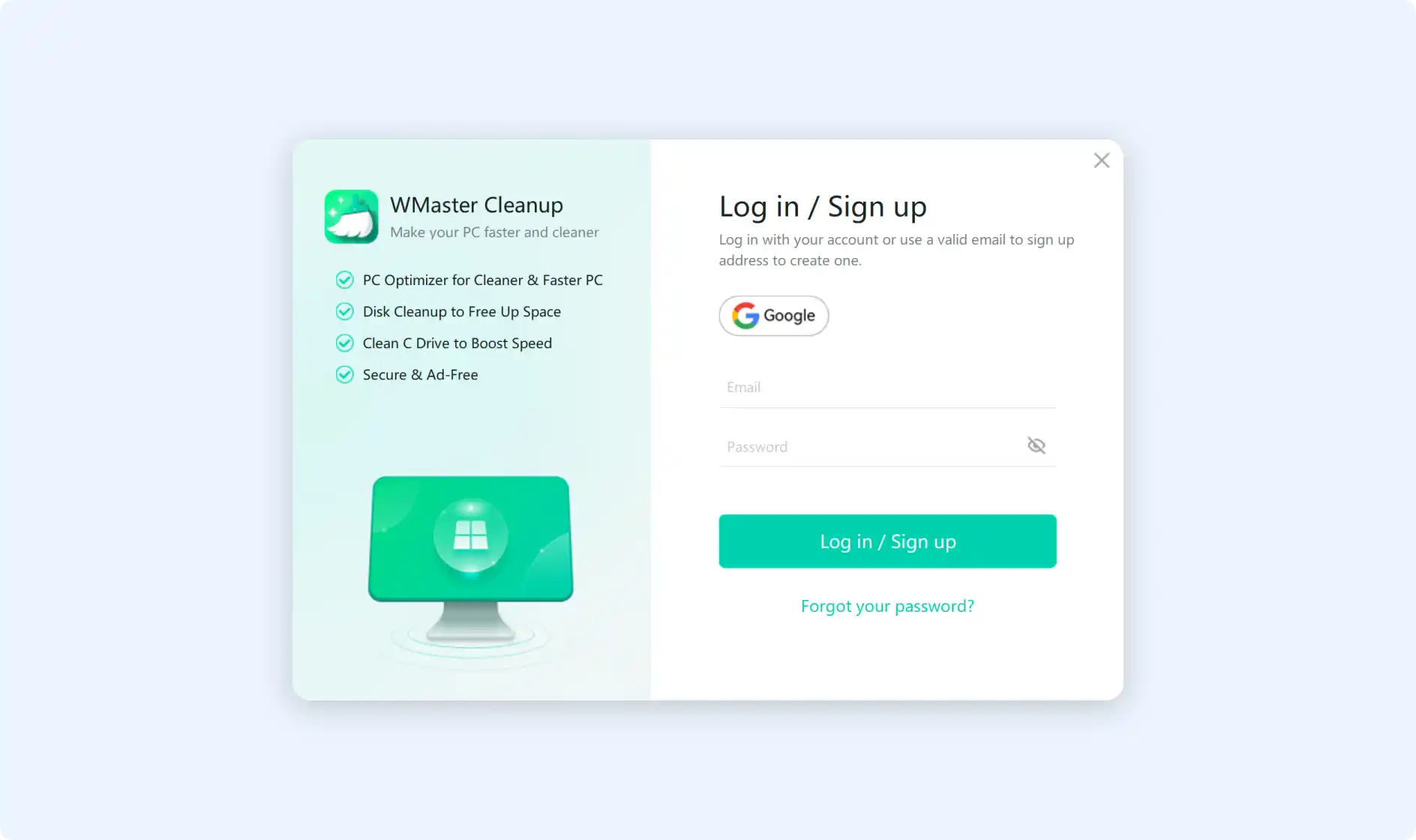
Step 1.1: Alternatively, click Login Now to sign in with your account. Currently, we support Google and email logins. Upon successful login, your account will automatically register as a WMaster Cleanup user.
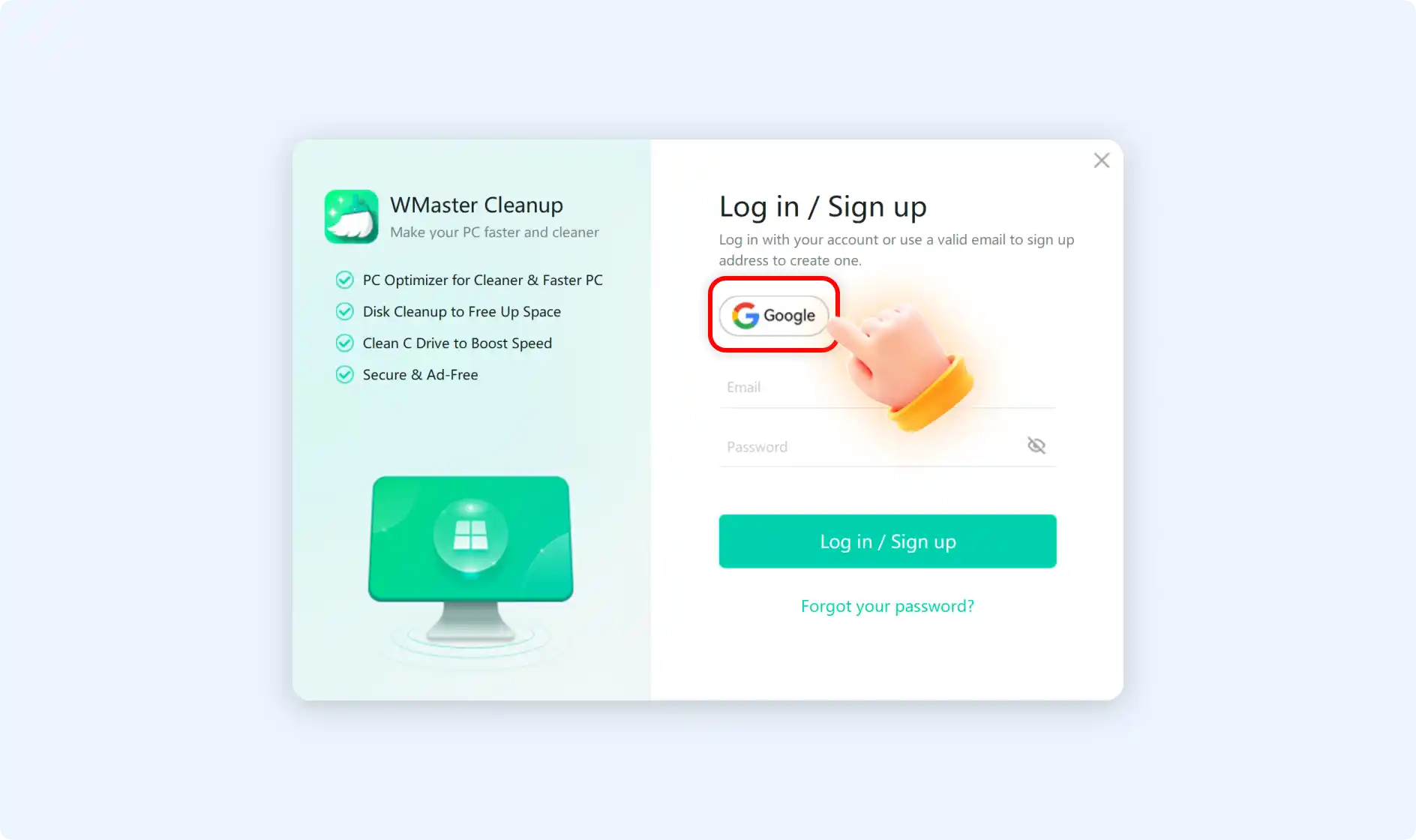
Step 2:After clicking Google Login, you will be redirected to the Google login page. Follow Google's instructions to complete the login process, once complete, you will be taken to the WMaster Cleanup product automatically.
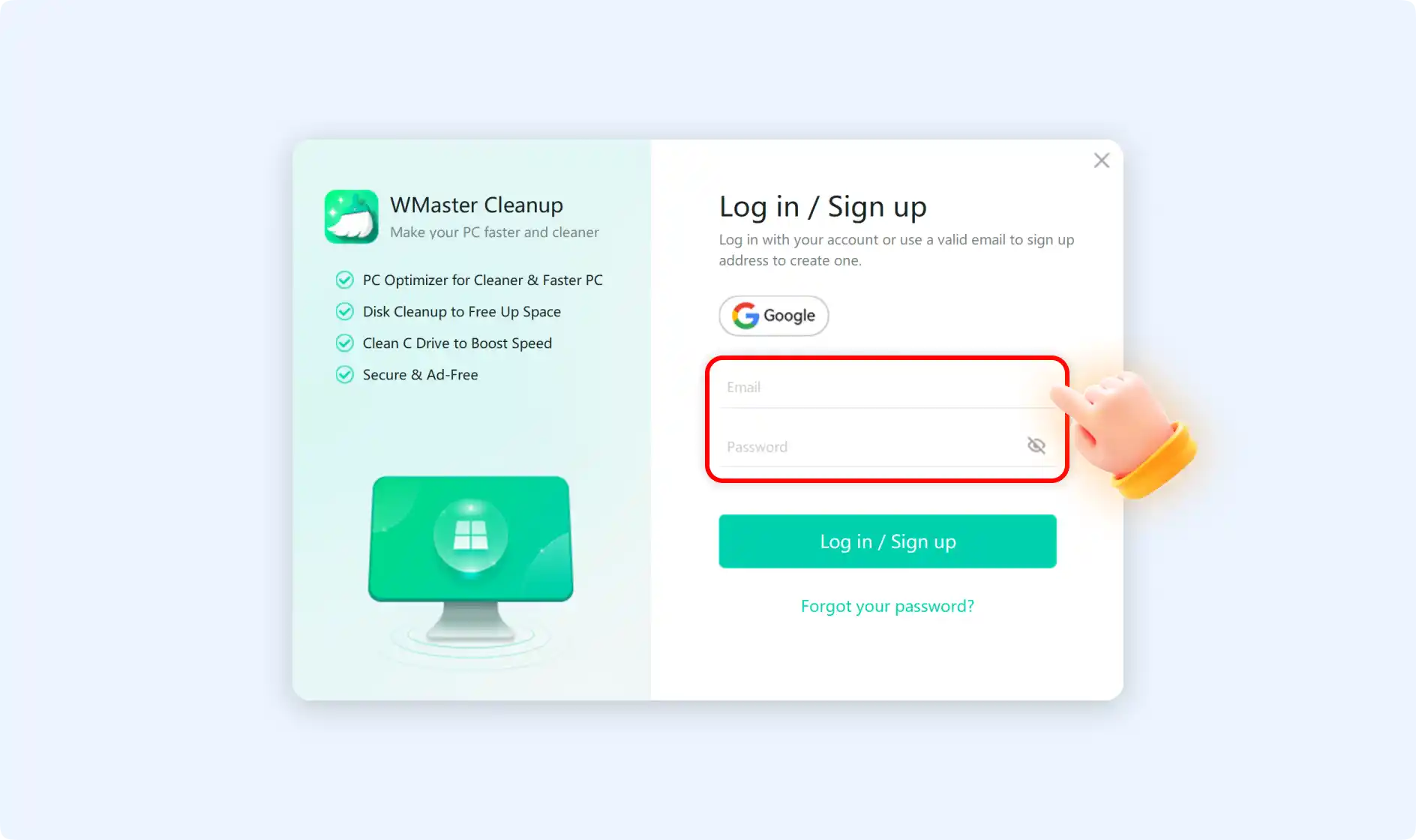
Step 2.1: You can also type in your email address and password directly. Make sure the email address is in the right format. You can pick any password you want, and that password will be used to log in to your email. Click on "Log in" or "Sign up." If you log in successfully, you will be taken straight to the WMaster Cleanup product.
💡Tips:Your purchased plan has a device quantity limit. You cannot exceed the maximum number of devices allowed by your plan when using this account. If you purchased a “1 PC License,” you can only use this account on one device. Similarly, if you purchased a “5 PC License,” you can log in to WMaster Cleanup on up to five different devices at the same time. Otherwise, you will be asked to disable one device before continuing.
3.How to register a new WMaster account?
If you previously had no WMaster ID, a new account will be automatically created for you after completing Google or email login. Subsequent benefits will be automatically linked to your login account.
4. What can you do with a WMaster ID?
Click your profile picture in the Member Center to view your account page. From this page, you can edit your profile picture, find License Key information, and locate your WMaster ID.
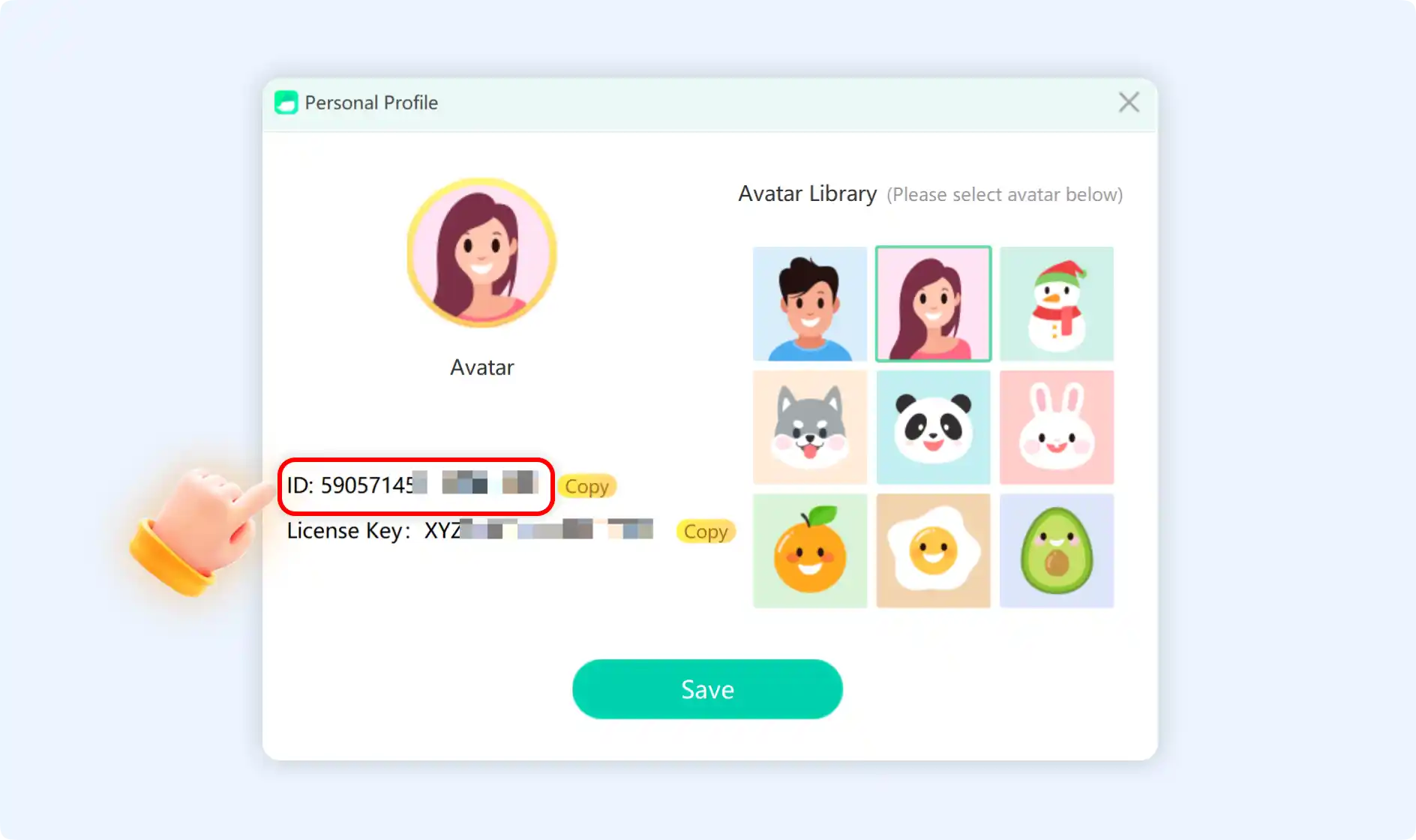
💡Tips:If your License Key is "None," it means you haven't activated your account. If you already bought a License Key but it is still "None," Please refer to the activation guide of License Key.