1. Is it safe to clear browser history?

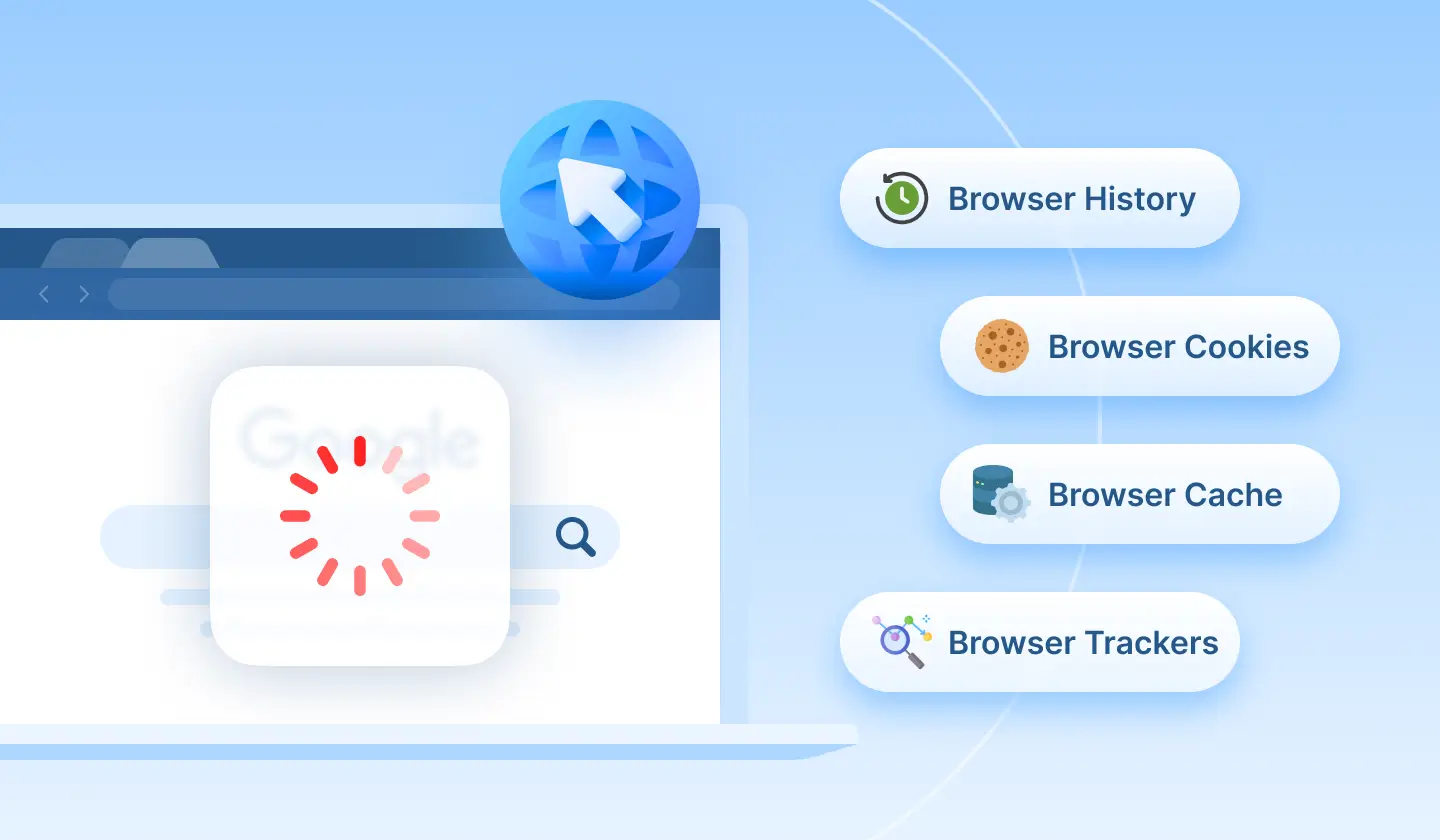
Absolutely, it's safe to clear browser history. Clear browser history by cleaning visited websites, download history, cached files, and tracking data to speed up your browser experience and protect your online privacy.
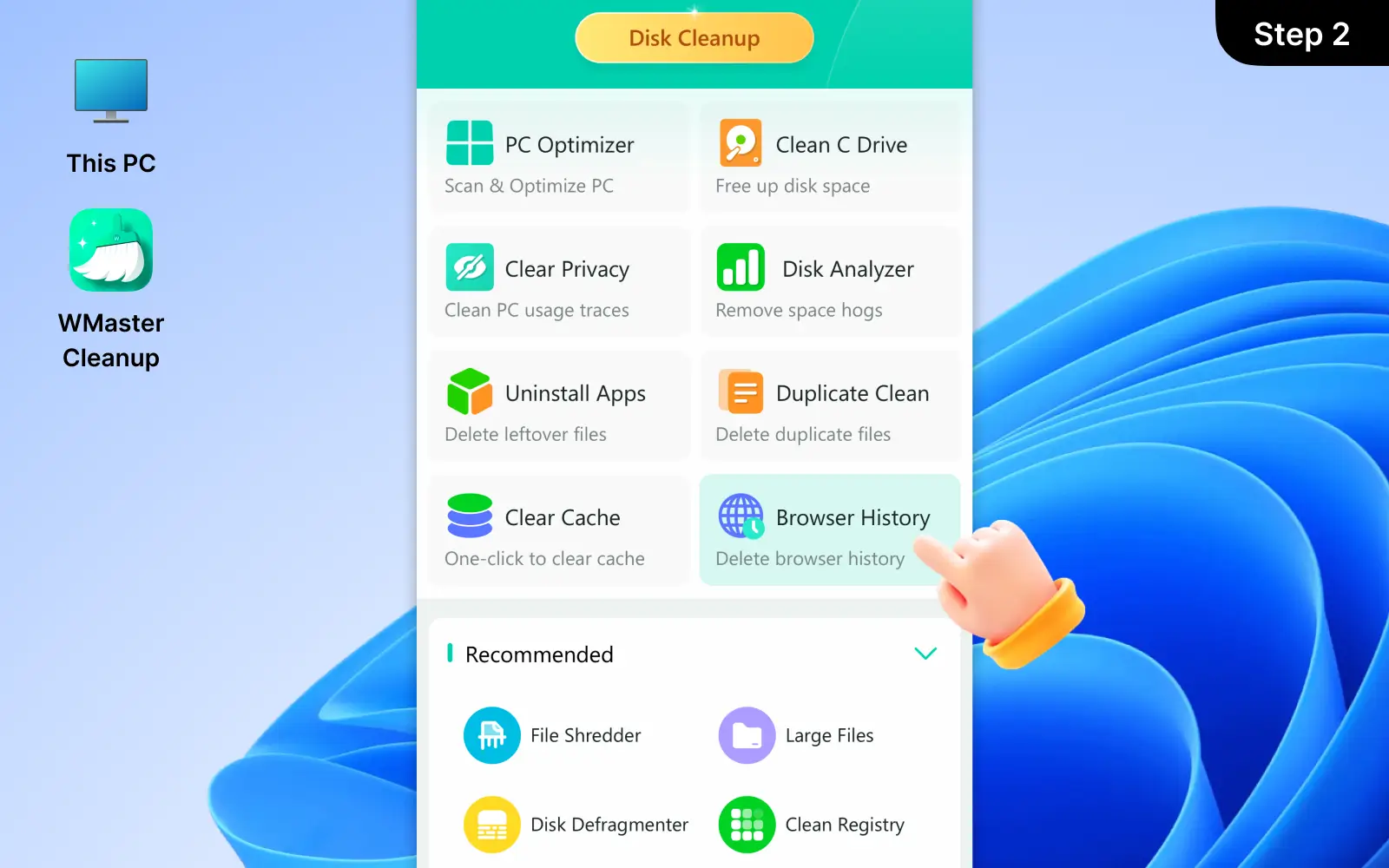
With WMaster Cleanup, you can achieve safer browser cache cleaning, because our tool will ask you to close your browser firstly and then begin to scan all web data with the safe-to-remove option. You have the ability to choose which browser data to clear according to your preferences.
2. How often do you clear your browser history?
It depends on how often you use your browser. For most users, it's normal to clear browser history once a week or twice a month to maintain excellent browser performance and protect online privacy. Special users who frequently browse for sensitive data and share web information should clear their browser history more often.
WMaster Cleanup makes clearing browser caches and histories easy with a single click or selective cleanup option. This allows you to clear your browsing data whenever needed without affecting important information.
3. Does Clearing Browser Cache/History Really Improve Performance?
Yes, clearing browser cache/history can improve performance. Because with time passing by, cached files and browsing web data can accumulate or become corrupted, thus slowing down your web browsing experience and making your page load incorrectly.
With WMaster Cleanup, you can delete browser cache/history in one click. Which can help to free up storage, refresh browser data, and return you to a faster, smoother online browsing experience without manual browser settings.
4. How do I remove specific cookie and browser history?
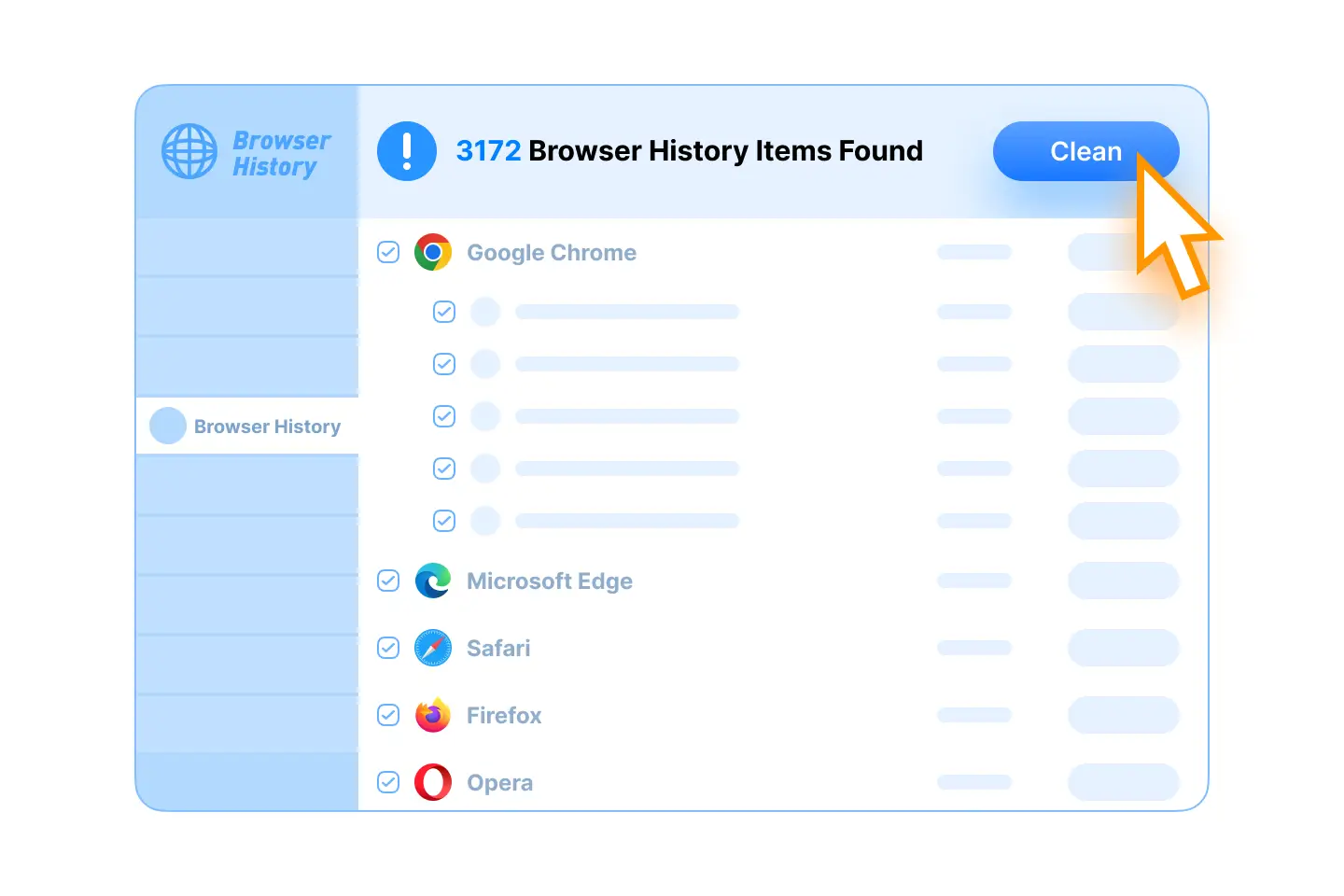
You can remove specific cookies and browser history by WMaster Cleanup's selective browser cleanup option. After scanning your browsers, WMaster Cleanup will display all detailed cache data items, such as visited websites, search records, browser caches, and other web data. You can view those items and then choose exactly what you want to clean up.
5. Can I clean multiple browsers at once?
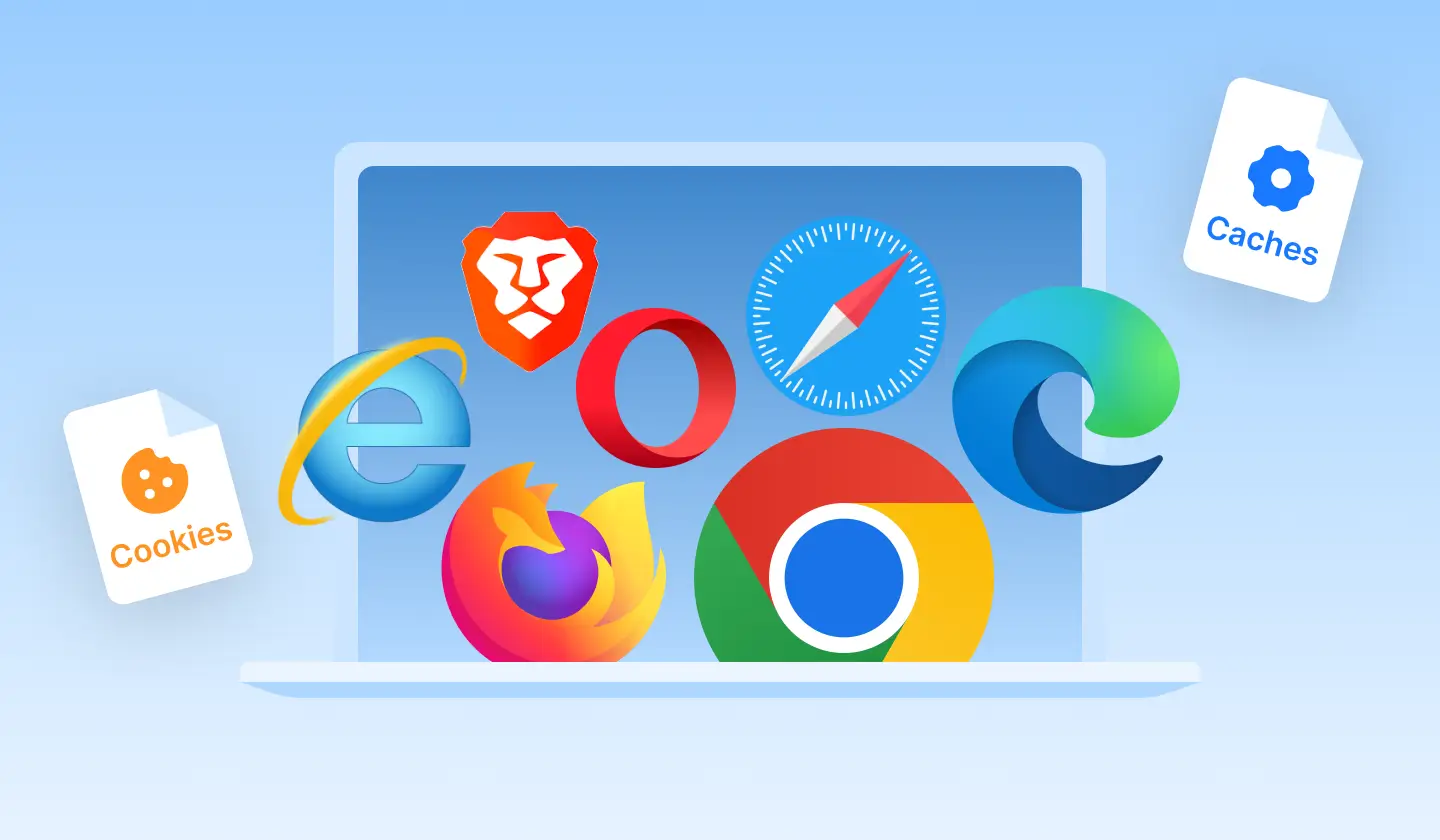
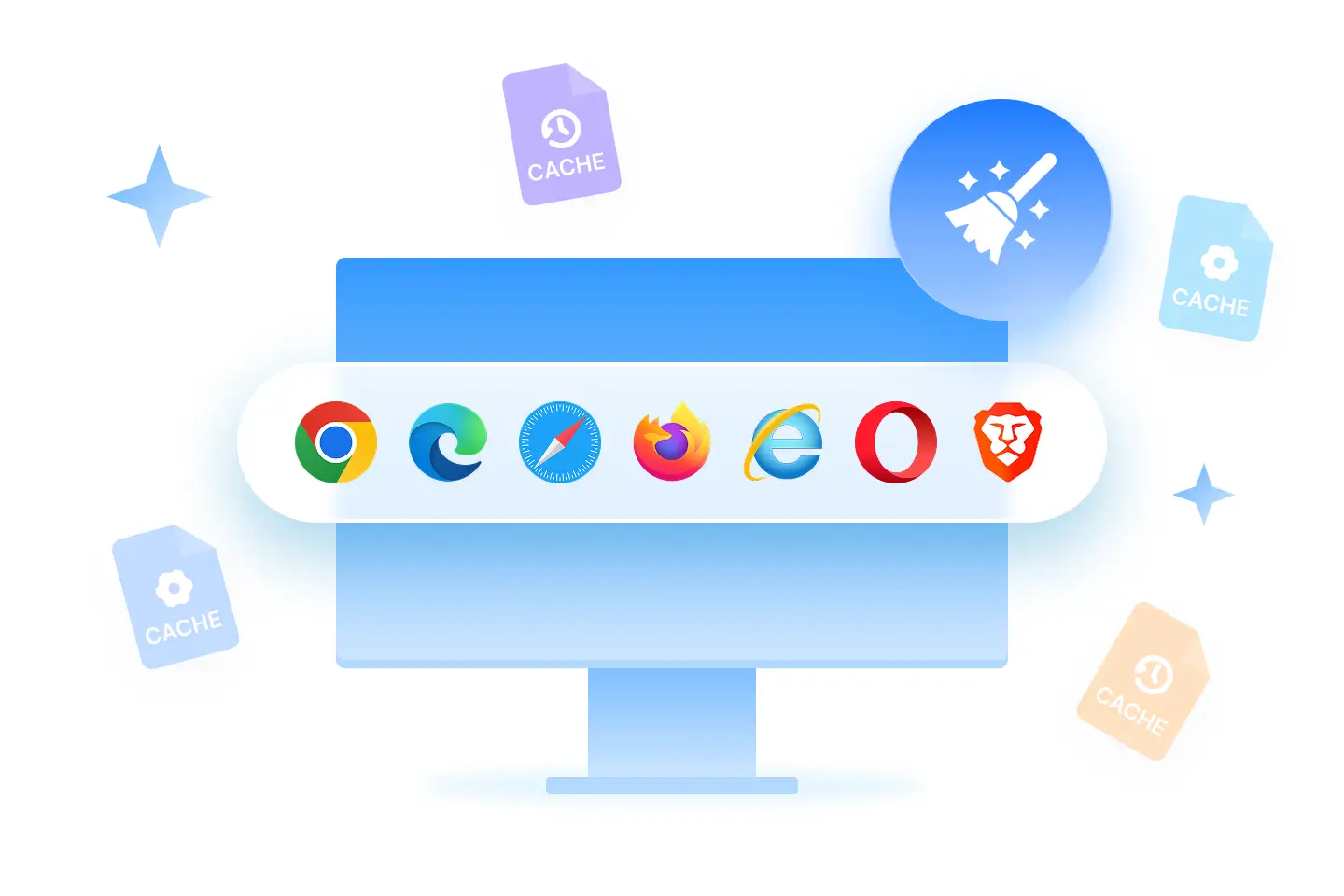
Yes, WMaster Cleanup allows you to clean multiple browsers at once in seconds. It can detect all pre-installed browsers on your system automatically, including Chrome, Edge, Firefox, and other mainstream browsers.
With just one scan and one click, you can clear multiple browser histories, caches, cookies, and other web browsing data across all selected browsers. Saving your time to clean each browser history separately.
 Clear browsing history, cache, cookies & digital footprint in 1 click.