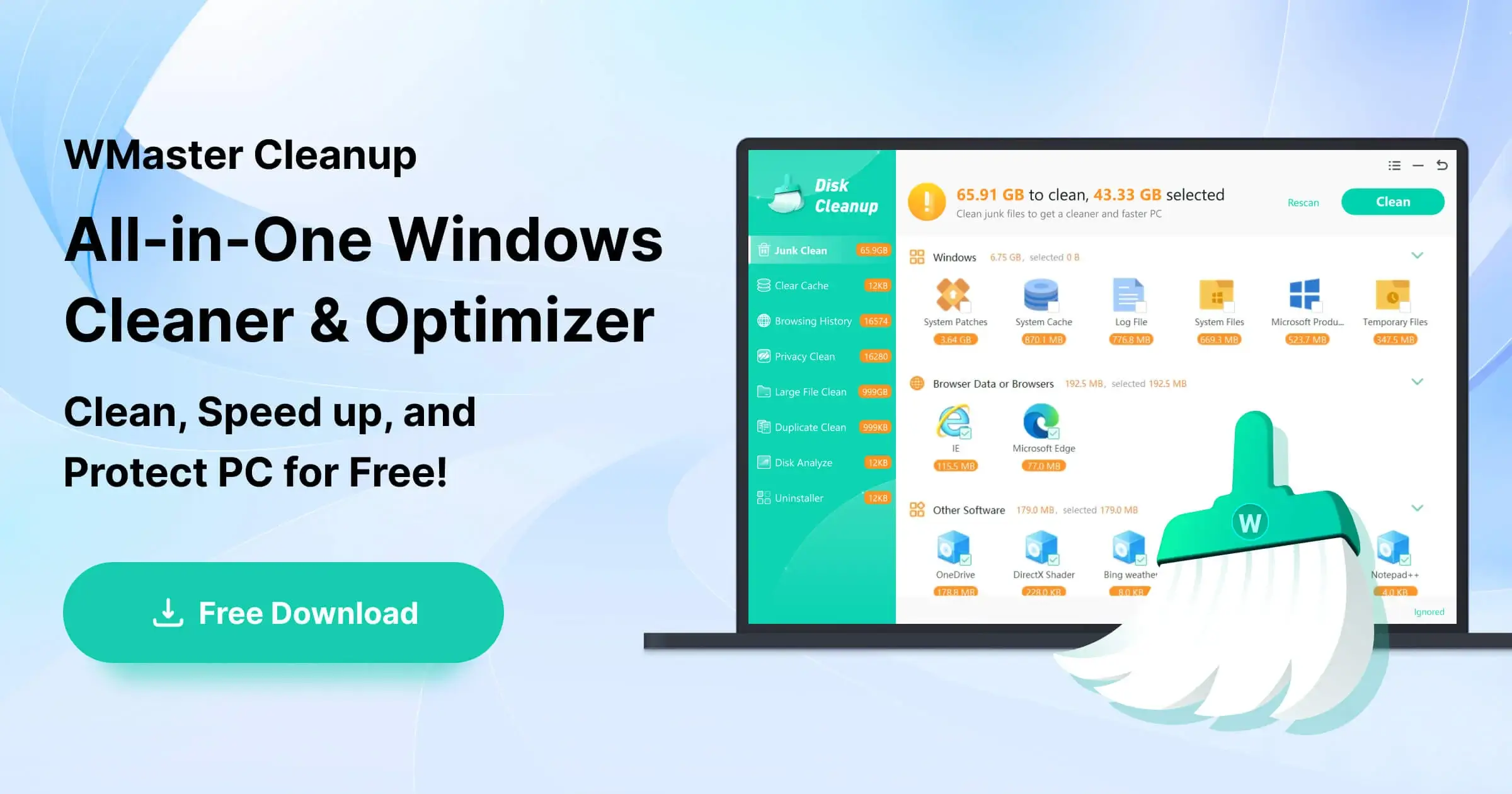
Clean the junk files in one click.
One click to boost FPS for max game performance.
All Features
Duplicate File Remover >
Uninstall Application >
Clear Cache >
Disk Space Analyzer >
Clear Browser History >
Disk Defrag >
Clear Privacy >
Clean C Drive >
Review the frequently asked questions and answers provided by WMaster Cleanup.
How to Use WMaster Cleanup? Unlock the detailed guide below.
Know about the story, mission, and values of WMaster Cleanup.
Welcome to contact us anytime for support, questions, or personalized assistance.
Expert tips to speed up and optimize Windows.
If you’re fed up with apps getting frozen, see how to force quit on windows using 7 proven methods. Also, learn tips to get rid of apps from freezing again.
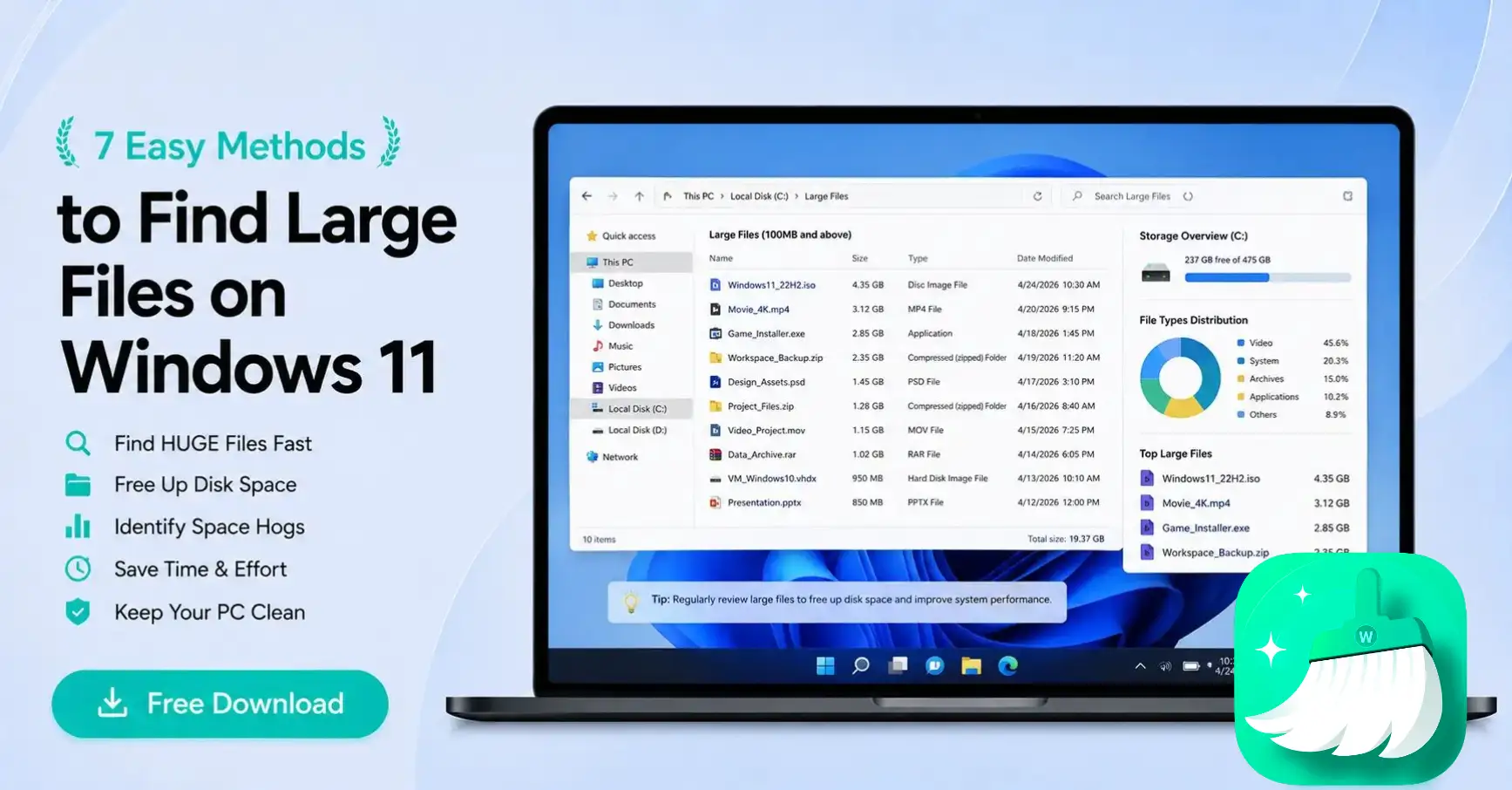
Do you want to find large files on windows 11 quickly? Use these 7 easy methods to free up your disk space and improve your PC’s performance in seconds.
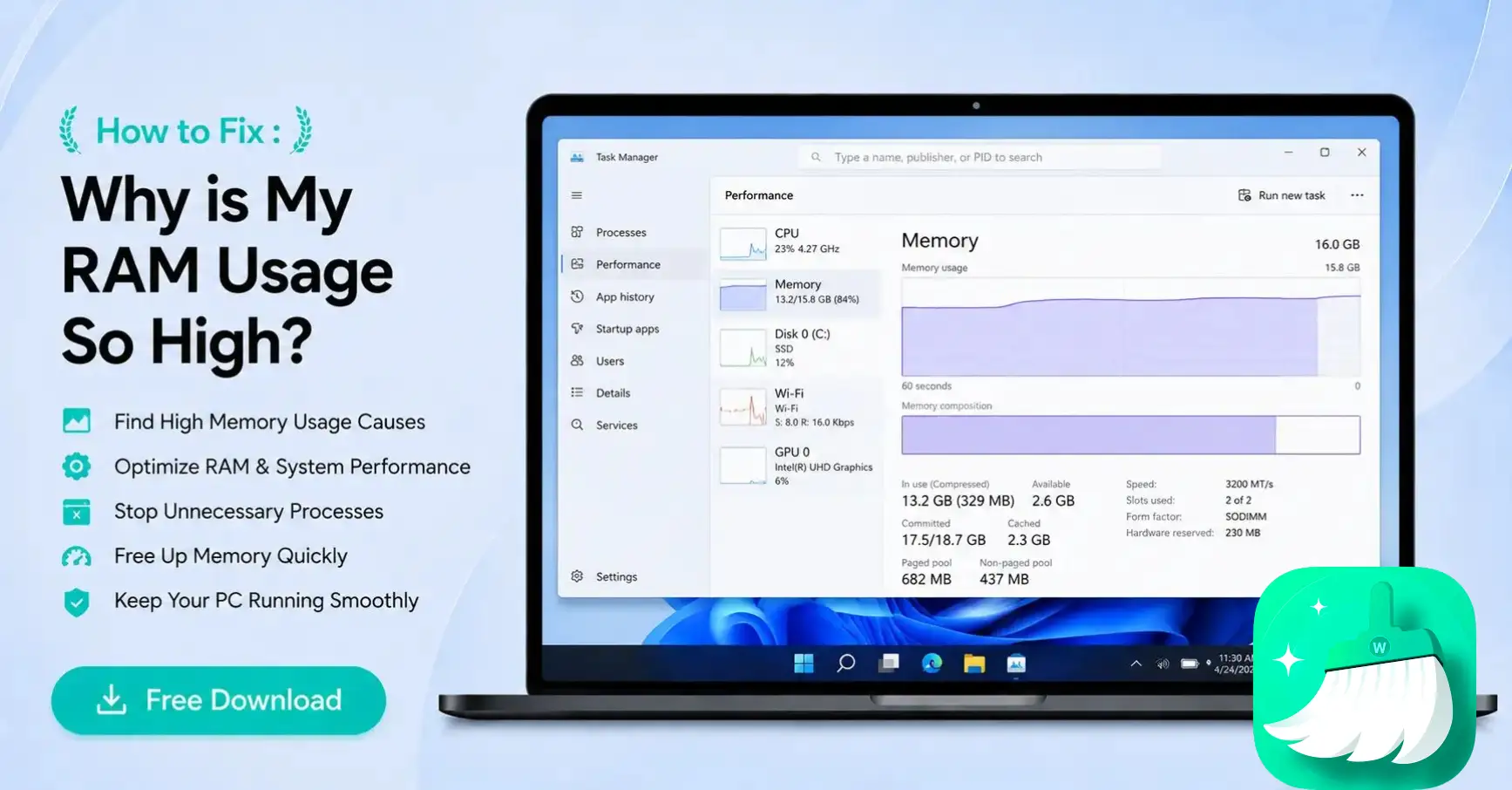
Looking for why my RAM usage so high that my PC keeps freezing? Find out the real reasons behind it and how can you fix it easily on your Windows 10/11.
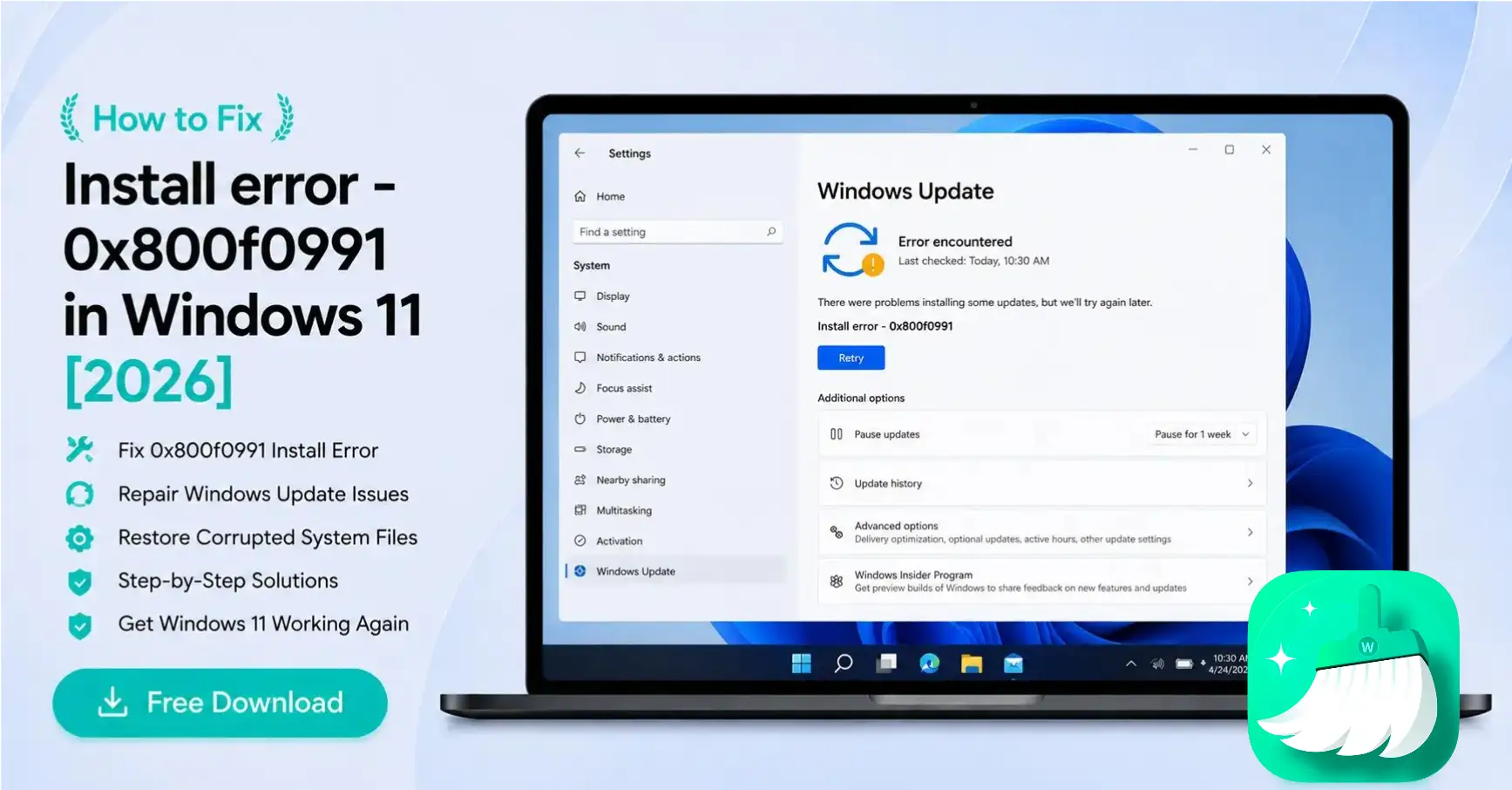
Stuck on error 0x800f0991? Learn how to fix install error 0x800f0991 and reset update components to repair corrupted metadata instantly.
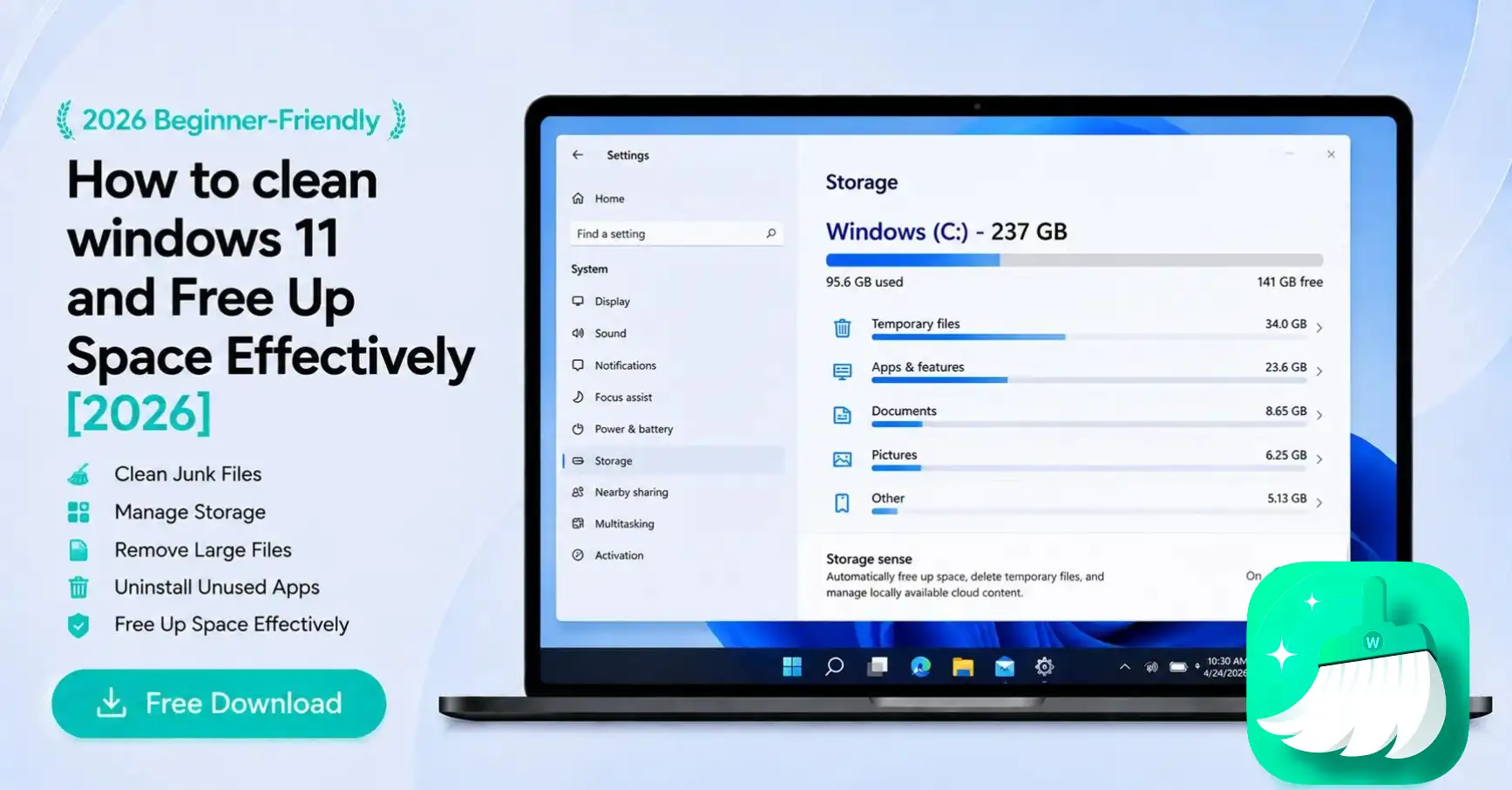
Reclaim GBs of disk space in minutes. Our beginner guide shows you how to safely delete system junk, cache, and large files. Make your Windows 11 faster today!
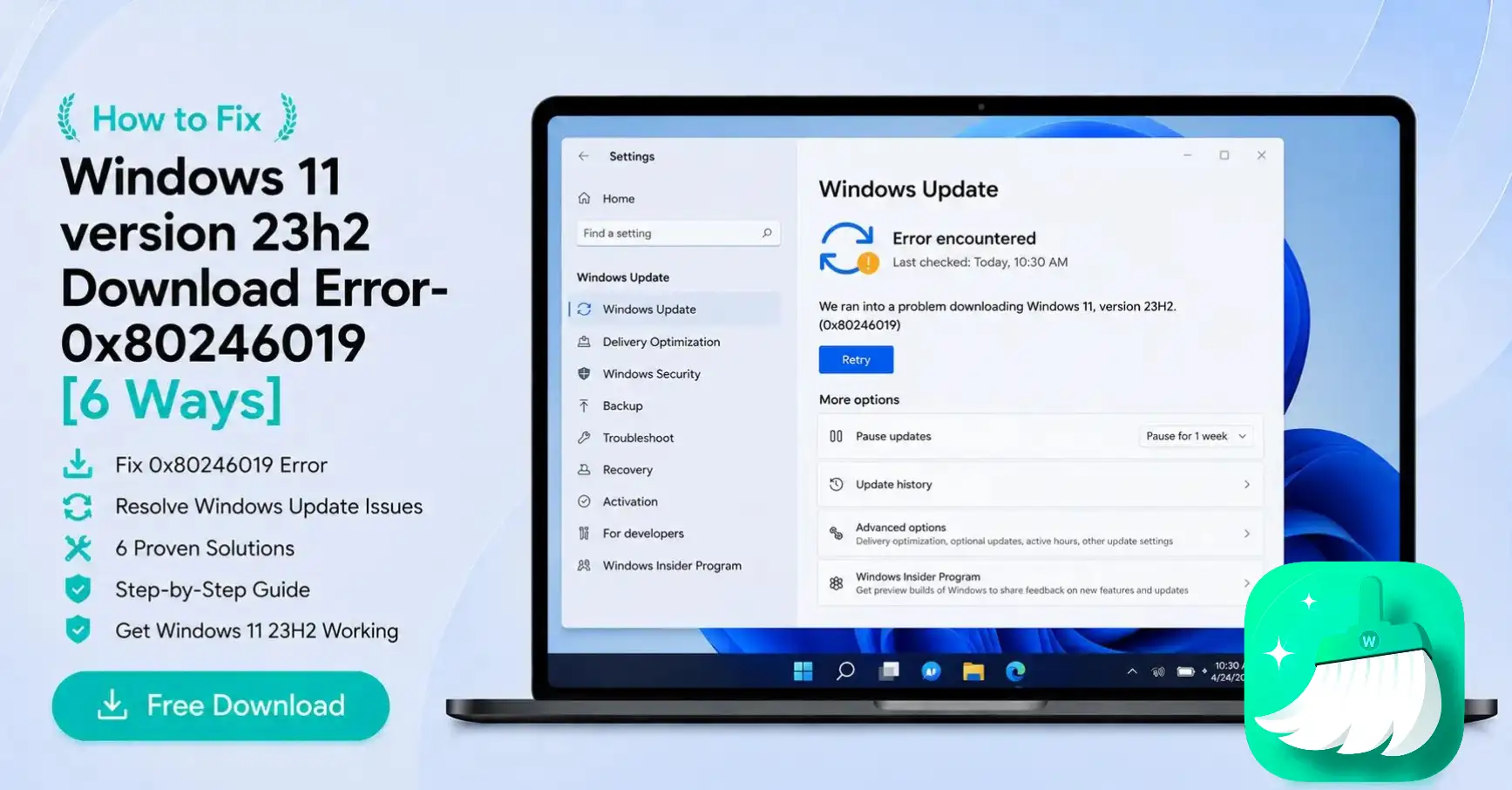
Stuck on Windows 11 23H2 update error 0x80246019? Follow our 6-step guide to reset update components, clear cache, and fix corrupted files for a successful install.
WMaster Cleanup