Clean the junk files in one click.
One click to boost FPS for max game performance.
All Features
Duplicate File Remover >
Uninstall Application >
Clear Cache >
Disk Space Analyzer >
Clear Browser History >
Disk Defrag >
Clear Privacy >
Clean C Drive >
Review the frequently asked questions and answers provided by WMaster Cleanup.
How to Use WMaster Cleanup? Unlock the detailed guide below.
Know about the story, mission, and values of WMaster Cleanup.
Welcome to contact us anytime for support, questions, or personalized assistance.
Obtain expert gameplay tips to boost games.
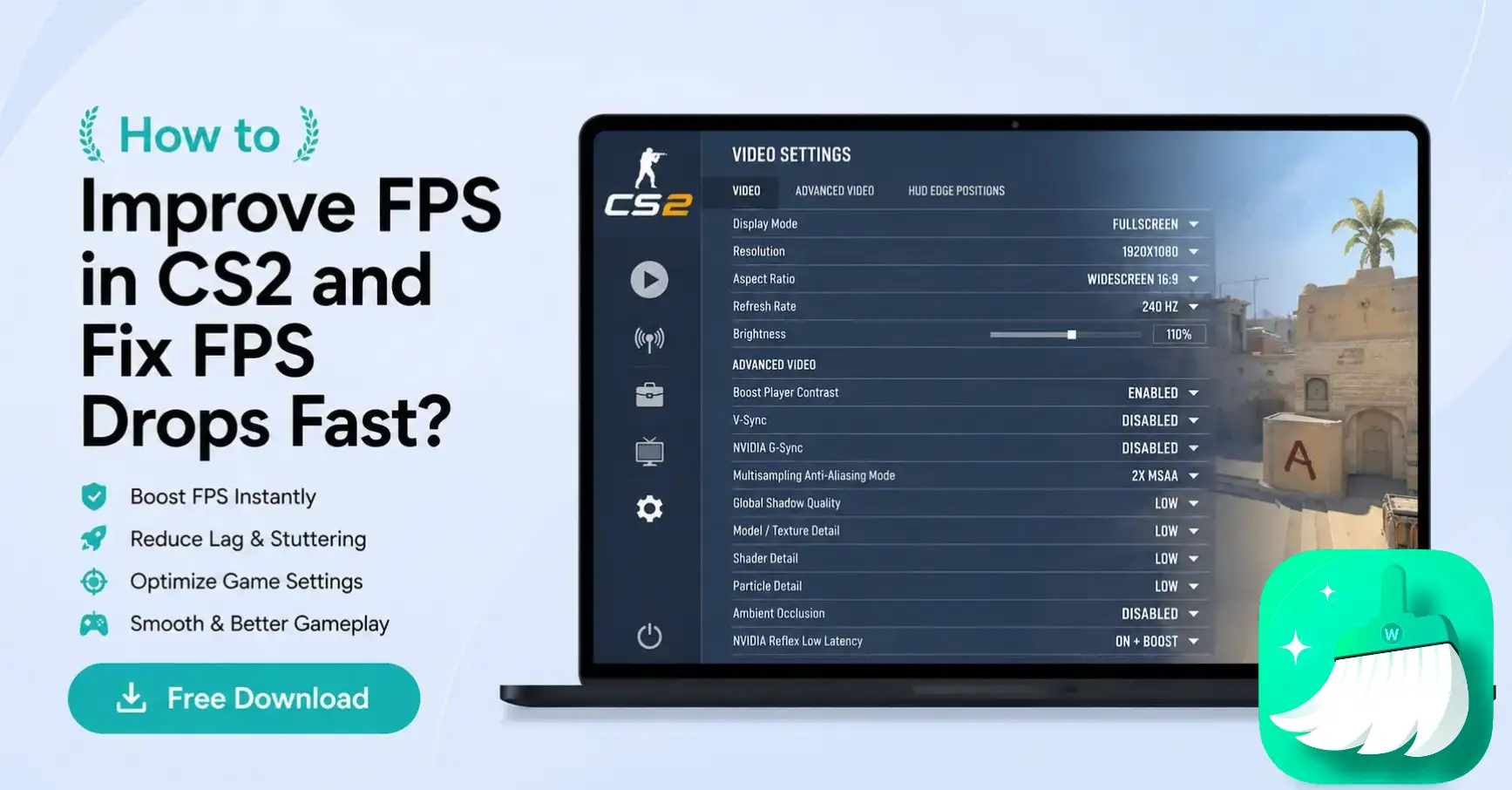
Learn how to fix low FPS and micro-stuttering in CS2 with the best in-game settings. Find effective Windows performance tweaks for smooth gameplay.
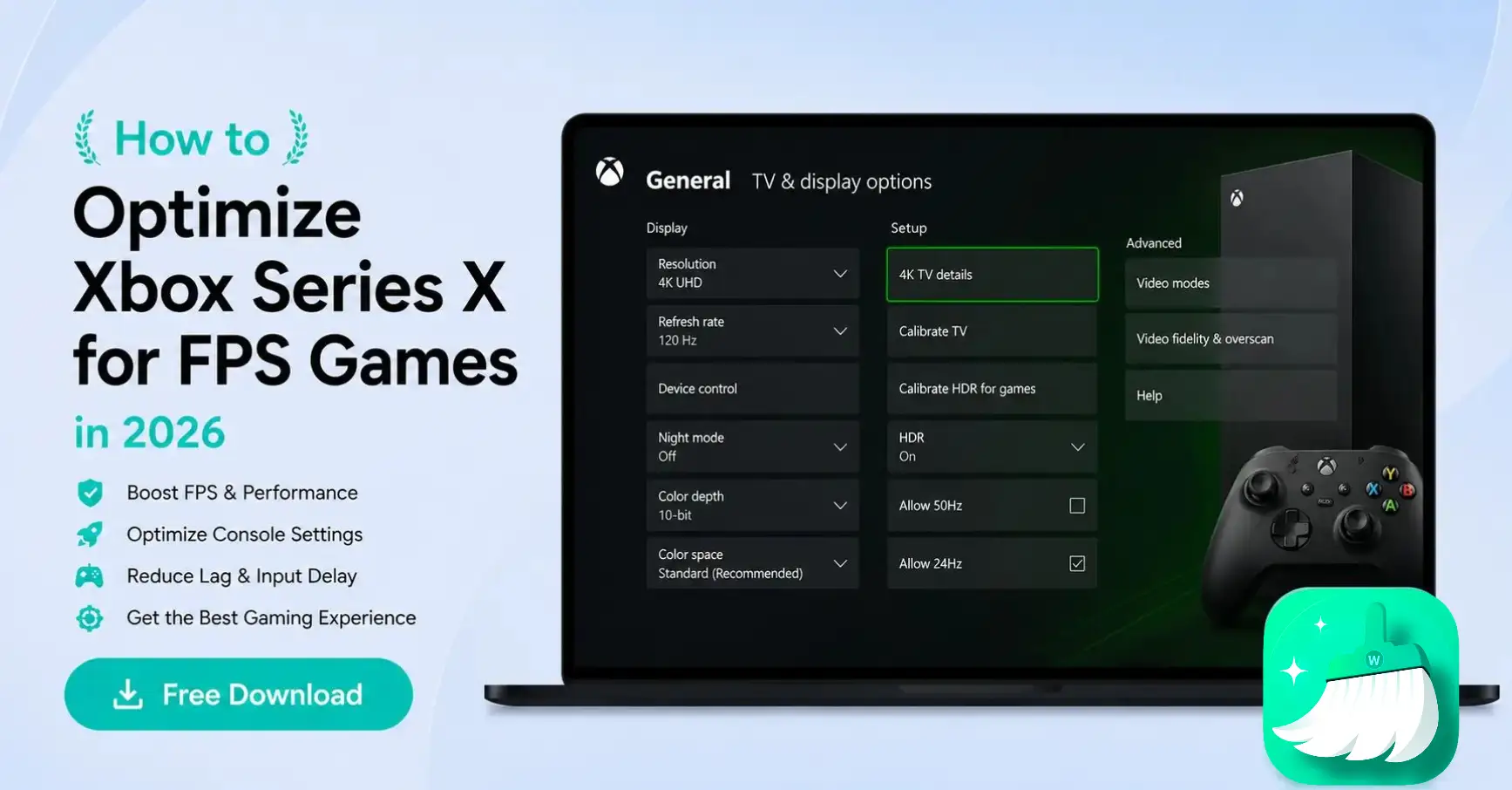
If your in-game lag is taking away your wins, here are the best fixes, from switching to 120Hz to reducing input delay through manual tweaks to optimize your Xbox Series X for FPS games.
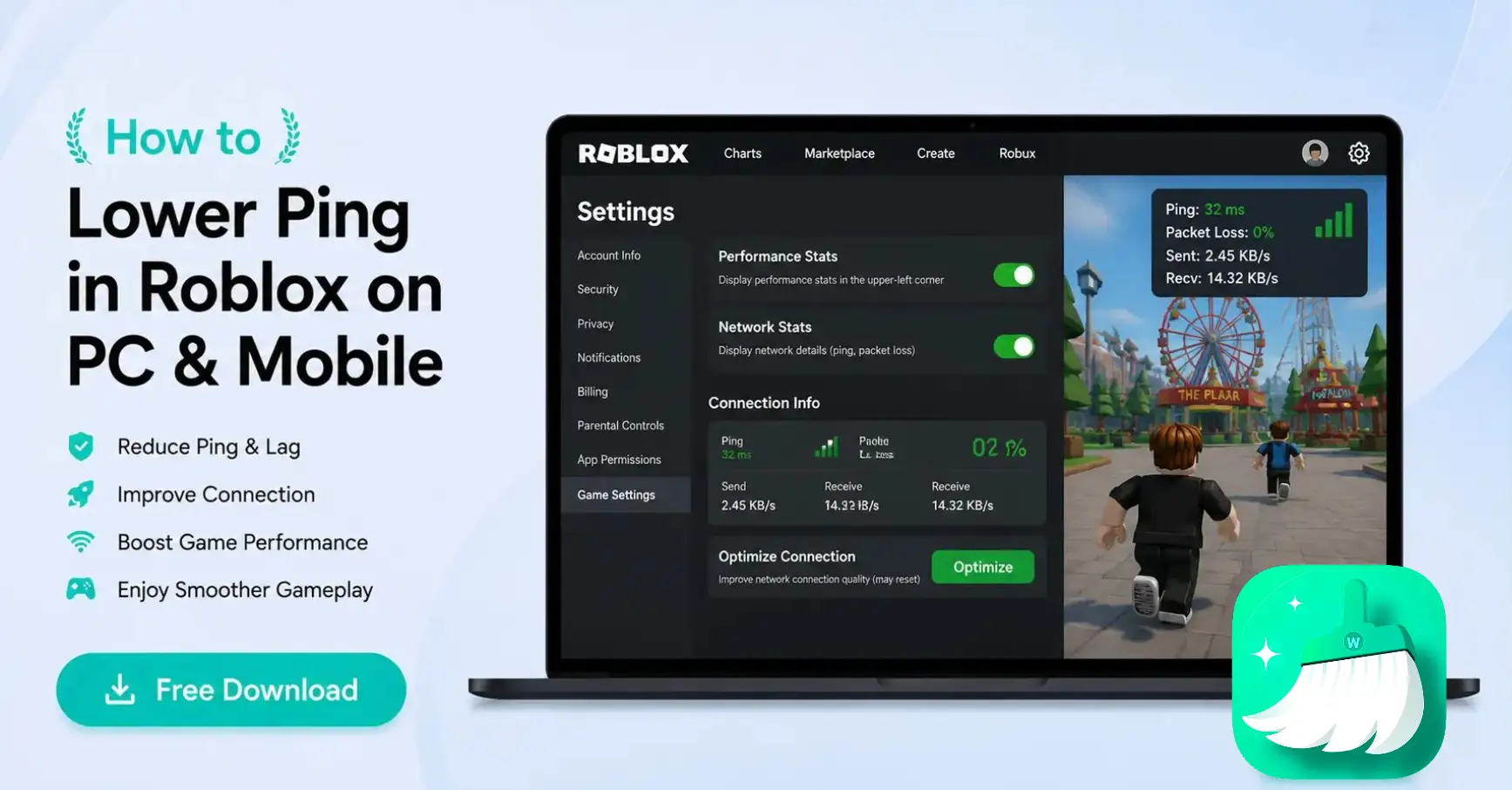
Frustrated because your game is lagging? Find out how to lower ping in Roblox and how can you remove visual clutter to get smooth connection on PC & mobile.
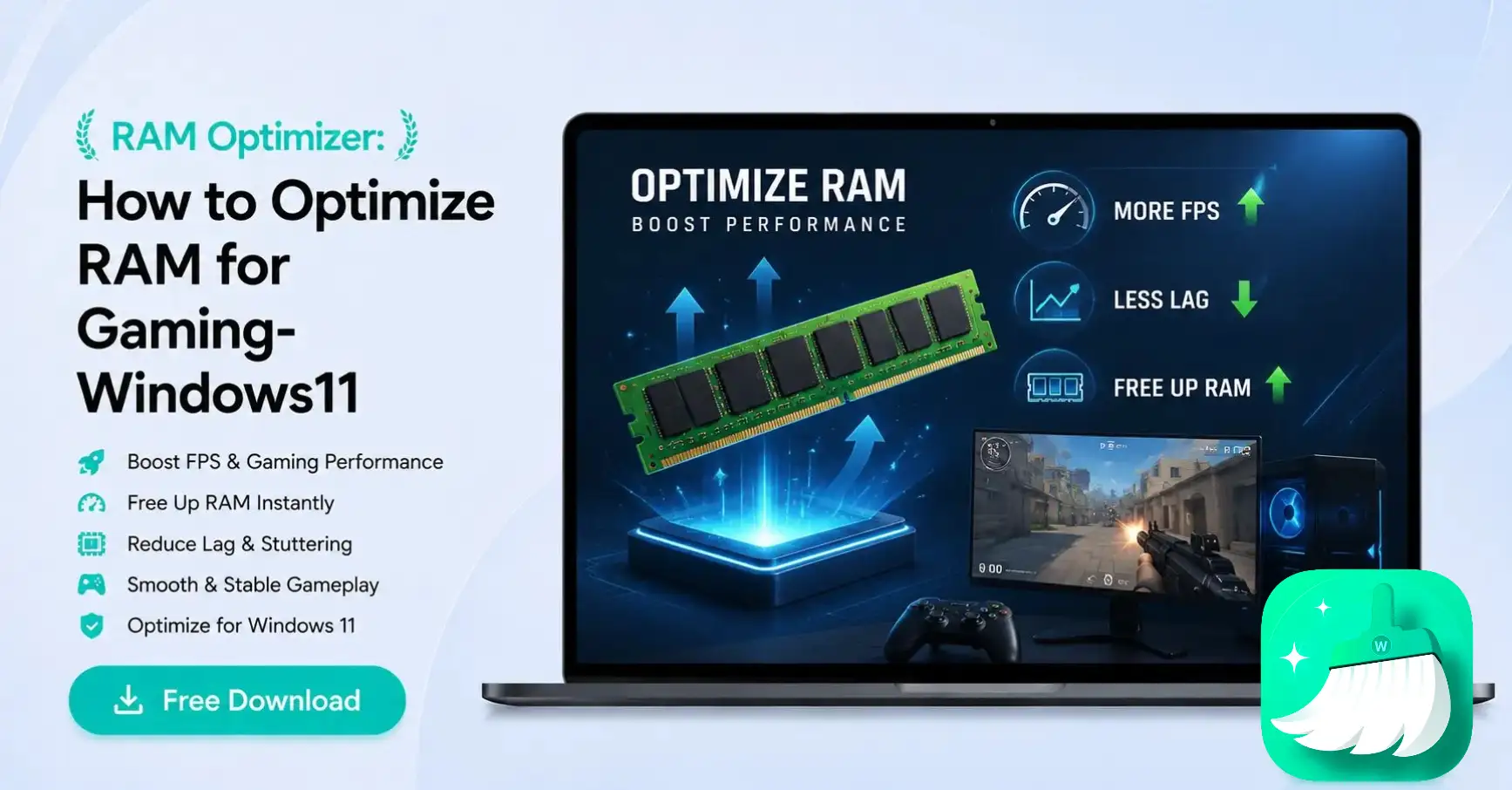
Want to know how to optimize Windows 11 RAM for gaming? Find out the best RAM optimizers and manual tweaks to free up memory and improve the gaming experience.
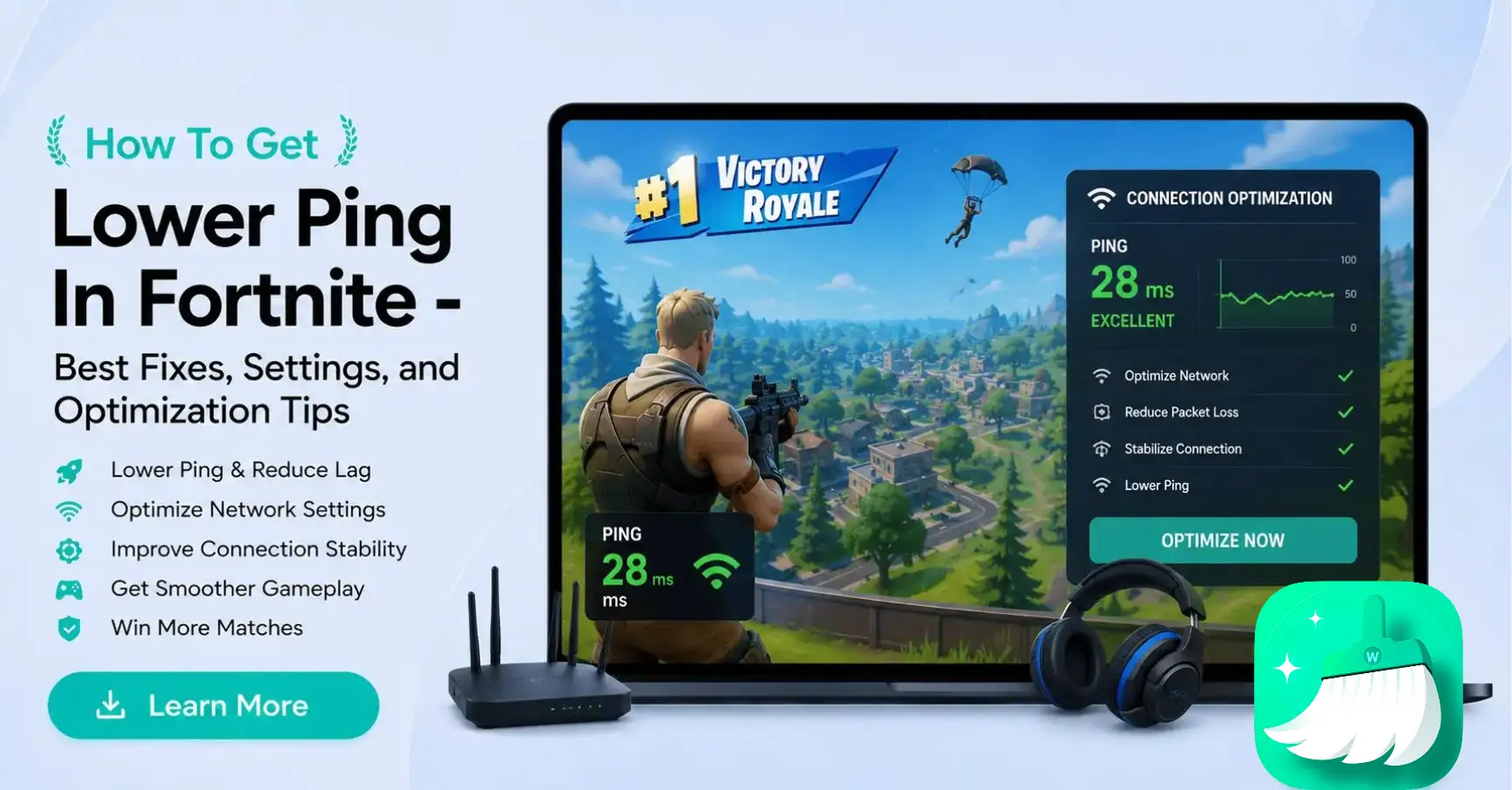
For competitive play, you must know how to lower ping in fortnite. Check out these 10 easy ways to do it. Also, figure out best settings & optimization tips
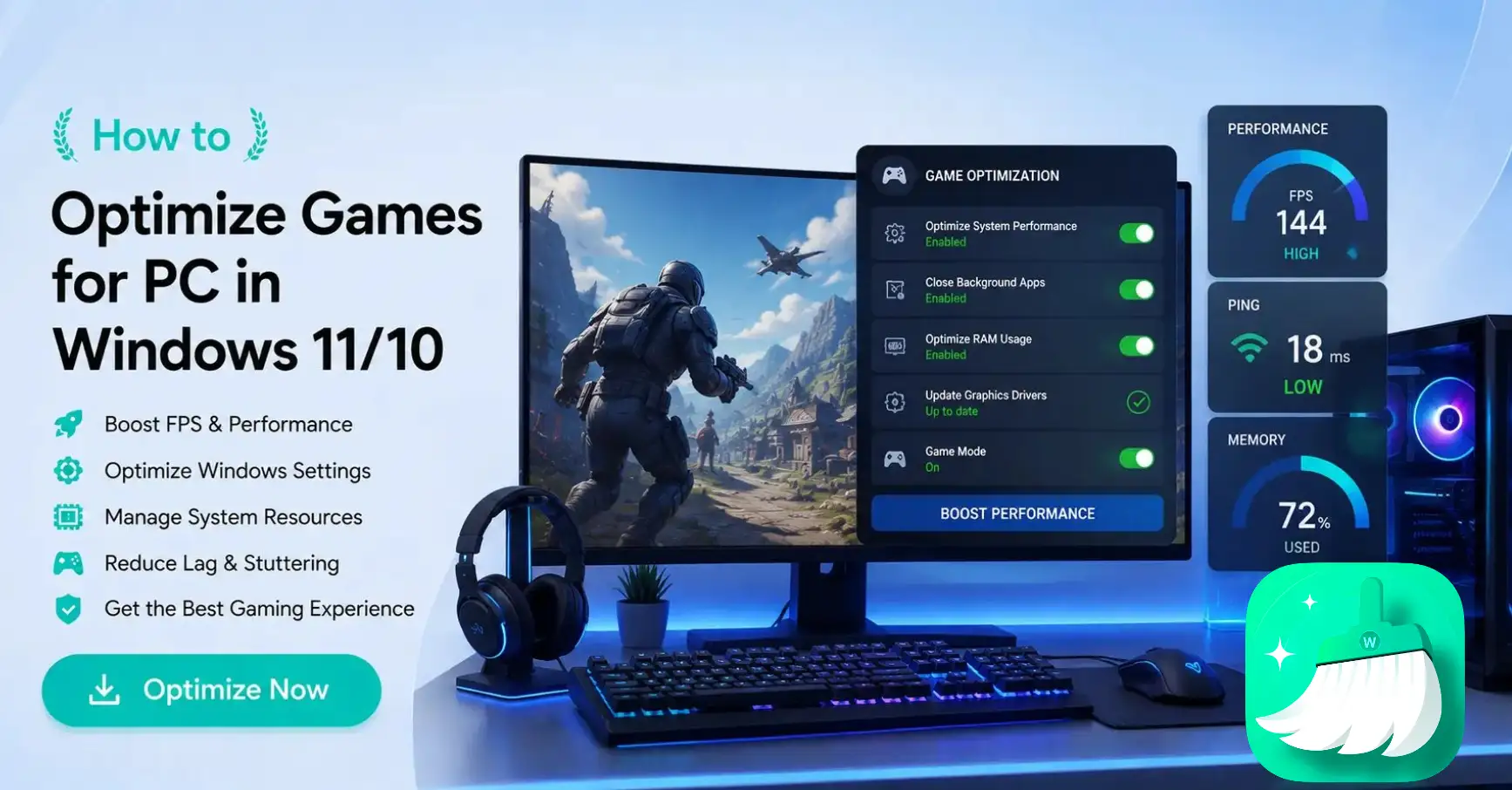
Discover optimization tips for PC gaming on Windows 11/10 that effectively reduce lag, stutters, and loading delays and boost FPS and performance.
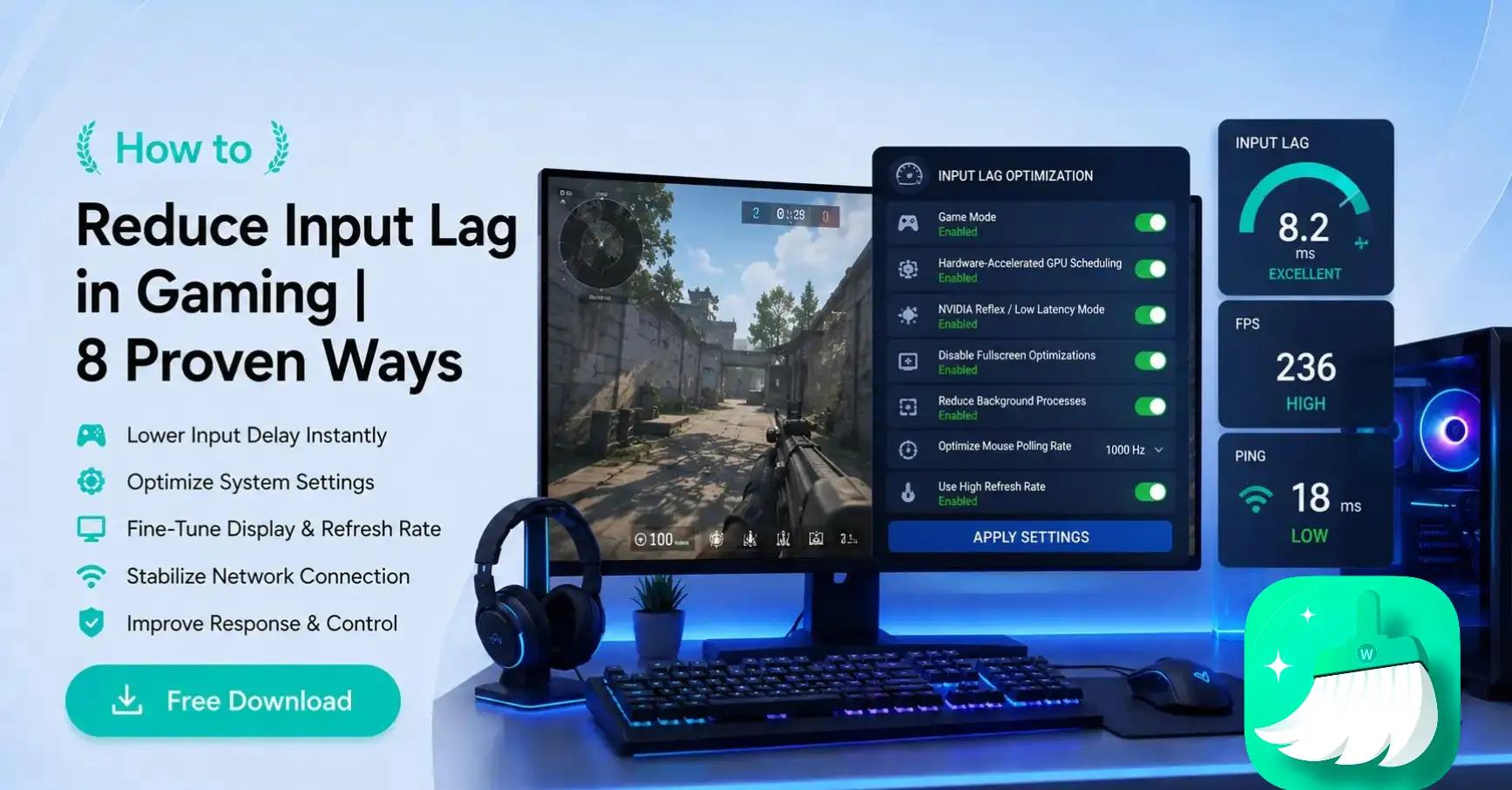
Are you facing trouble with input lag during your gaming sessions? Learn these eight ways to reduce input lag and improve your game response time.
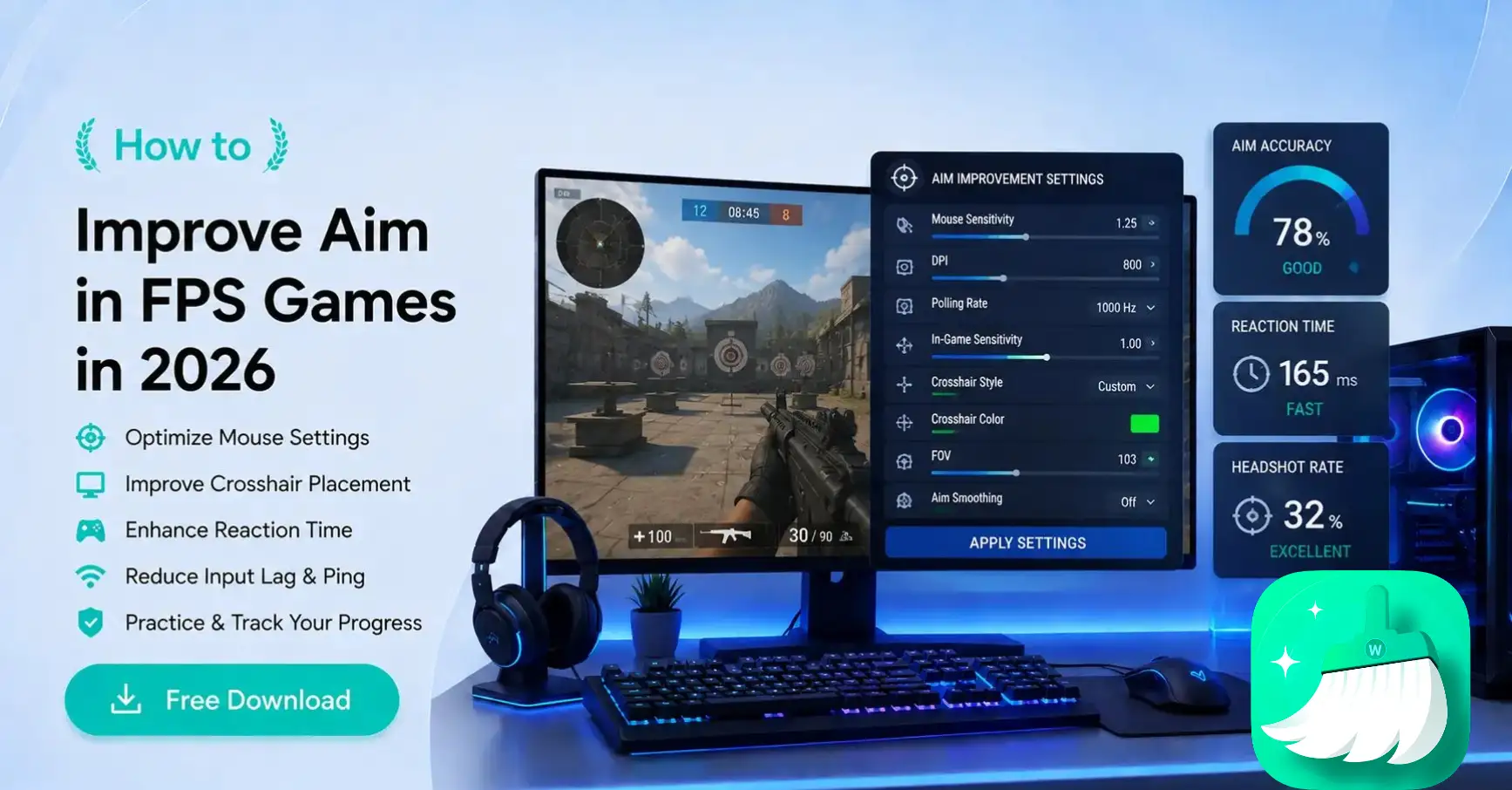
From basic mechanics and hardware setup to how to make your PC run better with WMaster Cleanup, here’s everything you can do to improve your aim in FPS games.
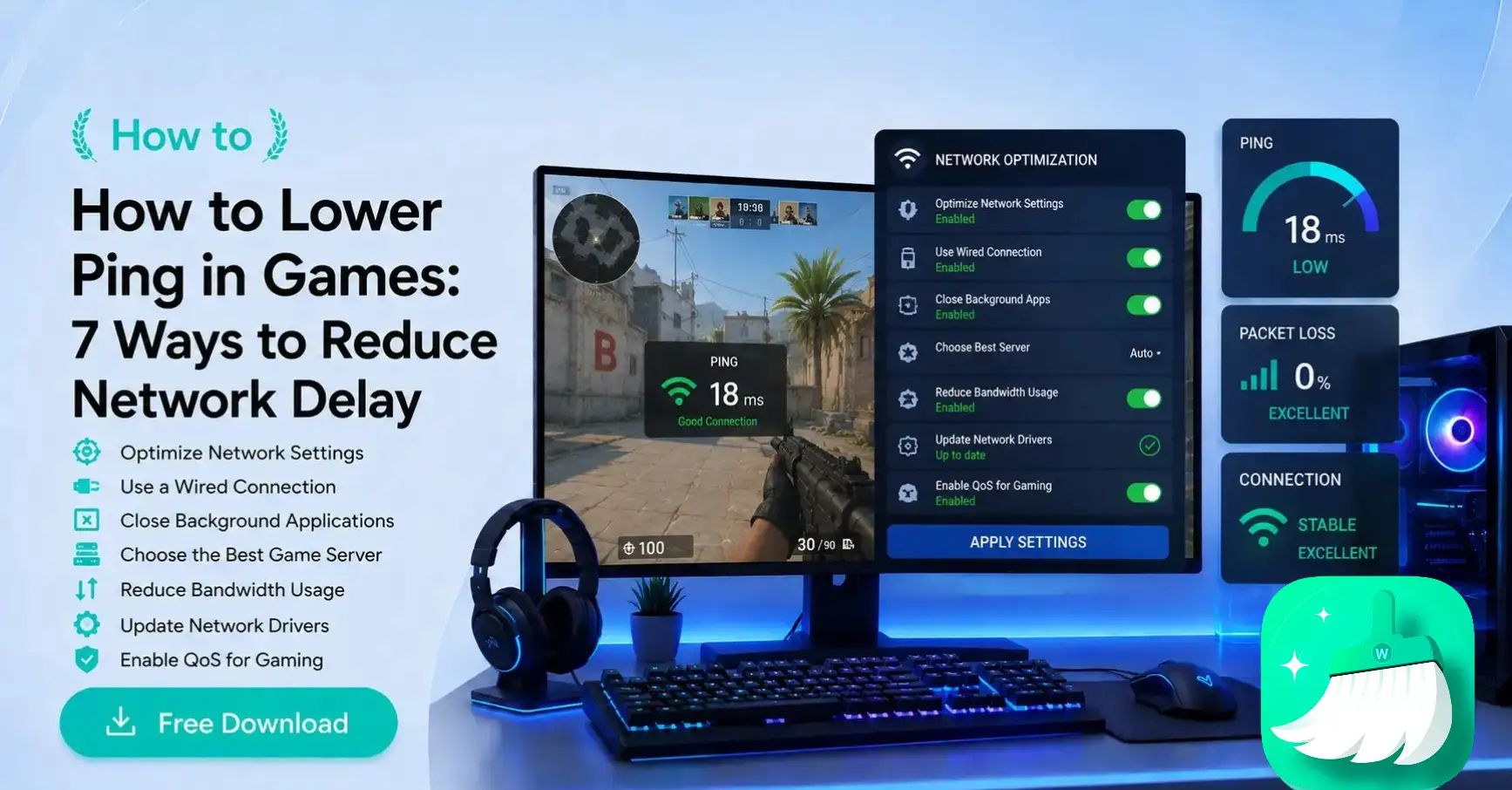
Want to reduce your ping in games? Here are the top 7 tips. One-click solution? Use Master Cleanup to clean up your PC and make games smoother and lag-free!
Suffering from low FPS & stuttering gameplay? These 10 ways will enhance your game feel. For a one-click solution, you must try Game Booster by WMaster Cleanup.
WMaster Cleanup

![How to Improve FPS in Games in 2026 by 10 Easy Ways[Proven]](https://static.wmastercleanup.com/uploads/improve-fps-in-games.webp)