1. How do I know if my computer needs defragging?

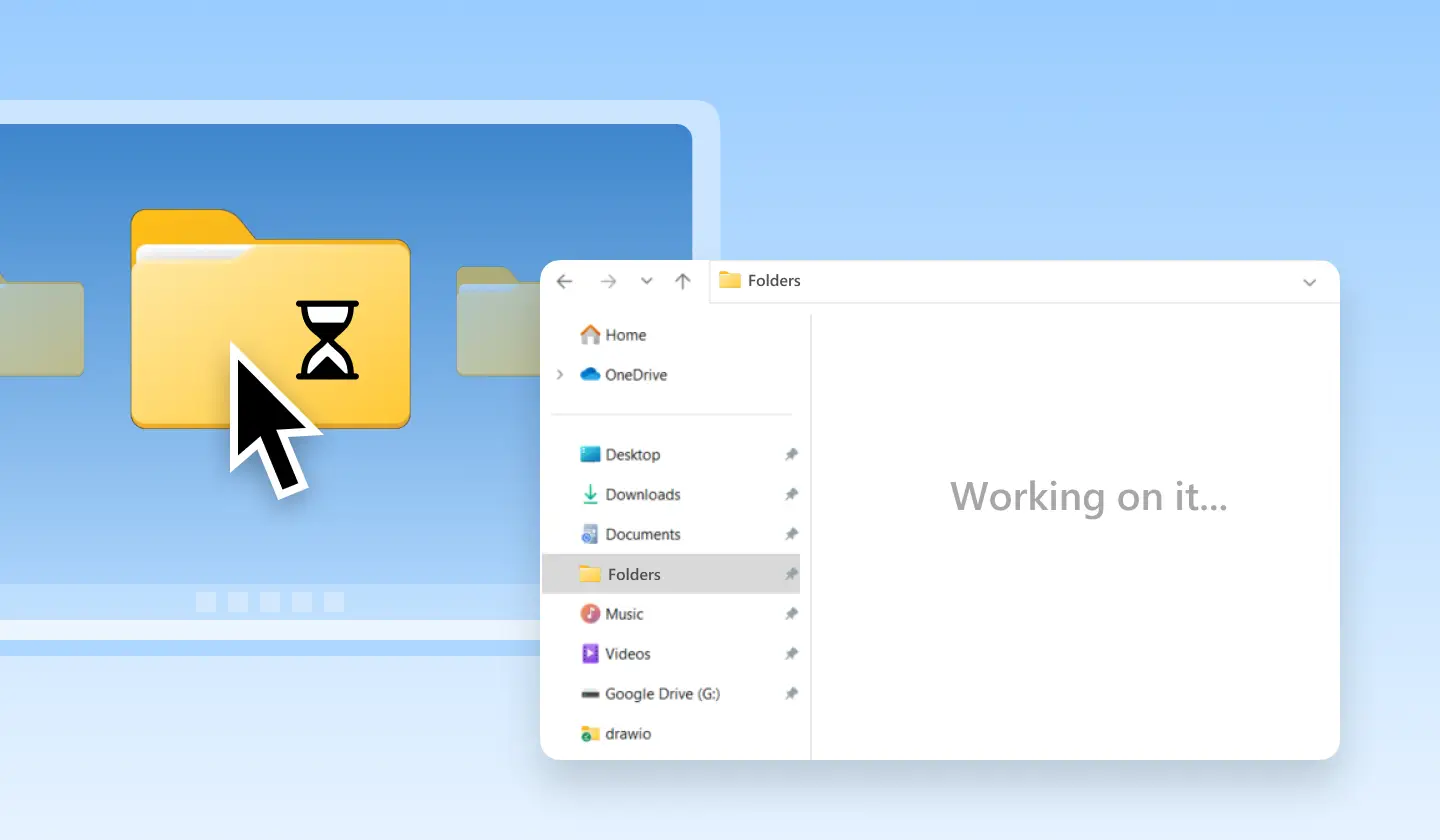
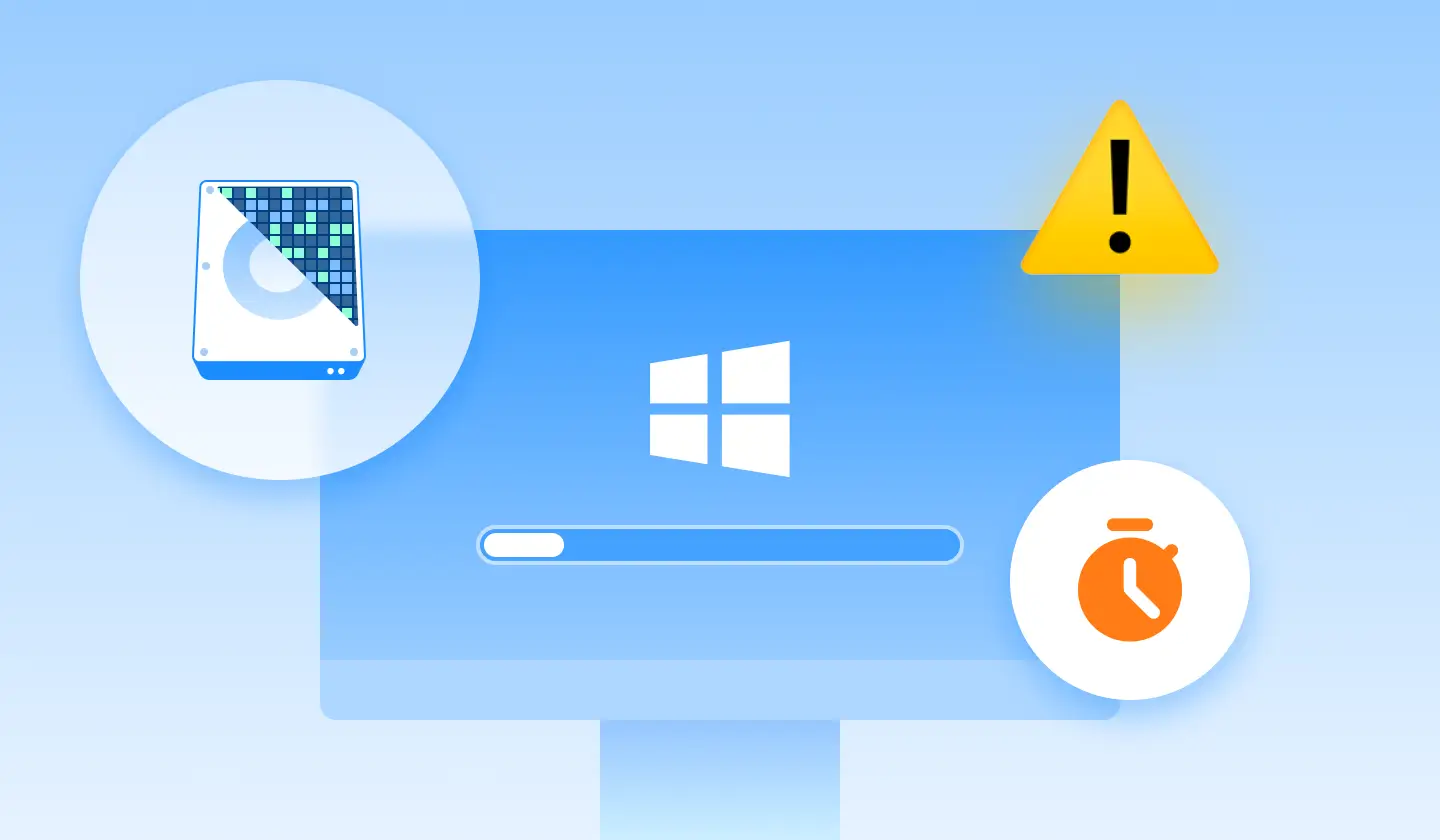
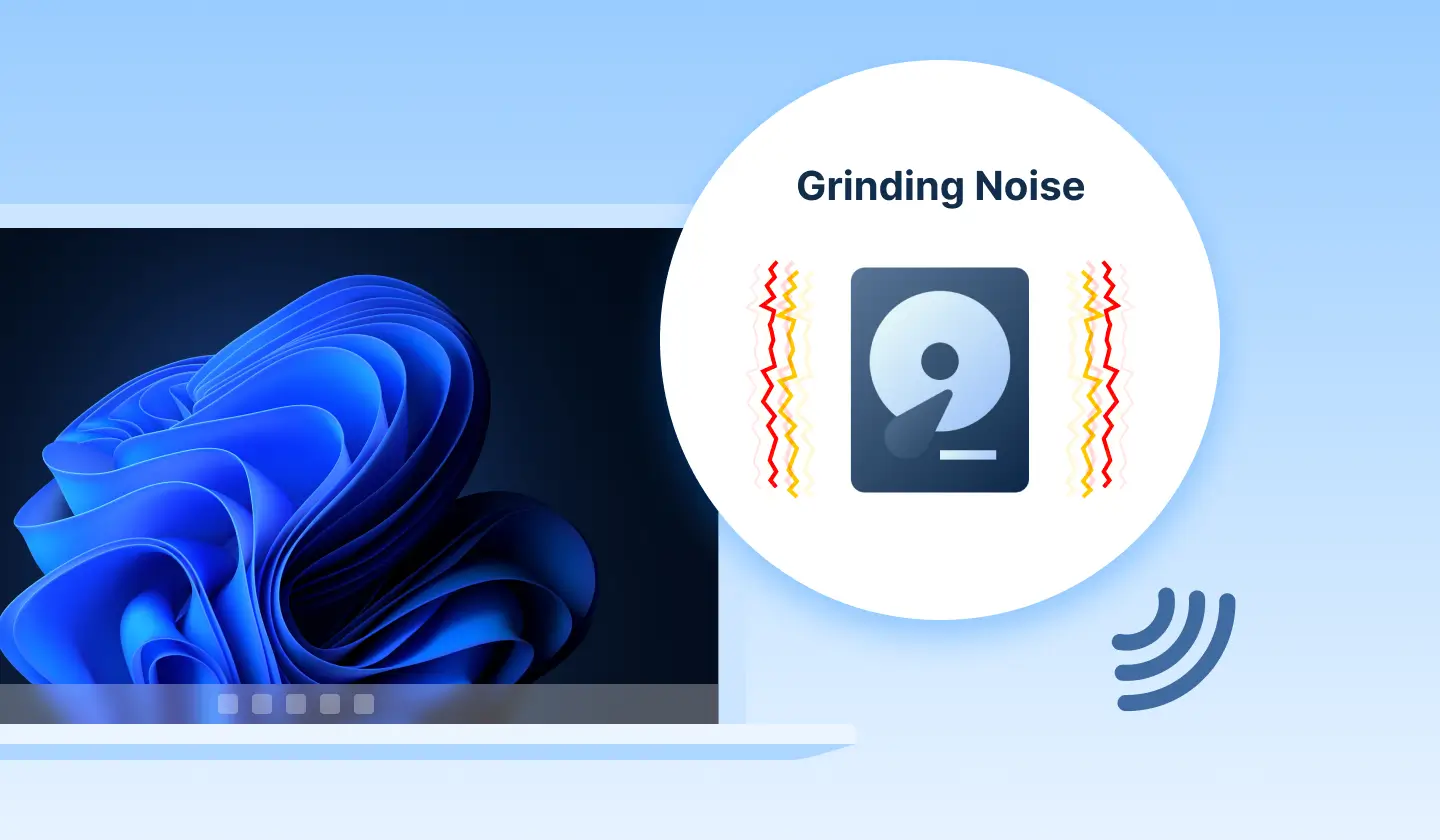
If you found your computer suffered from slow startup time, and you used the traditional HDD, or you often needed to wait for a longer time to open certain folders, you may need to consider defragging your computer.
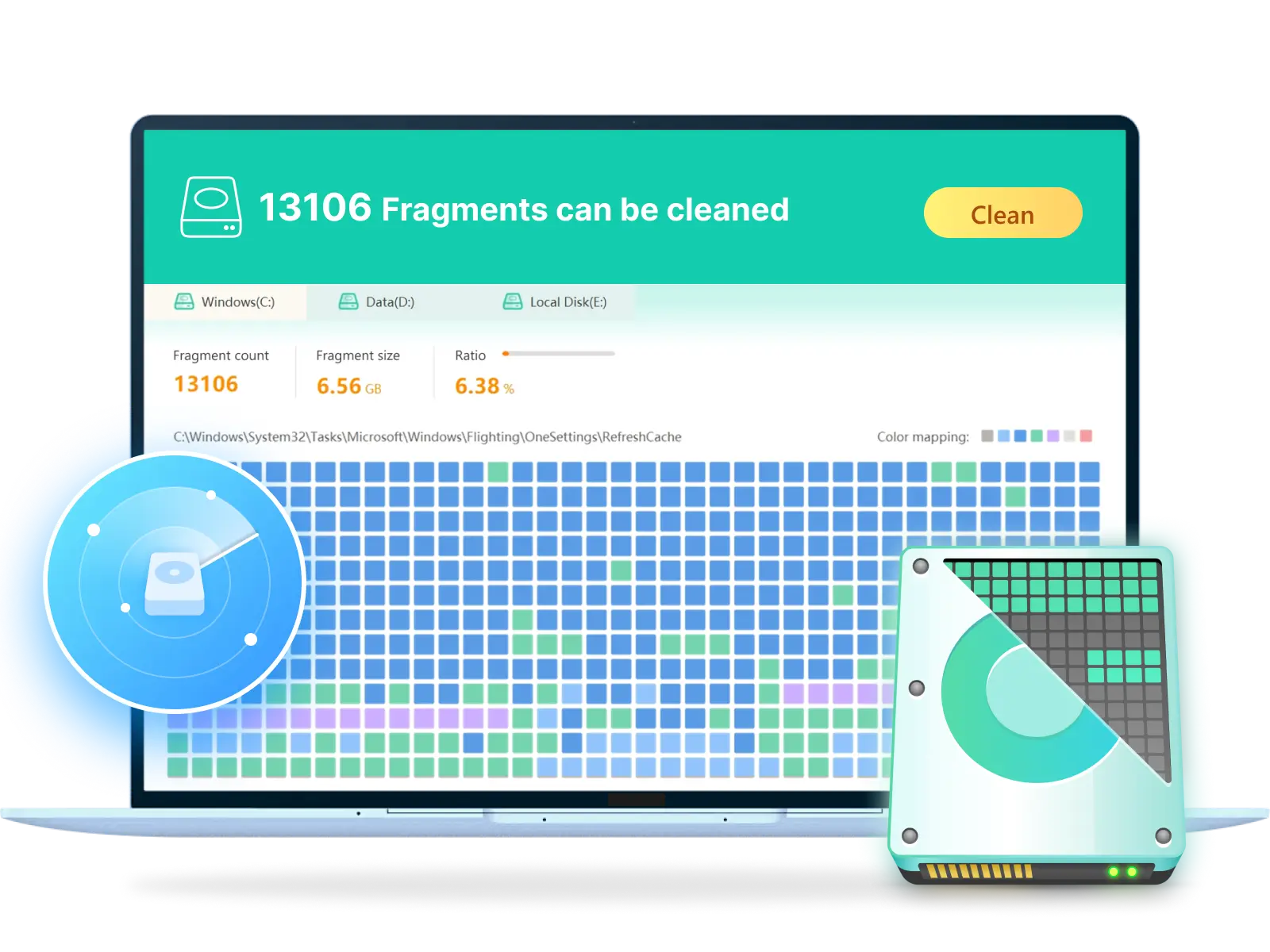
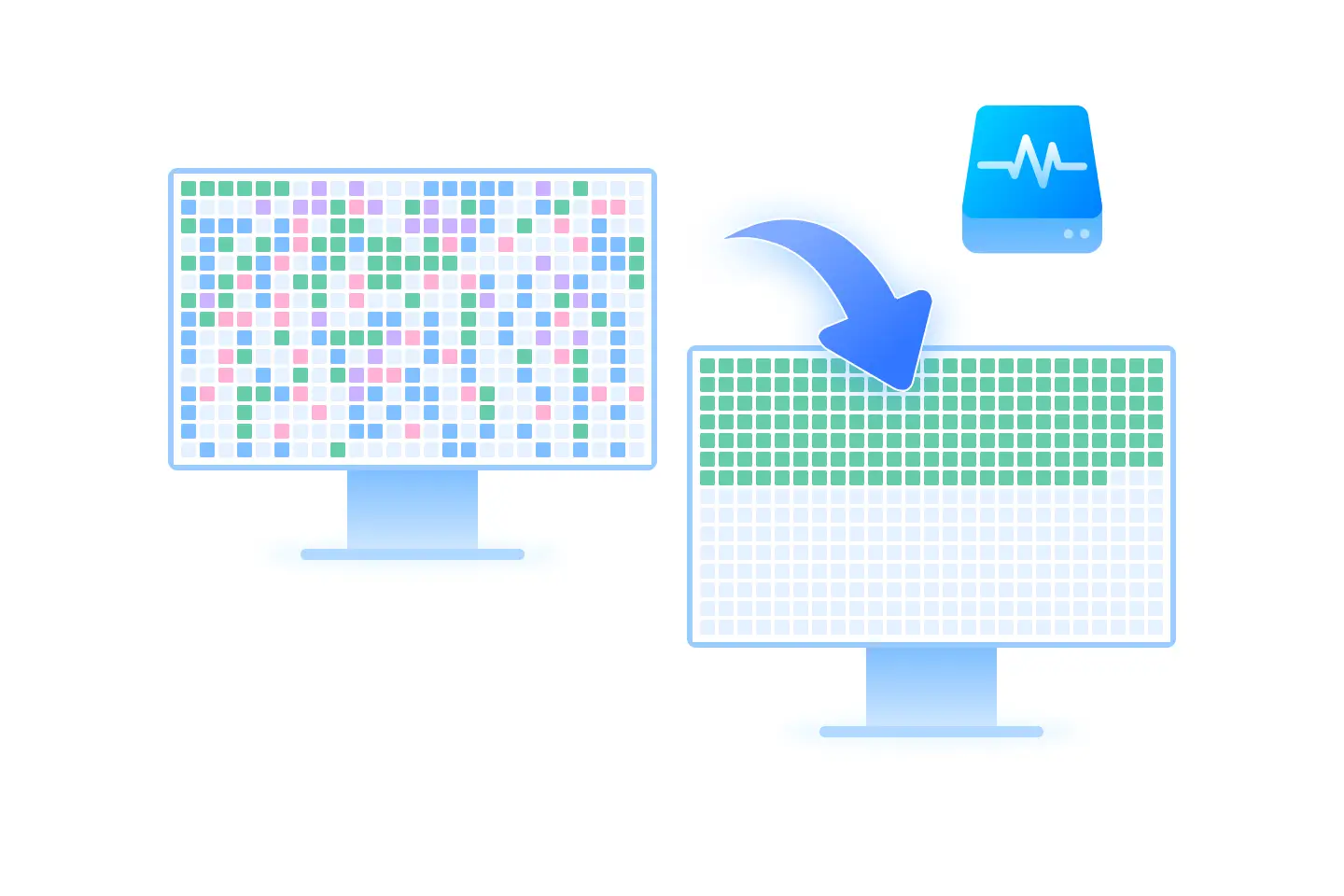
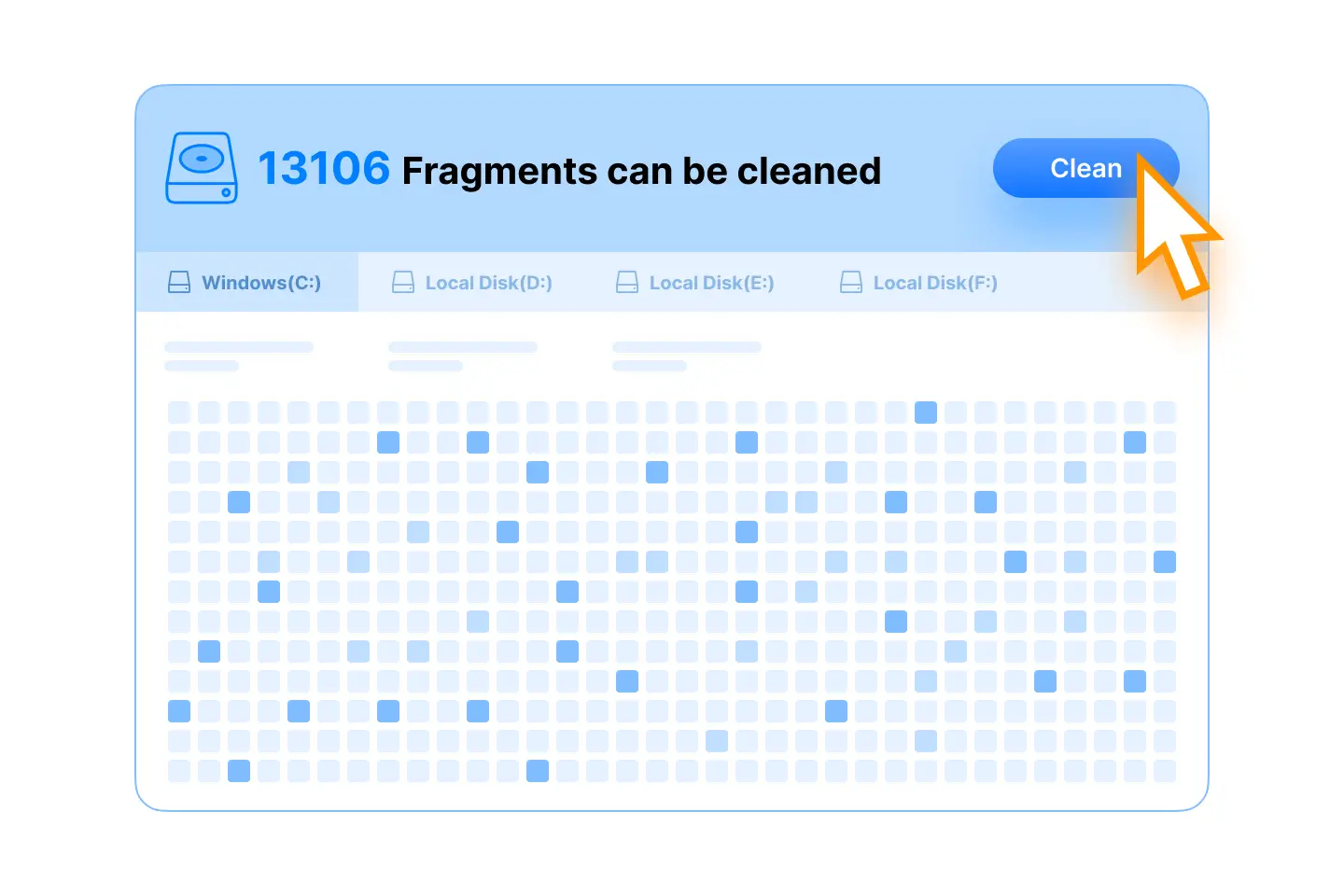
Fragments pile up over time when files are created, edited, or deleted, causing the data to be scattered across the drive. With WMaster Cleanup Disk Defrag feature, you don't need to wait and guess; our tool can analyze your drive and show fragmented files clearly, and help you defragment in one click.
2. How to Defrag Your Hard Drive in Windows 10 & 11?
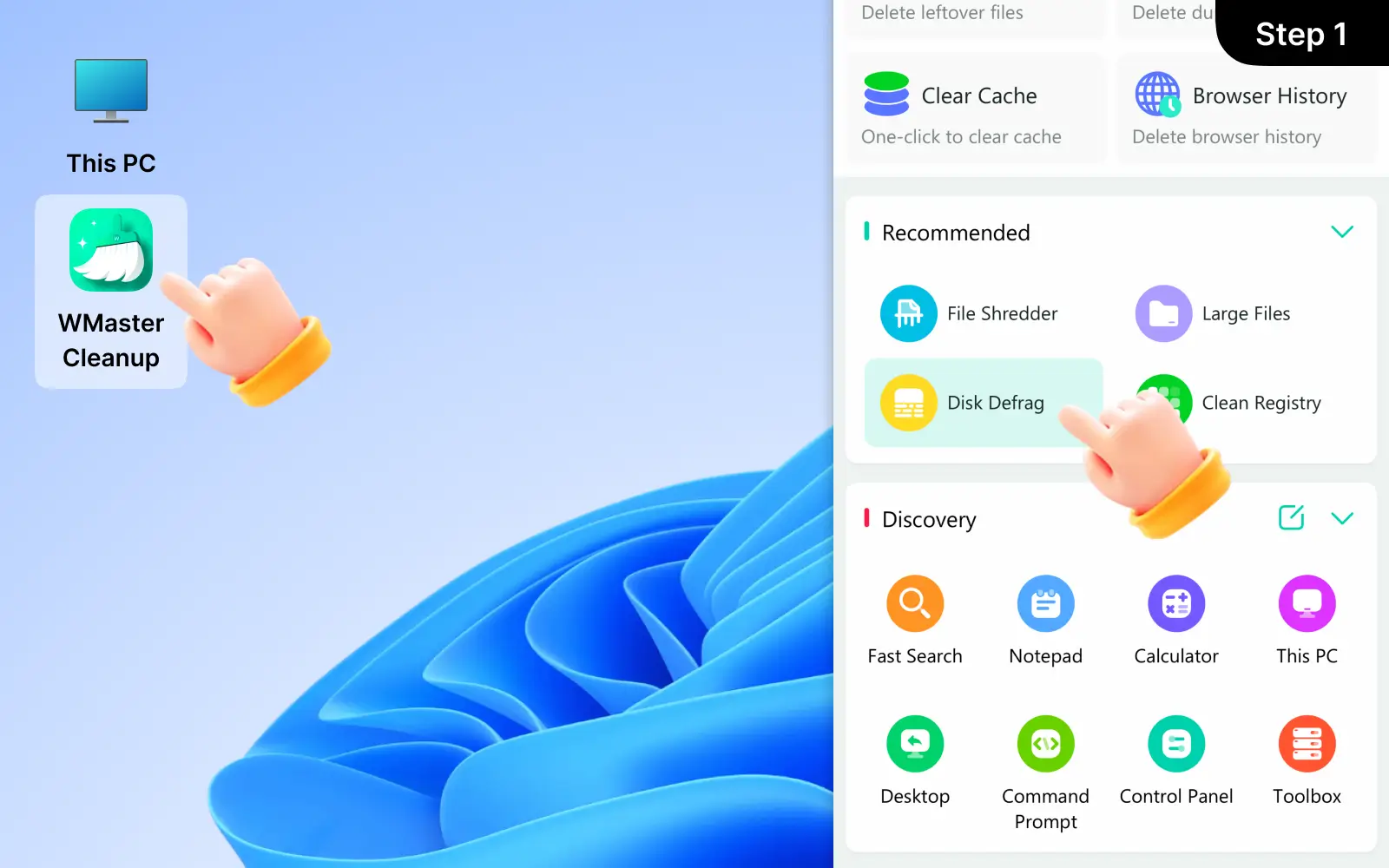
We suggest you use a dedicated disk defragmenter-WMaster Cleanup-to defrag your hard drive in Windows 10 &11. The simple steps include:
Open WMaster Cleanup and go to Disk Defrag
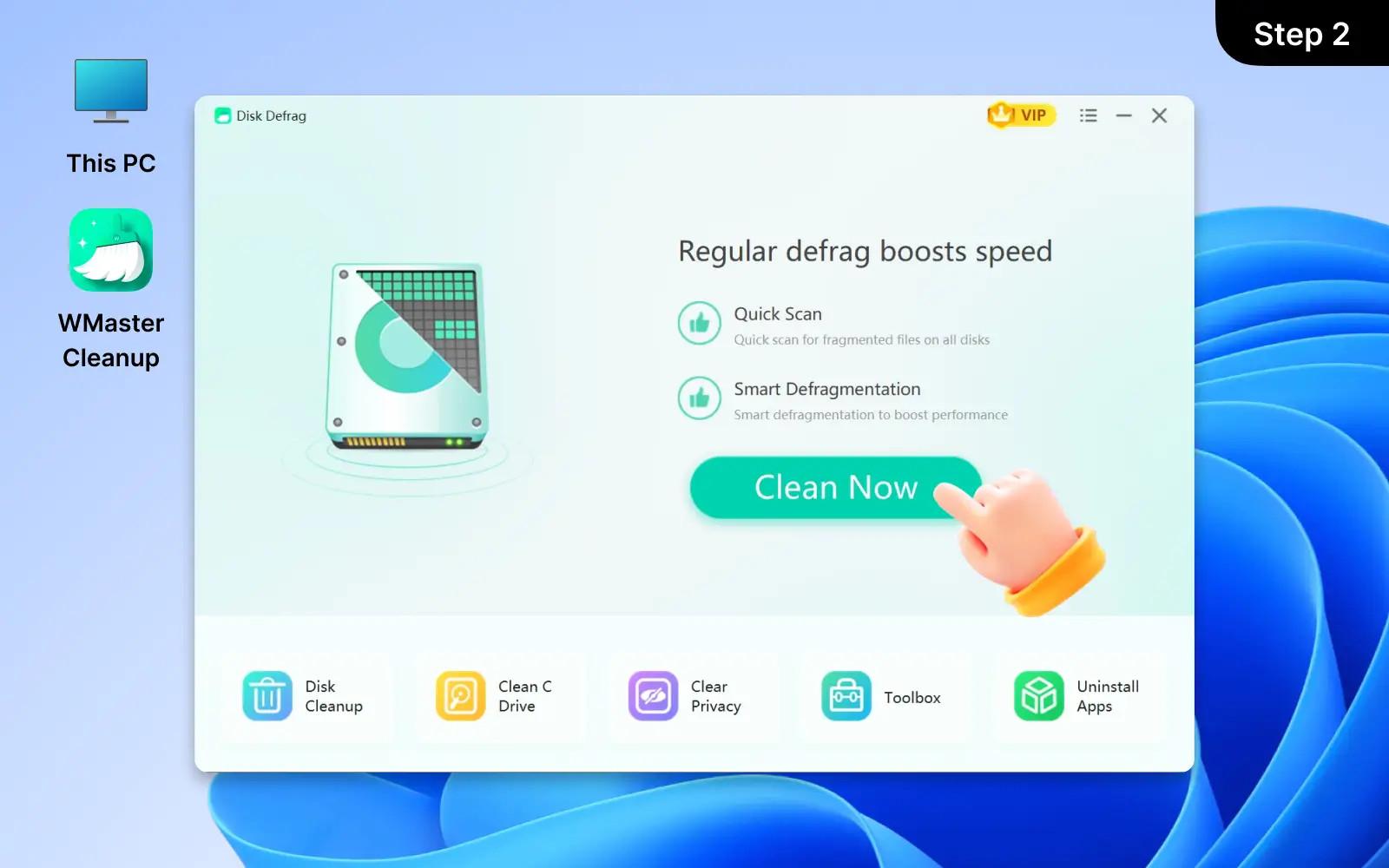
Select your hard drive
Run an analysis to check fragmentation
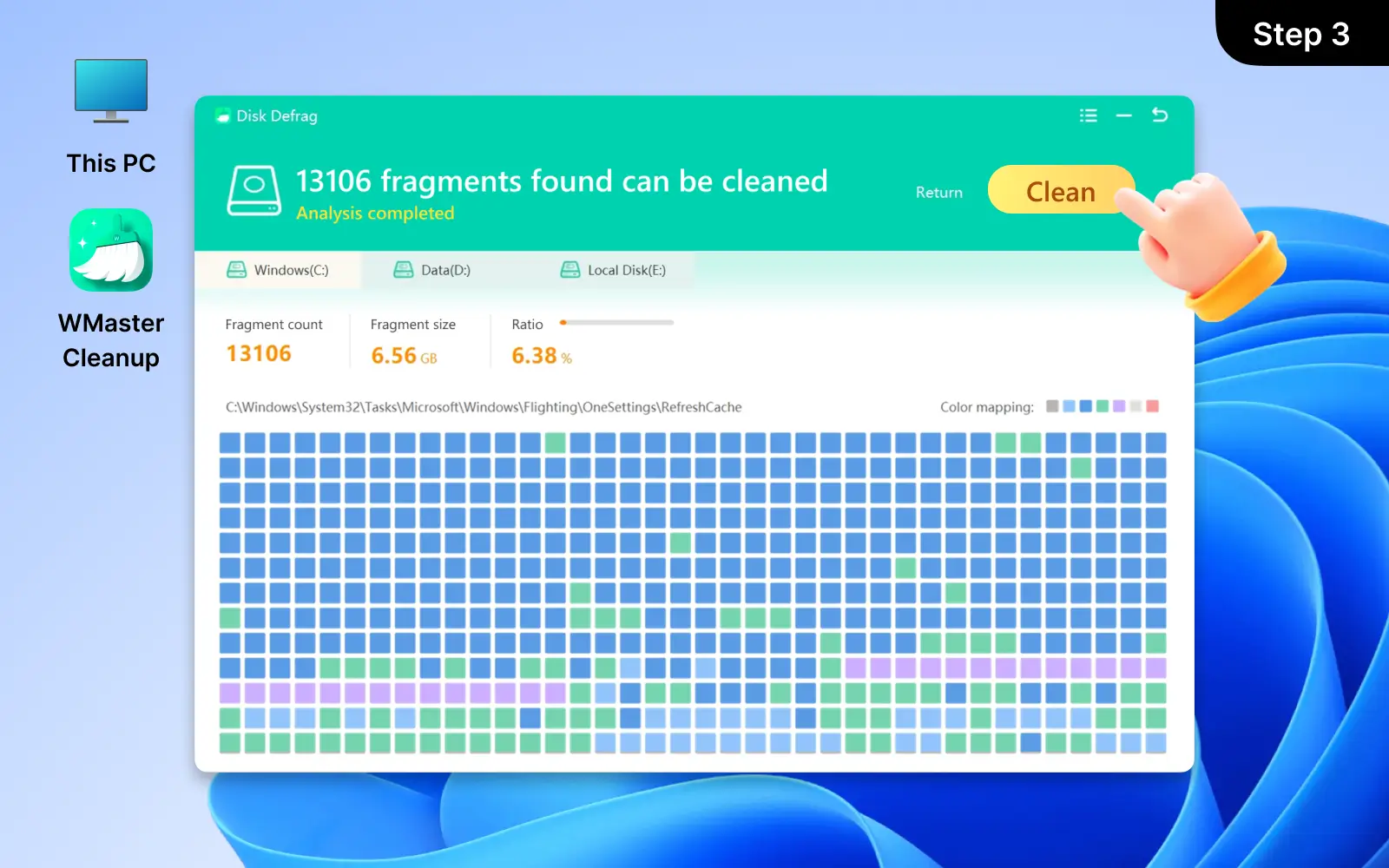
Click Clean to optimize your drive in one click
WMaster Cleanup can show you the fragmentation quantity, size, and ratio automatically.
3. Does defragging speed up a computer?
Yes, defragging can speed up a computer, especially when you use a traditional HDD. With time passing by, fragmented files scattered across the disk, which lagged the system.
Defragmentation reorganizes those scattered files into contiguous blocks. greatly reduce data access time and improve system performance.
With WMaster Cleanup Disk Defrag feature, you can easily optimize your disk and apply smart defragmentation at any time to boost PC performance.
4. Is frequent Disk Defragmentation Harmful for HDD?
Frequent disk defragmentation is not harmful for traditional HDDs, because HDDs are used to handle the read and write process in defragmentation. Daily and regular maintenance is not a harm but can help optimize disk health and improve system performance.
But too frequent disk defragmentation is unnecessary. Use WMaster Cleanup to avoid too frequent disk defragmentation. Our tool supports smart defragmentation to optimize your disk to the proper standard without your frequent manual handling.
5. Can I use my PC while defragging?
Yes, you can use your PC while defragging, but it will be a bit slower on HDD because the disk is being optimized actively during that time. To ensure the best performance, we suggest you avoid heavy tasks like playing games or transferring large files during defragmentation.
With WMaster Cleanup Disk Defrag feature, you can schedule your disk defrag to run during idle times or at low-usage periods. It can avoid disturbing your daily work, and at the same time, allow your PC to operate with a fast response by keeping your hard drive optimized automatically.
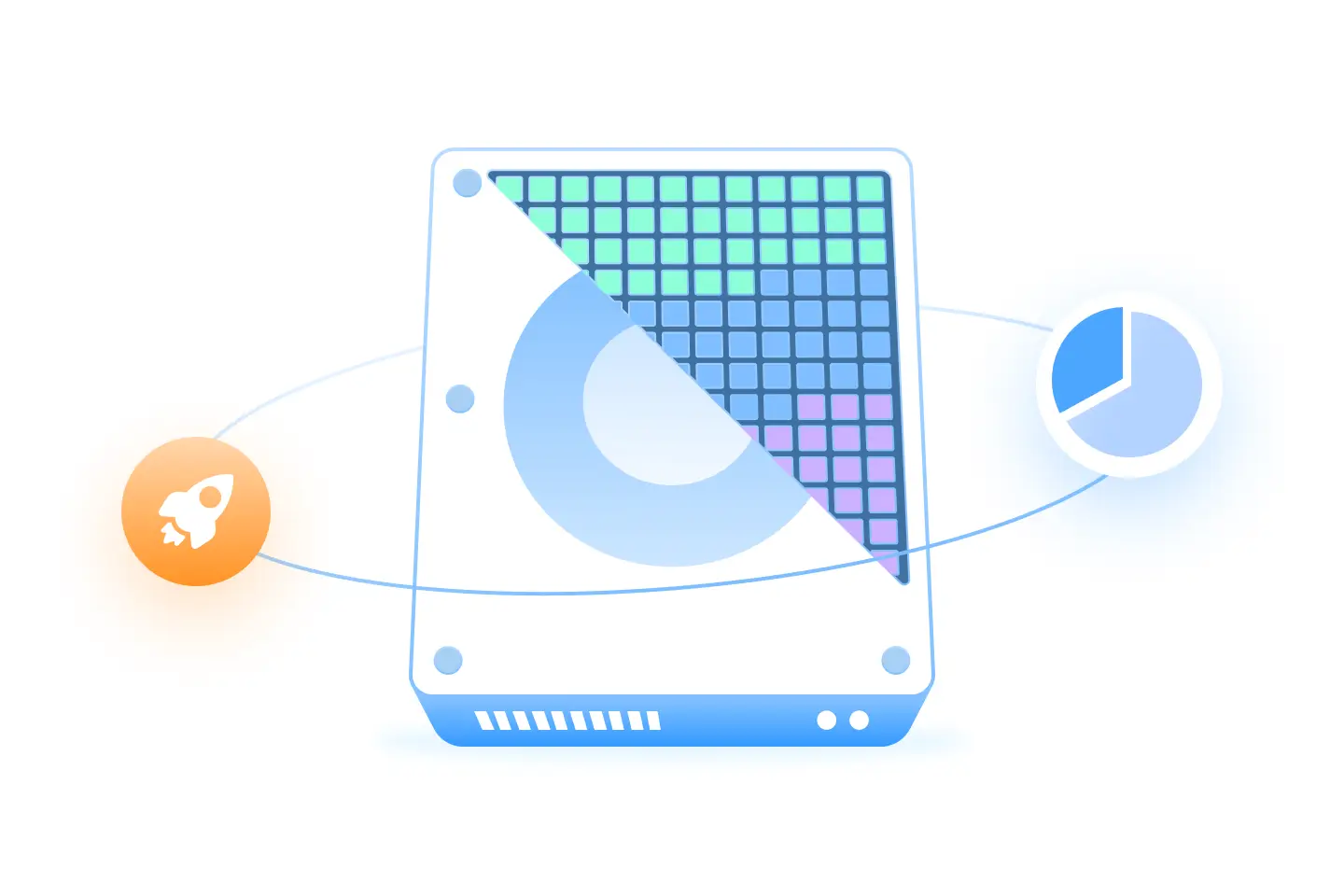
 Quickly give a full disk scan and find the exact location and number of fragmented files.