1. Why is my C drive suddenly so full?

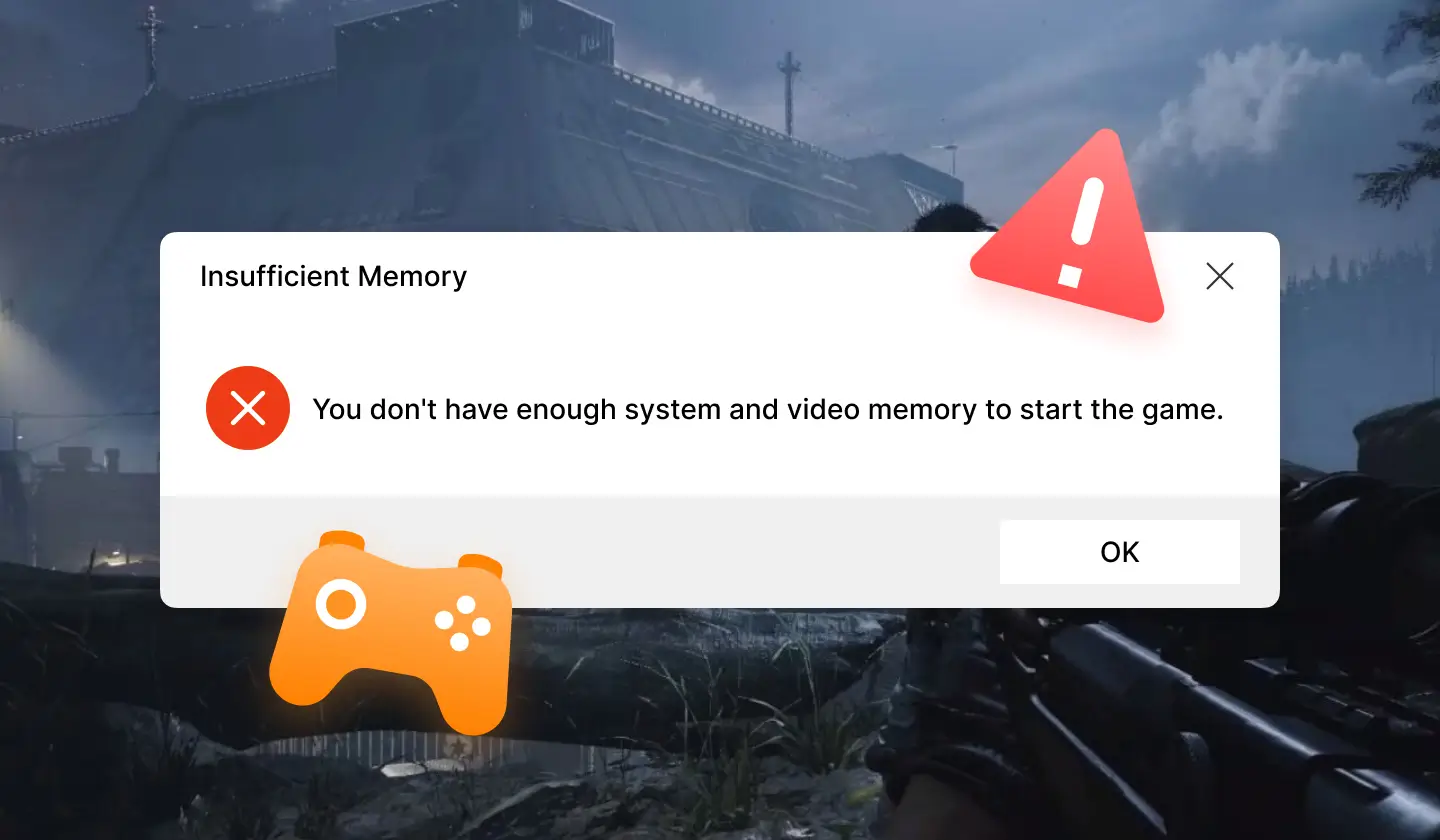
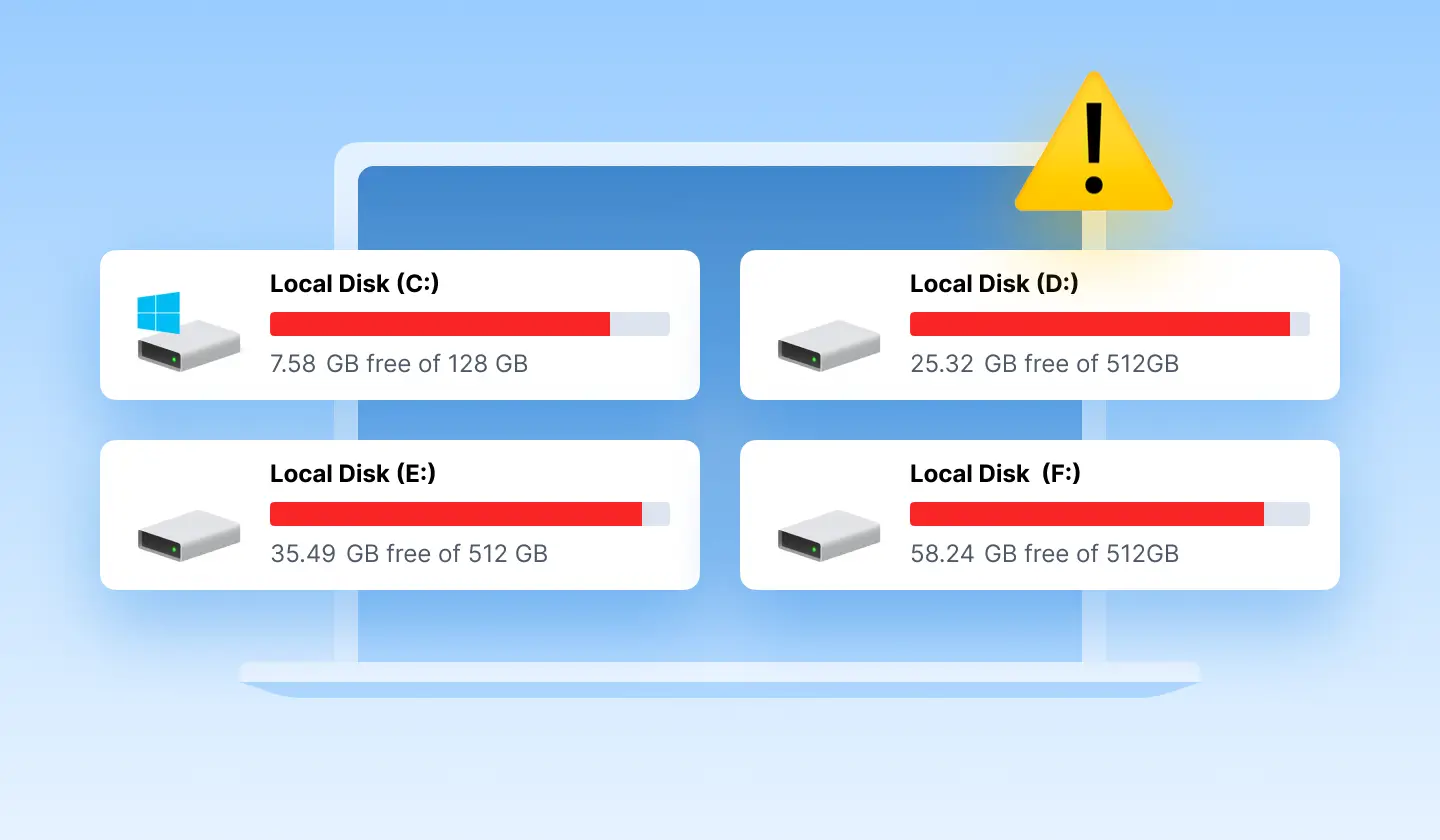
The C drive is often suddenly full due to hidden system files like Windows Update backups, system temporary files, massive browser caches, etc.
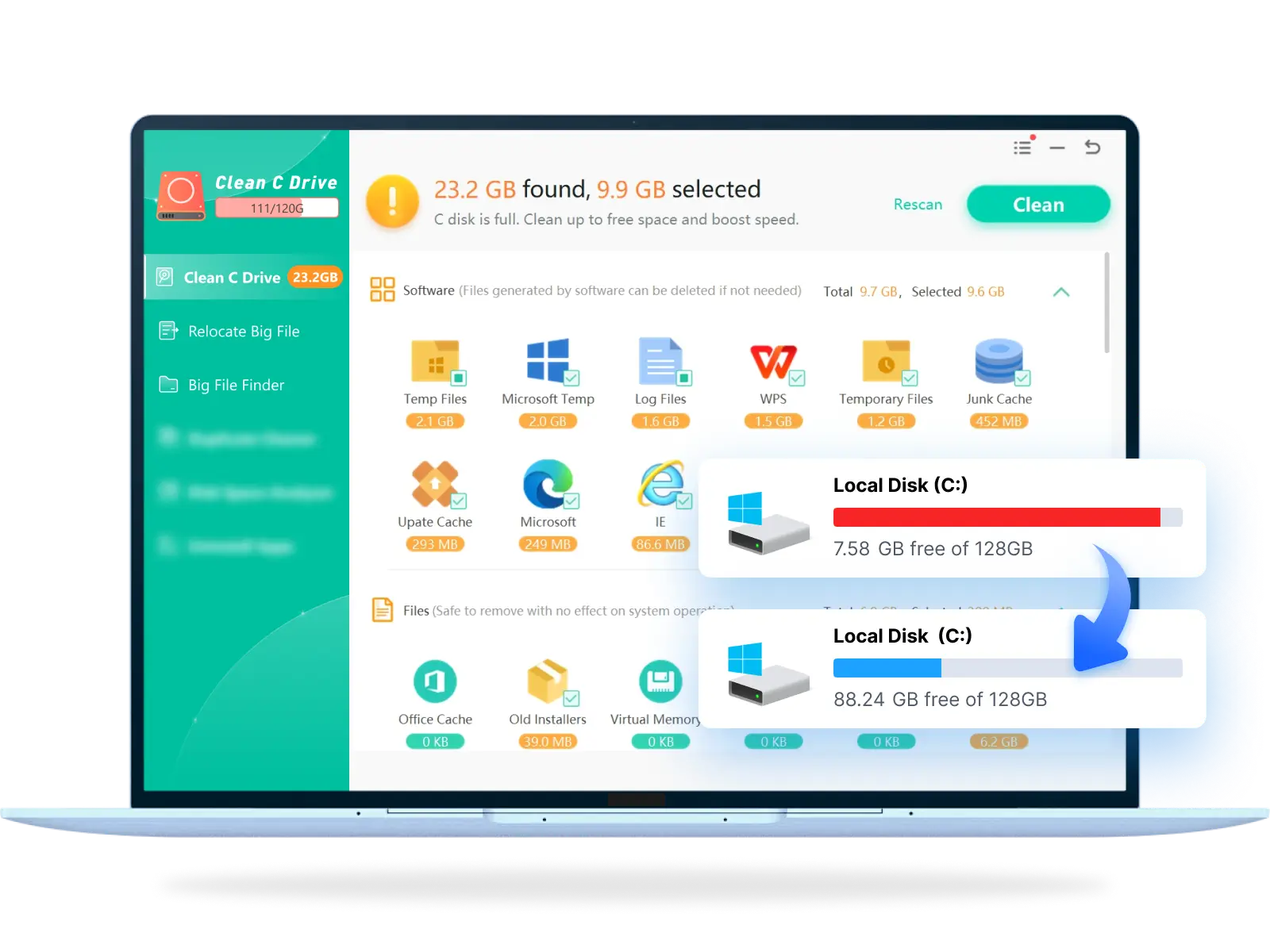
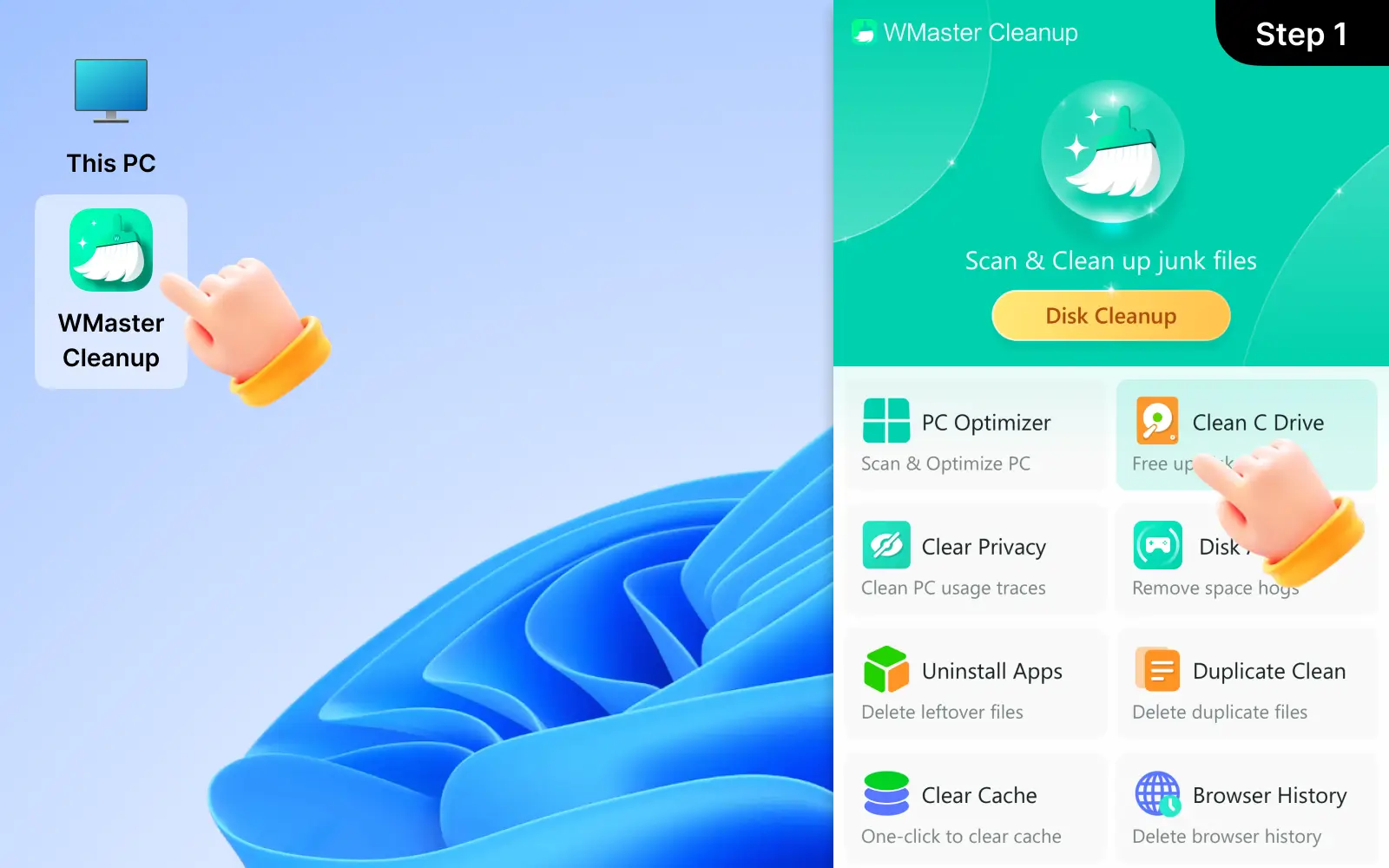
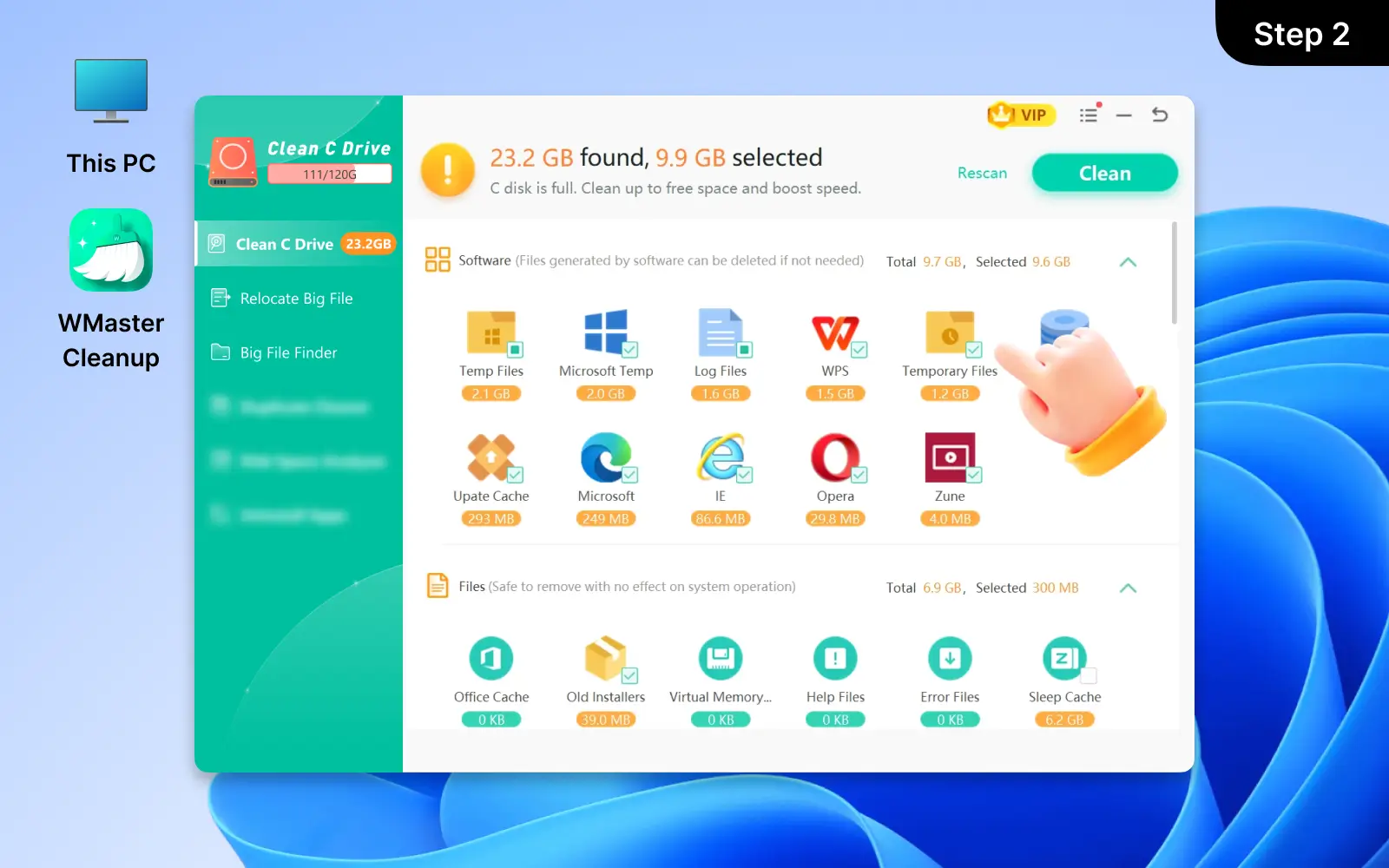
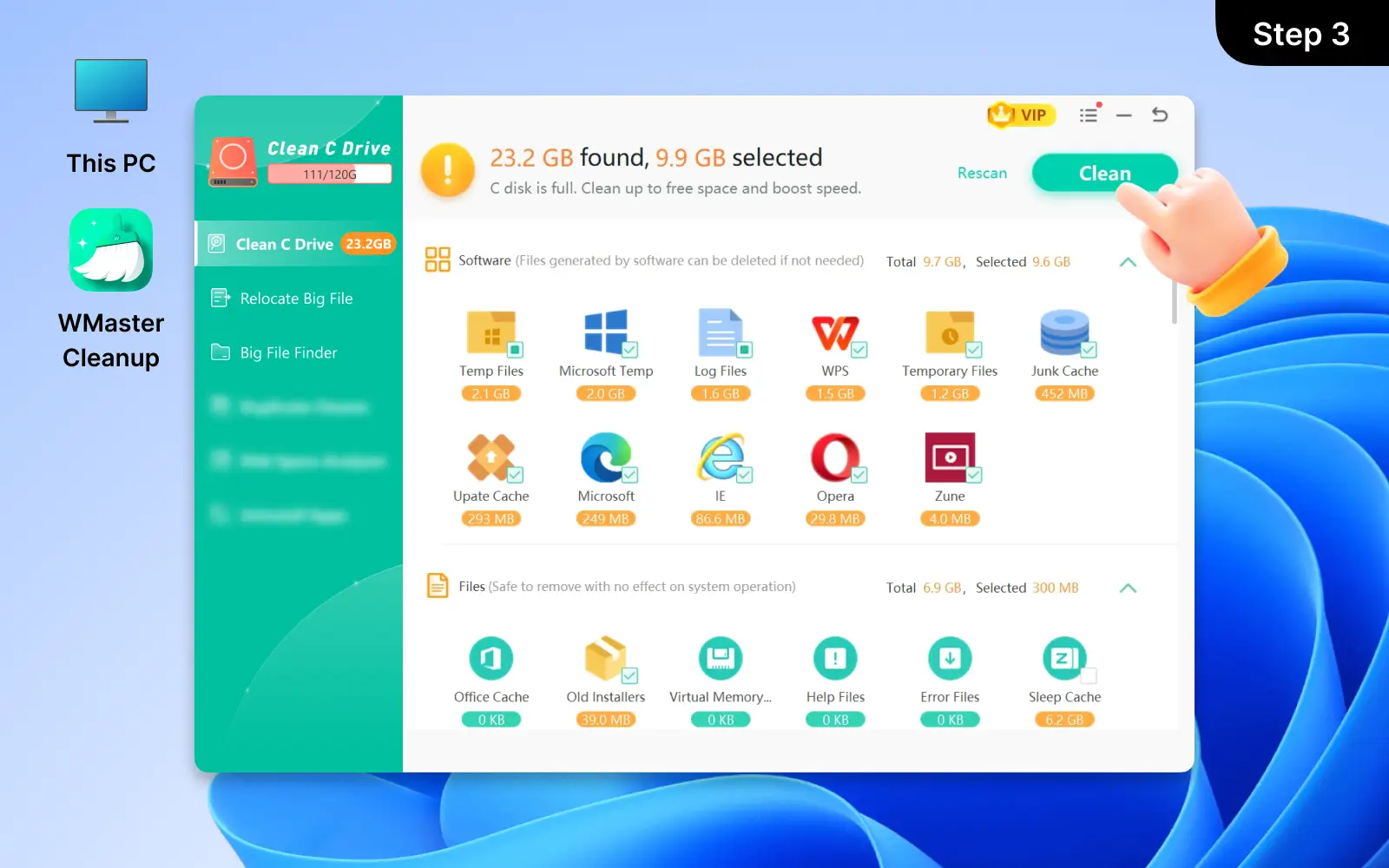
To fix it, use WMaster Cleanup's Clean C Drive feature. Firstly, use our Big File Finder to identify the large files that are hogging your storage, then clean it by one click. Next, perform the Clean function to remove gigabytes of hidden system logs and temporary files in C drive; finally, you can reclaim space in seconds.
2. How is WMaster Cleanup's Clean C Drive feature different from the built-in Windows Disk Cleanup?
The built-in Windows tool handles the basic system files; however, WMaster Cleanup provides a much deeper scan and clean by targeting residues that Windows often ignores, such as cache and junk files from third-party applications. Except for the cleaning feature, we also include the Large File Finder and Relocate Large File to help you find and remove big files, which the default Windows tool can't do. Allowing you to free up storage significantly.
3. Is it safe to clean my C drive with WMaster Cleanup?
Yes, it is safe to clean your C drive with WMaster Cleanup. Because we use an intelligent scanning engine to distinguish the important data and junk files on your computer, we only target system cache, temporary files, and installer leftovers, and we also display these categories clearly so that you can review the scan results before confirming the cleanup.
4. How often should I run the Clean C Drive feature?
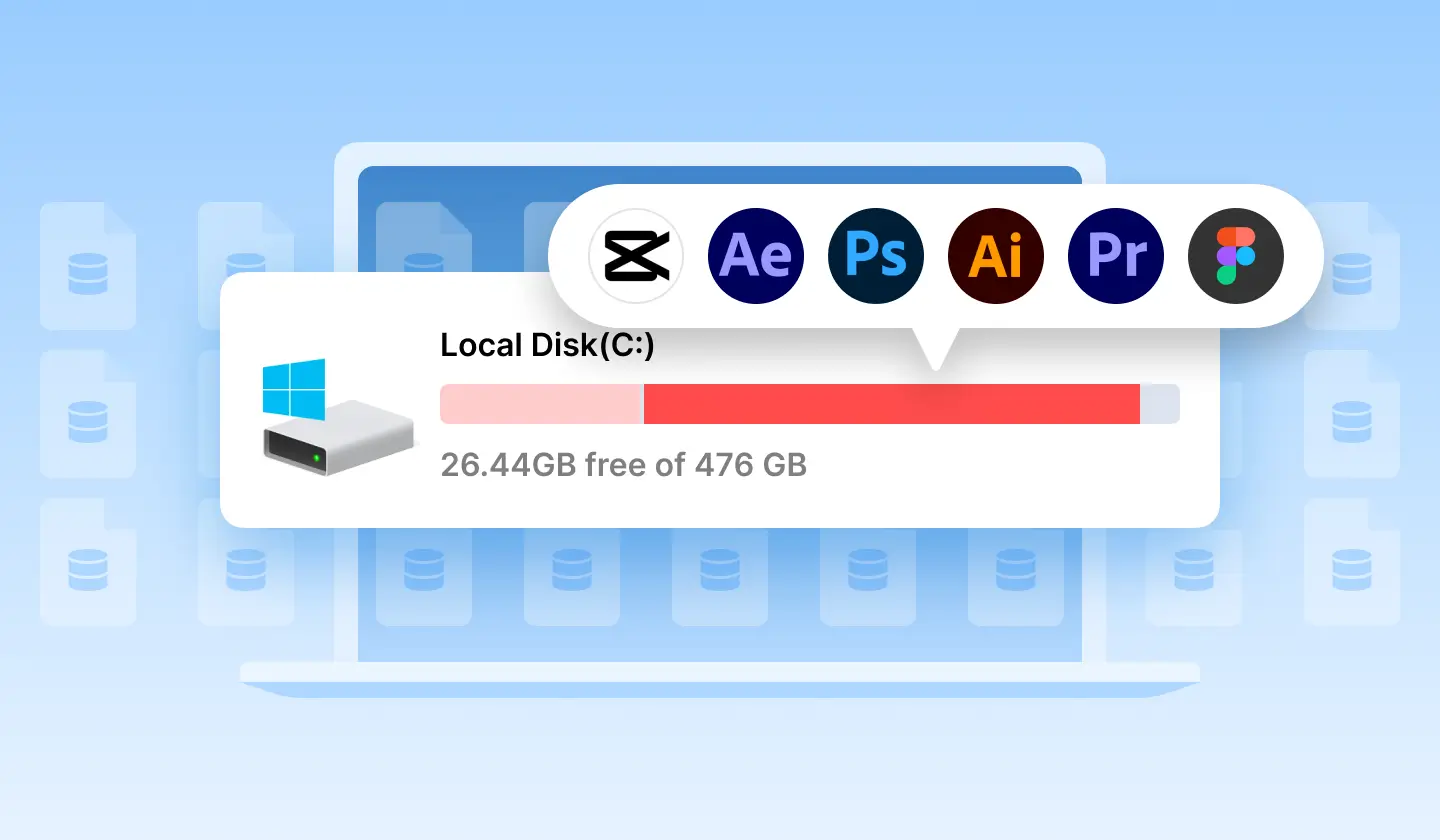
For most users, running the C drive cleaning once a month is enough to keep their systems operating well. For gamers or content creators who need to download large files or apps frequently, a weekly scan and clean for C drive is good. To make your PC maintenance simple and easy, try WMaster Cleanup; we clean C drive effortlessly in one click.
5. Is it safe to clear the Windows Update cache?
Yes, it is safe to clear the Windows Update cache. Because the Windows Update cache usually contains leftover files from the old Windows updates, just in case you need to roll back to the last version. If your current PC is running well, these files are useless. WMaster Cleanup can safely remove redundant files and free up storage instantly.
 One-click free up space: Instantly identify and remove system junk to free up space on C drive.