WMaster Cleanup

Complete Privacy Eraser-Go Deeper Into System

WMaster Cleanup supports erasing digital footprints beyond browsing history, including file history, download history, medical records, financial records, and other Windows privacy.

Check IconDeep-scan engine to erase hidden traces across Windows systems, office suites, media players, and more.

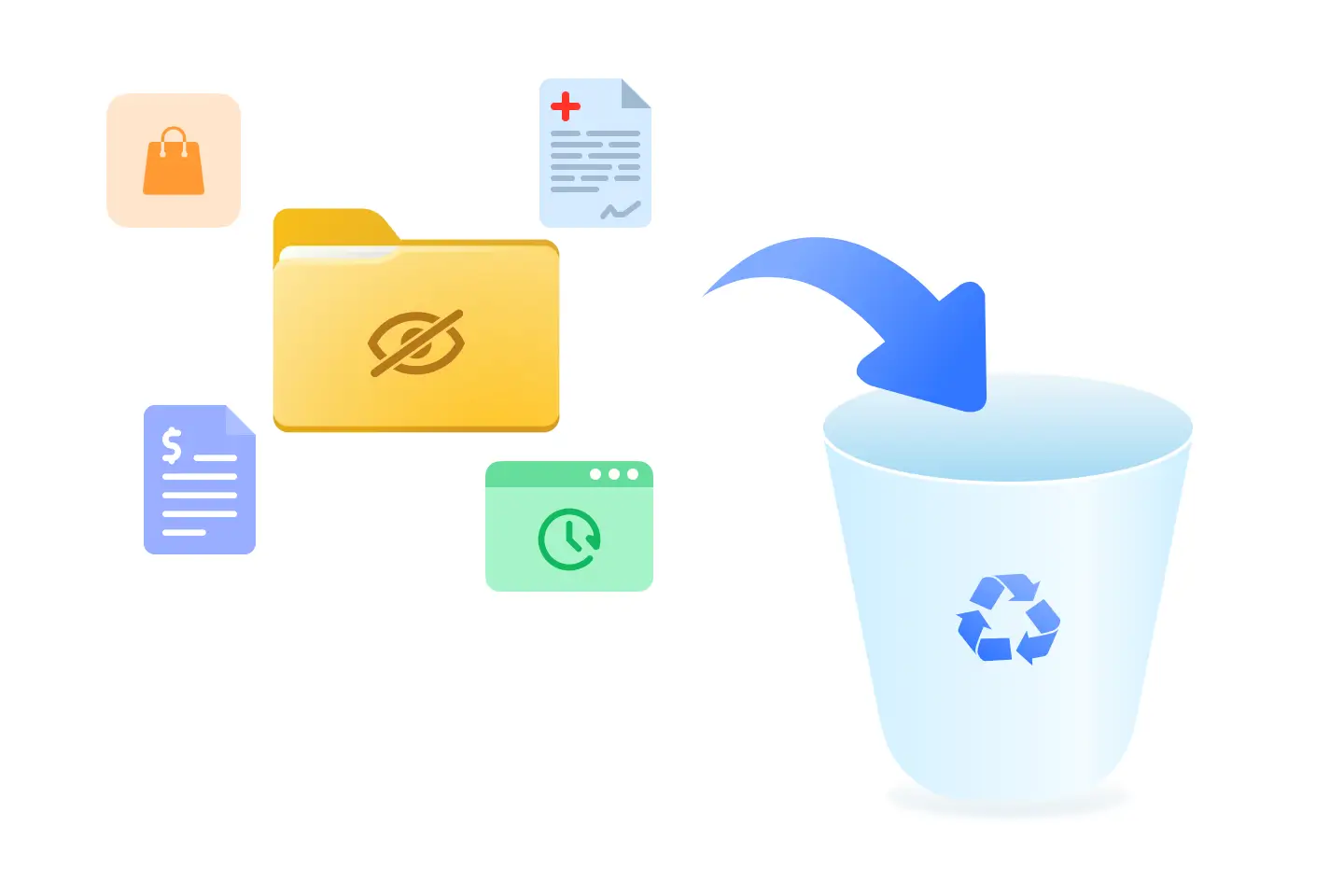
Check IconVirtualize and eliminate sensitive residues like medical, financial, and shopping records instantly in one click.

Check IconErase USB device history and Windows search logs to prevent data recovery during workplace transitions.

Check IconSimplified interface to present every privacy threat in a clear and visual format.

Download IconDownload Now

Windows 11/10/8/7(32/64 bit OS)

Clear Privacy Creative Image

What Makes Our Clear Privacy Feature Stand Out?

Deep-Level Privacy Protection

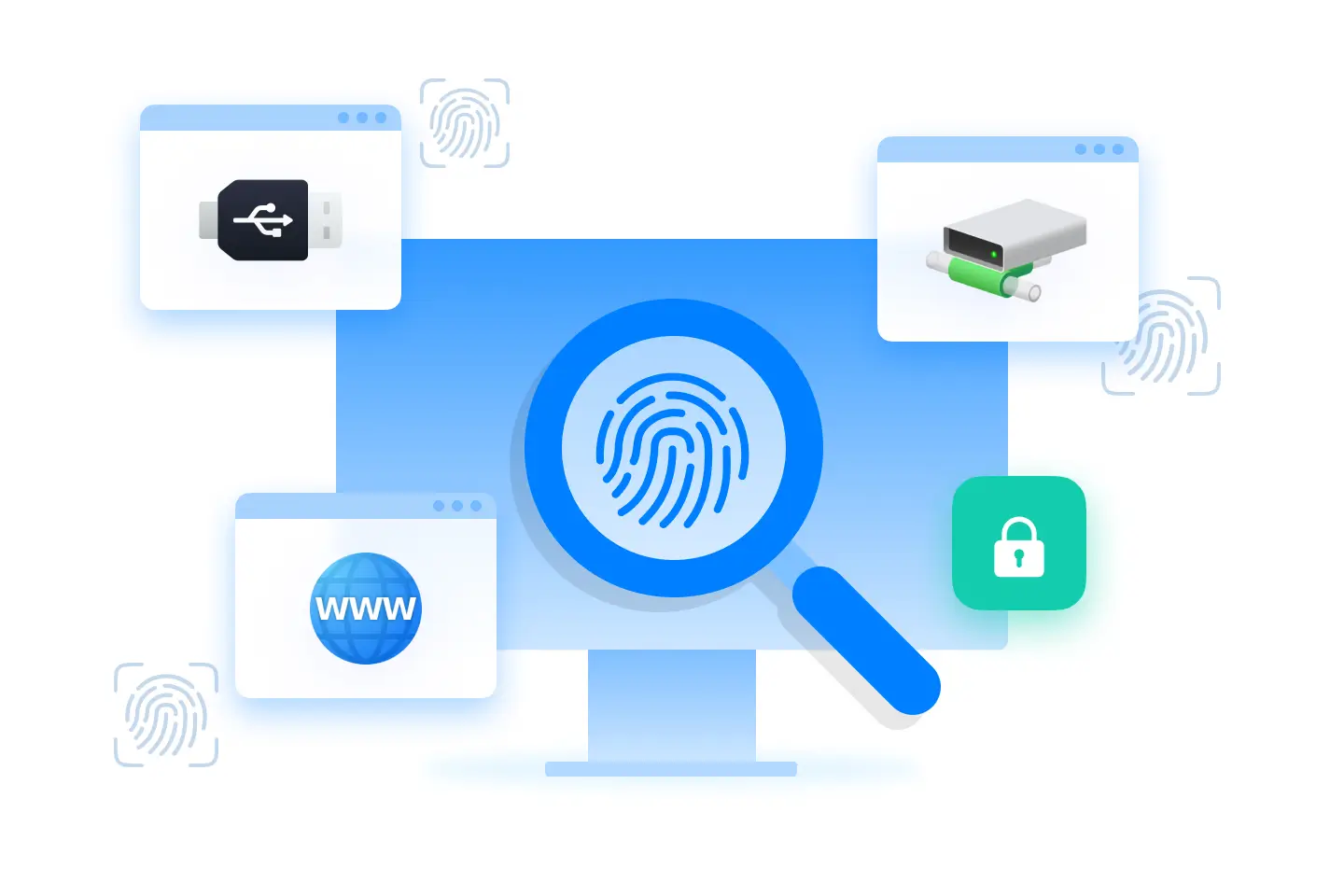
Traditional privacy erasers only look at folders and browser history, but WMaster Cleanup deeply dives into the "brain" of your PC, from USB usage history to registry footprint; we can wipe the records of external drives you've ever connected to and make sure your hardware activity remains completely safe and invisible.

Deep-Level Privacy Protection

Wide Digital Footprint Erasing

WMaster Cleanup uses a system-wide protection network to protect your privacy from every angle: No matter your recent documents, Windows history, or even the stored Windows privacy film from Netflix, YouTube, and other multimedia software, we can take full control of your media footprint and erase your personal view history with ease.

Wide Digital Footprint Erasing

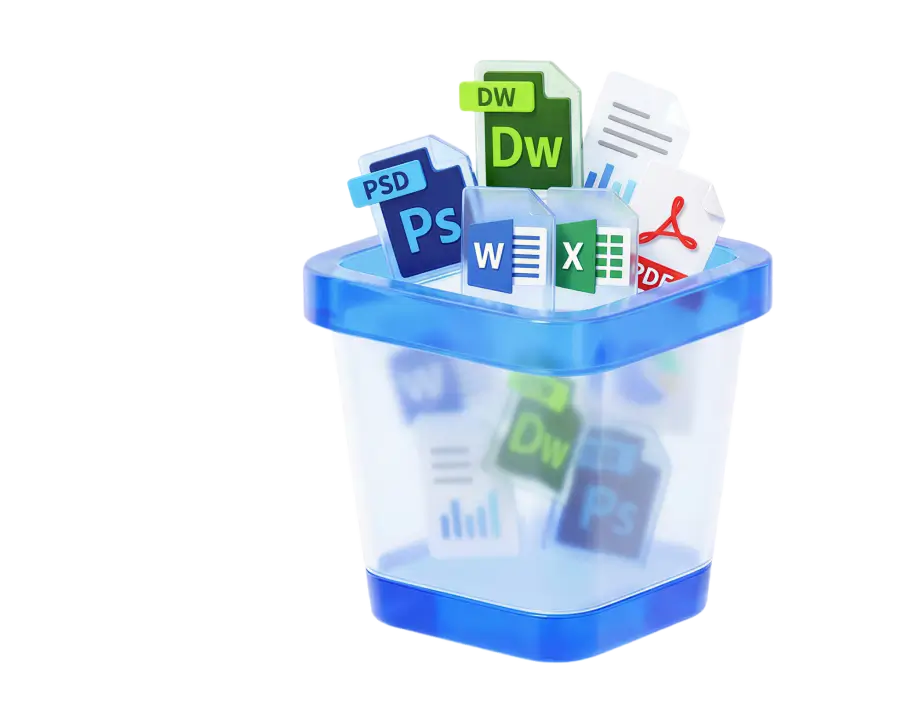
Pro-Grade Document Eraser

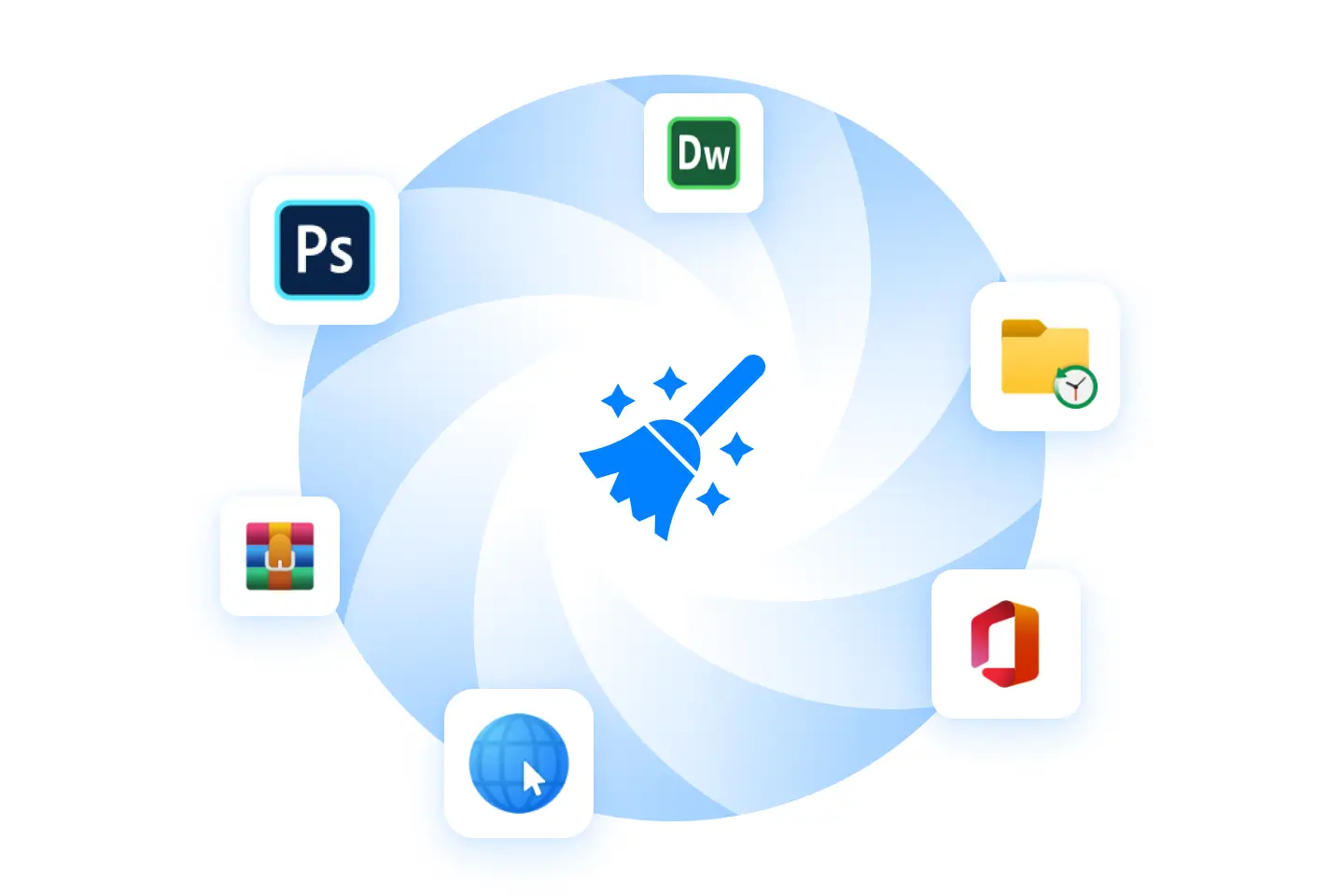
WMaster Cleanup provides deep cleaning for professionals who need to clean "recently used" logs for document suites like Adobe Photoshop, Dreamweaver, Microsoft Office, etc. Giving you absolute confidentiality for your creative and technical workflow. Free up wasted disk space and secure your privacy in massive creative work.

Pro-Grade Document Eraser

Use Case of WMaster Cleanup Clear Privacy Feature

Protect Personal Info for Work-From-Home

Erase Shopping Record for Family Shared Computer

Complete Pre-Sale Cleanup

Protect Personal Info for Work-From-Home

Protect Personal Info for Work-From-Home

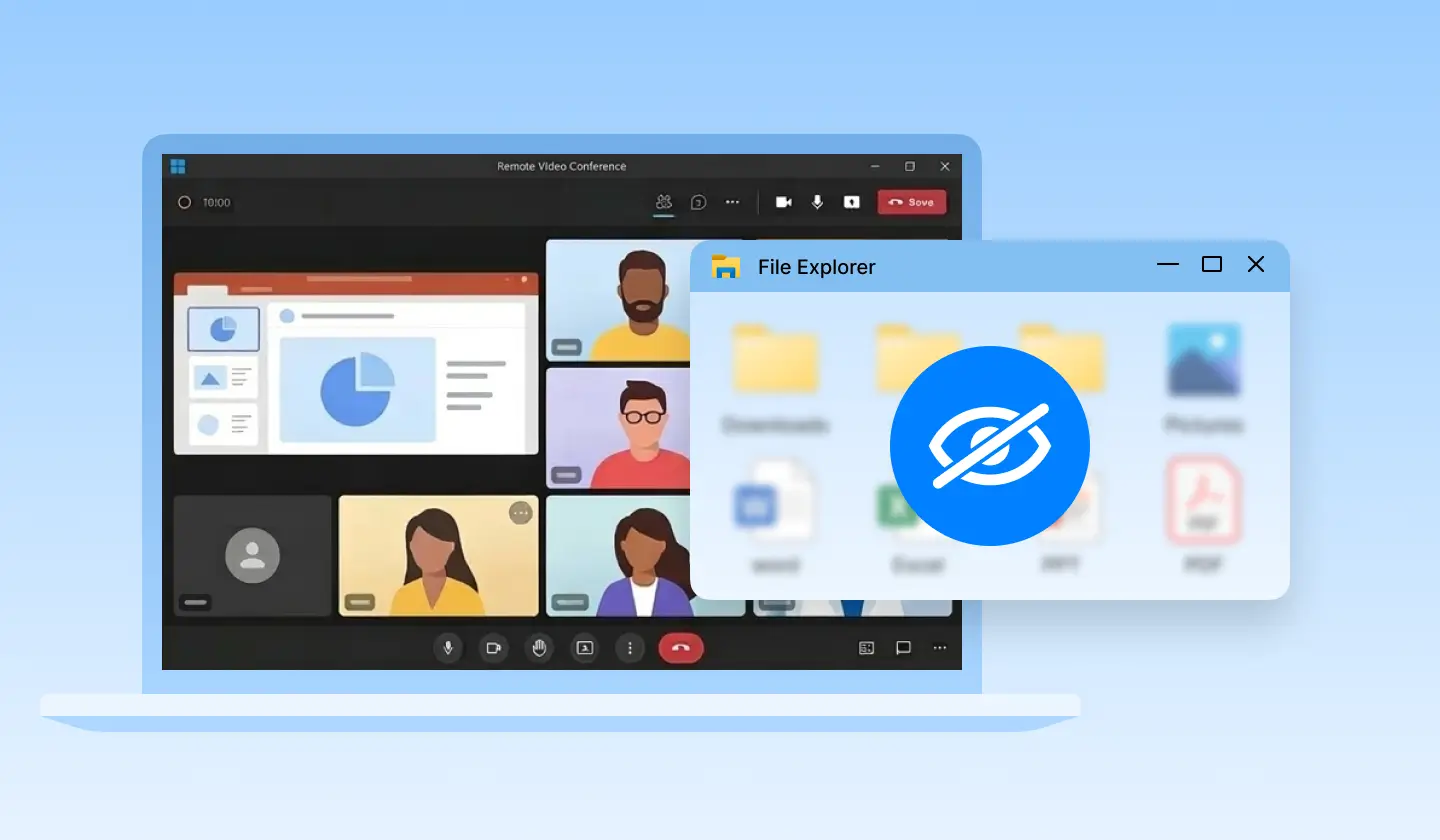
How can you protect your personal data when working remotely?

Before a screen-share meeting, you usually need to wipe your financial and personal app history to prevent embarrassing"Recent Document" pop-ups. In such a case, you can try the Clear Privacy feature of WMaster Cleanup to remove sensitive financial history or app history in seconds.

Erase Shopping Record for Family Shared Computer

Erase Shopping Record for Family Shared Computer

How to hide your Amazon ordering history from family members?

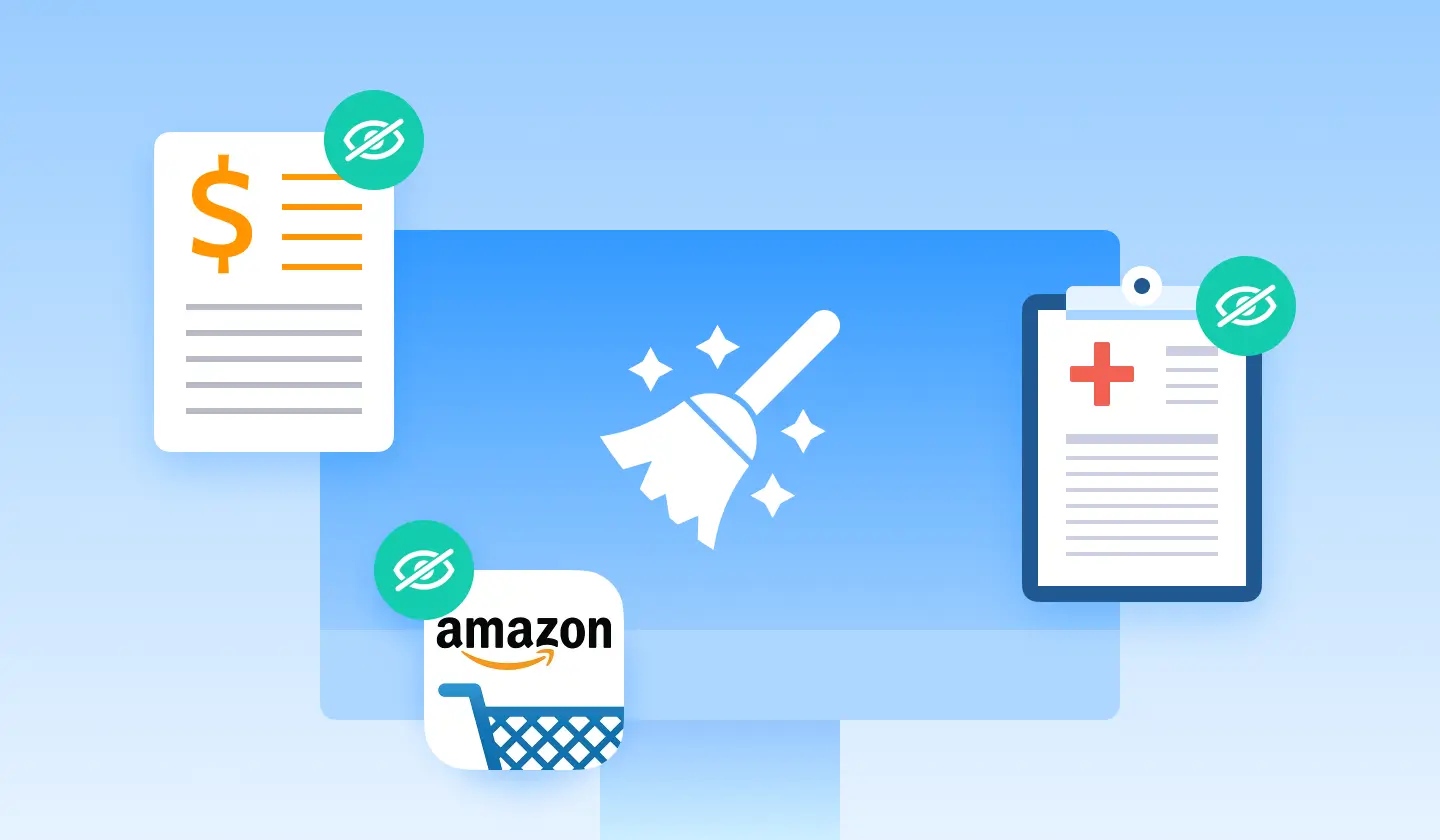
WMaster Cleanup offers a one-click cleaning service to remove high-risk sensitive information, such as your shopping history and sensitive financial and medical searches, from a shared family computer, keeping it hidden from other family members.

Complete Pre-Sale Cleanup

Complete Pre-Sale Cleanup

How to wipe PC before selling Windows 11/10?

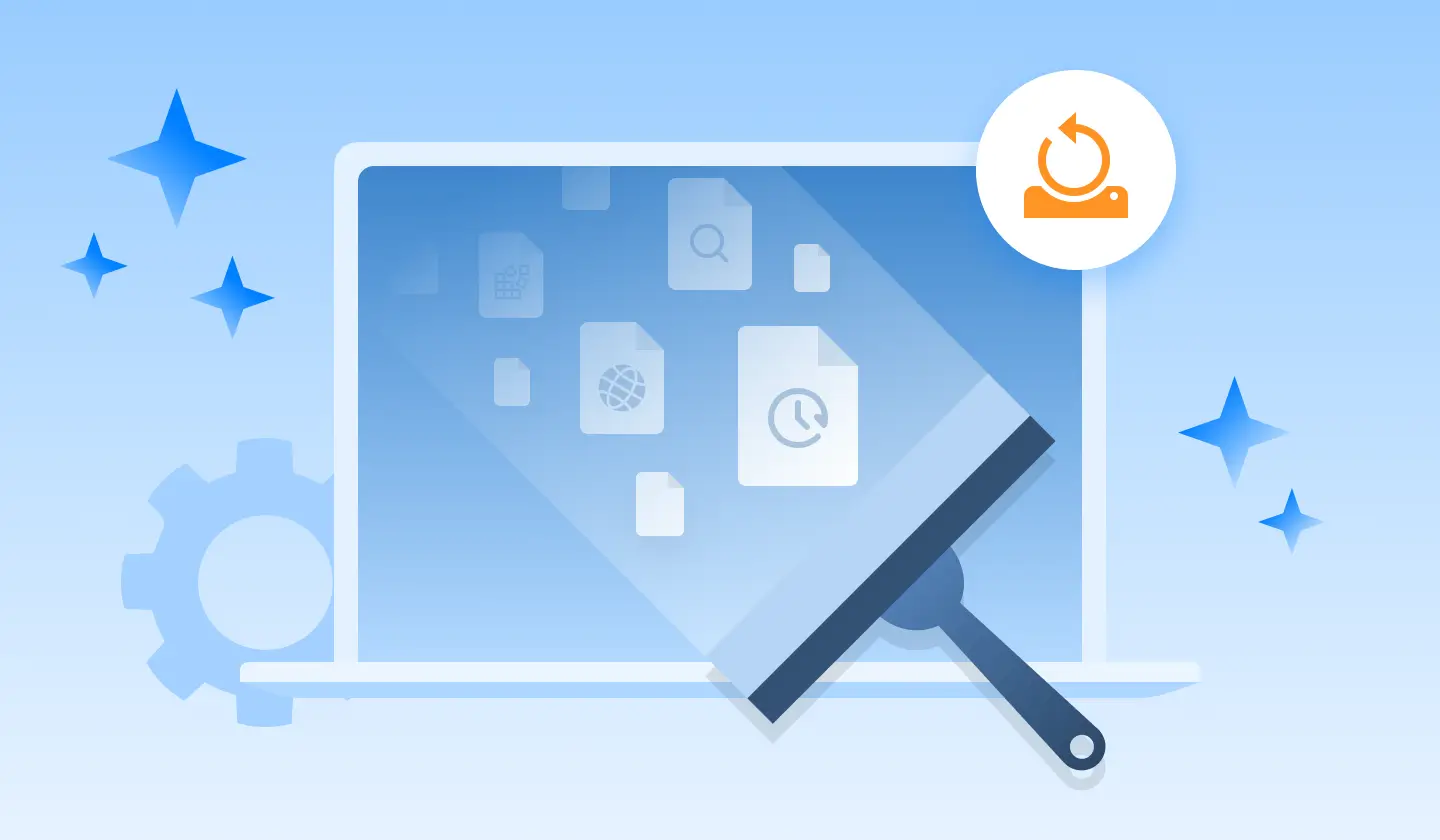
When you are going to sell or donate your PC, you will find your blind area with endless search records, USB usage records, and registry history, which traditional manual cleanup can't cover.

WMaster Cleanup provides powerful USB history and registry wipe capabilities to remove personal information and ensure your hardware footprint is clean as new.

What Are Our Privacy Eraser Erasures? — Everything

WMaster Cleanup categorized our deep-cleaning technology into four pillars of protection:

Sensitive File & Personal Life Privacy

Sensitive File & Personal Life Privacy

WMaster Cleanup Privacy Trace Cleaner looks for files that contain your most personal information, ensuring they aren't left in "Recent" lists or temporary caches.

Medical & Health: Scans for traces of digital prescriptions, medical reports, and health records.

Finance & Shopping: Erases history of bank statements, tax files, and e-commerce invoices.

Browser History: Clear search records, download history, and other cache data in one click.

Download IconDownload Now

Hardware & Network "Fingerprints"

Did you know Windows remembers every USB drive you've ever used? WMaster Cleanup fixes that with ease.

USB Usage History: Remove the record of every external drive or phone that ever plugged into your PC.

Mapped Network Drives: Clears the history of shared office folders, including office files, videos, and other multimedia files easily.

Service Proxy Logs: Removes traces of network proxy settings to hide your connection habits.

Download IconDownload Now
Hardware & Network 'Fingerprints'
Deep App & File Trace

Deep App & File Trace

Windows remembers the shape of your work. WMaster Cleanup privacy eraser removes that in one click.

Recent Apps & Jump Lists: Removes the "Recent Used" list when you right-click an icon on your Taskbar.

Adobe, Microsoft Office, & WinRAR: Specialized cleaning for Photoshop, Dreamweaver, Microsoft Office, and WinRAR history.

Windows History: Resets the saved positions and sizes of your windows, so your screen layout doesn't reveal your workflow.

Download IconDownload Now

How to Protect Privacy Online & Offline?

Use WMaster Cleanup to remove online digital footprints and Windows system history in one click.

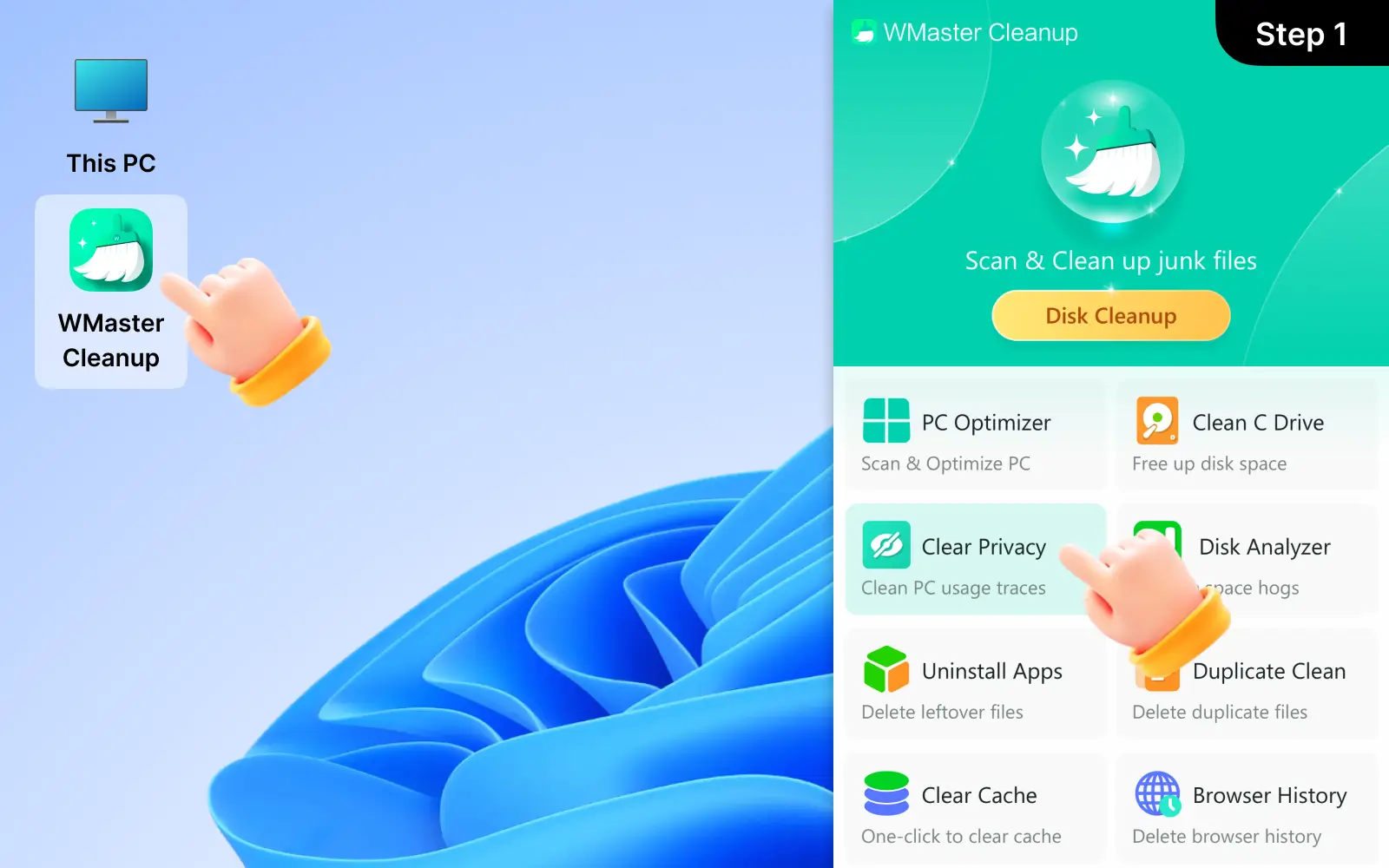
1

Launch WMaster Cleanup and Choose "Clear Privacy"

Download and open WMaster Cleanup on your desktop, then navigate to "Clear Privacy" and click it.

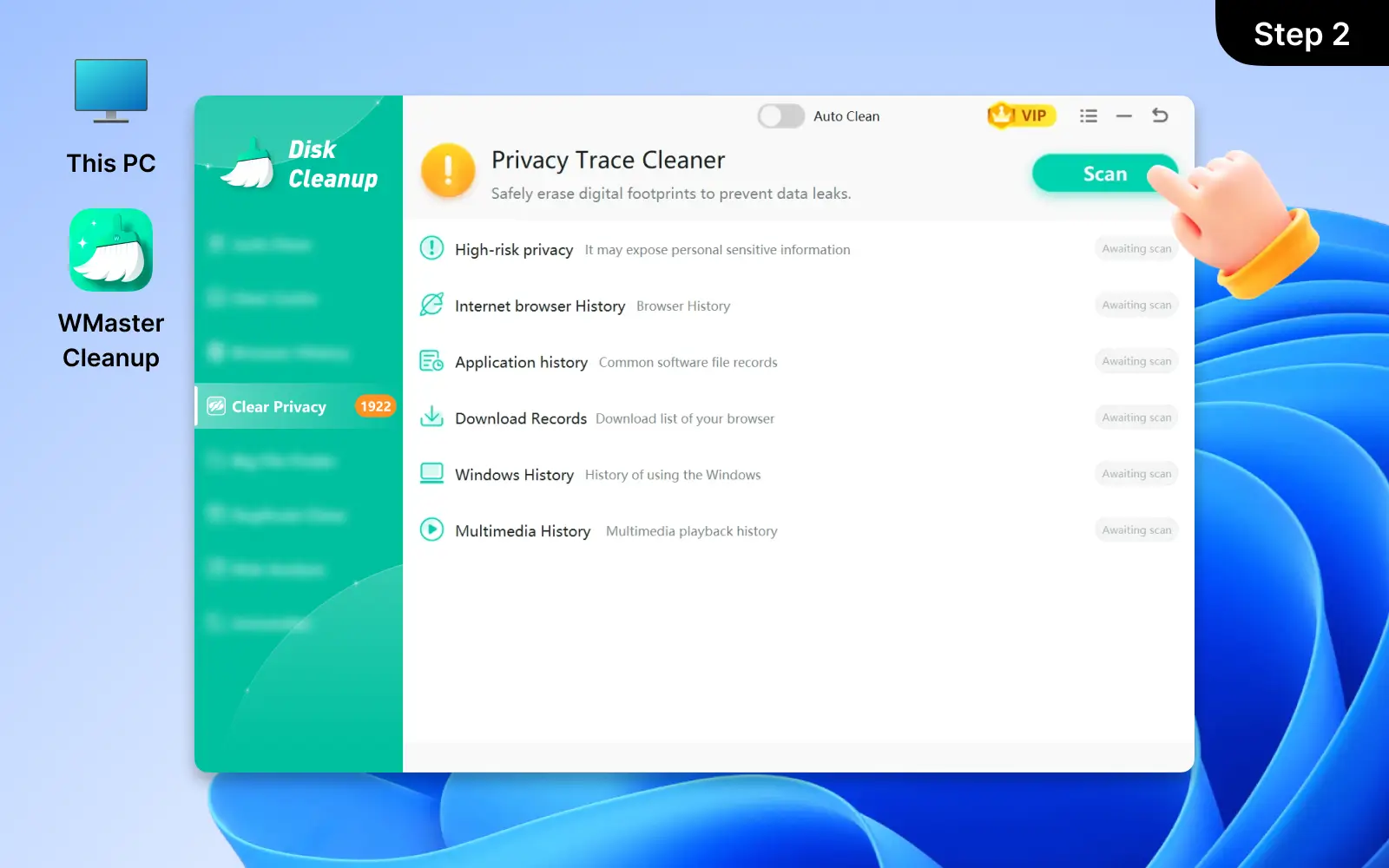
2

Click "Scan" to Start the Search for Traces

Then you will see our privacy trace cleaner categorized your privacy traces into different groups. Click "Scan" to begin the scan and search for the detailed online traces and offline system footprints.

You can click on any items to see exactly what was found.

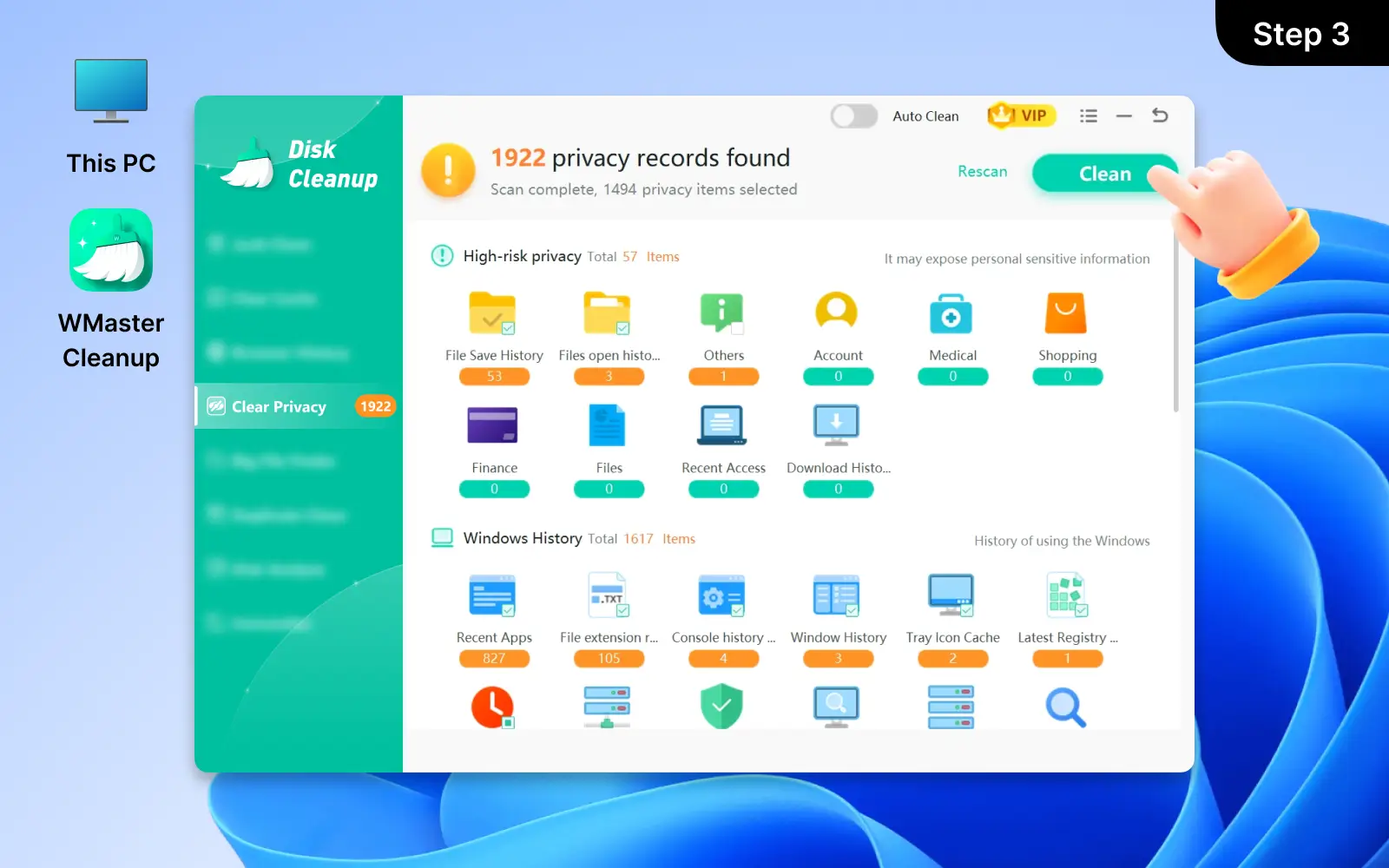
3

Click "Clean" to Remove All Privacy Traces

Finally, click "Clean" to safely remove all privacy traces. WMaster Cleanup will meticulously delete high-risk privacy, internet browser history, and Windows history in seconds.

Launch WMaster Cleanup and Choose 'Clear Privacy'
Click 'Scan' to Start the Search for Traces
Click 'Clean' to Remove All Privacy Traces

Hot FAQs About Clearing Privacy

1. How do I remove personal information from a Windows 11 laptop?

Look Up The Answer

You can use the default Windows 11 system tool to clear personal information via Settings-Privacy & Security, but this way can leave behind many hidden traces.

To execute a complete cleanup, we suggest you use WMaster Cleanup's "Clear Privacy" feature; our tool can erase your digital footprint, including internet browser history, cookies, Windows history, application history, etc. logs—all in one click.

2. Is WMaster Cleanup privacy trace cleaner feature safe to use?

Look Up The Answer

Yes, our Clear Privacy feature is safe to use; we only target unnecessary digital footprints like browser cache & cookies, application history, Windows history, etc., which don't affect your system stability and personal privacy.

3. How to erase privacy traces on computer?

Look Up The Answer

The traditional way is to manually go to your browser to choose to clear history and cookies and reset your Windows activity logs.

The modern, highly efficient way is to use WMaster Cleanup's Clear Privacy feature to scan and identify both your system and online internet privacy traces from browsers, apps, and Windows in one click.

4. How to protect online privacy as a day to day user?

Look Up The Answer

As a day to day user, it's better to nurture a good habit and, at the same time, use the right tools to assist to protect online privacy. For good habits, you can try to use incognito private browsing for sensitive information and try not to use unsecure public WiFi. Besides, you need to clear your cache & cookies in time regularly.

For tool selection, you can try WMaster Cleanup, our Clear Privacy feature can automatically and regularly scan and erase privacy traces in one click. Saving time and improving efficiency.

5. Will WMaster Cleanup delete my actual Medical or Financial documents?

Look Up The Answer

No, WMaster Cleanup won't delete your actual medical or financial documents. We won't directly delete personal files or folders; we only remove privacy traces like temporary files, download history, system cache, browser search history, etc. For the sensitive medical and financial documents, we only clean their residues on computers.

Unlock More Features of WMaster Cleanup

Bottom Background Image

WMaster Cleanup

Best Windows Cleaner & Optimizer to Speed up Your PC