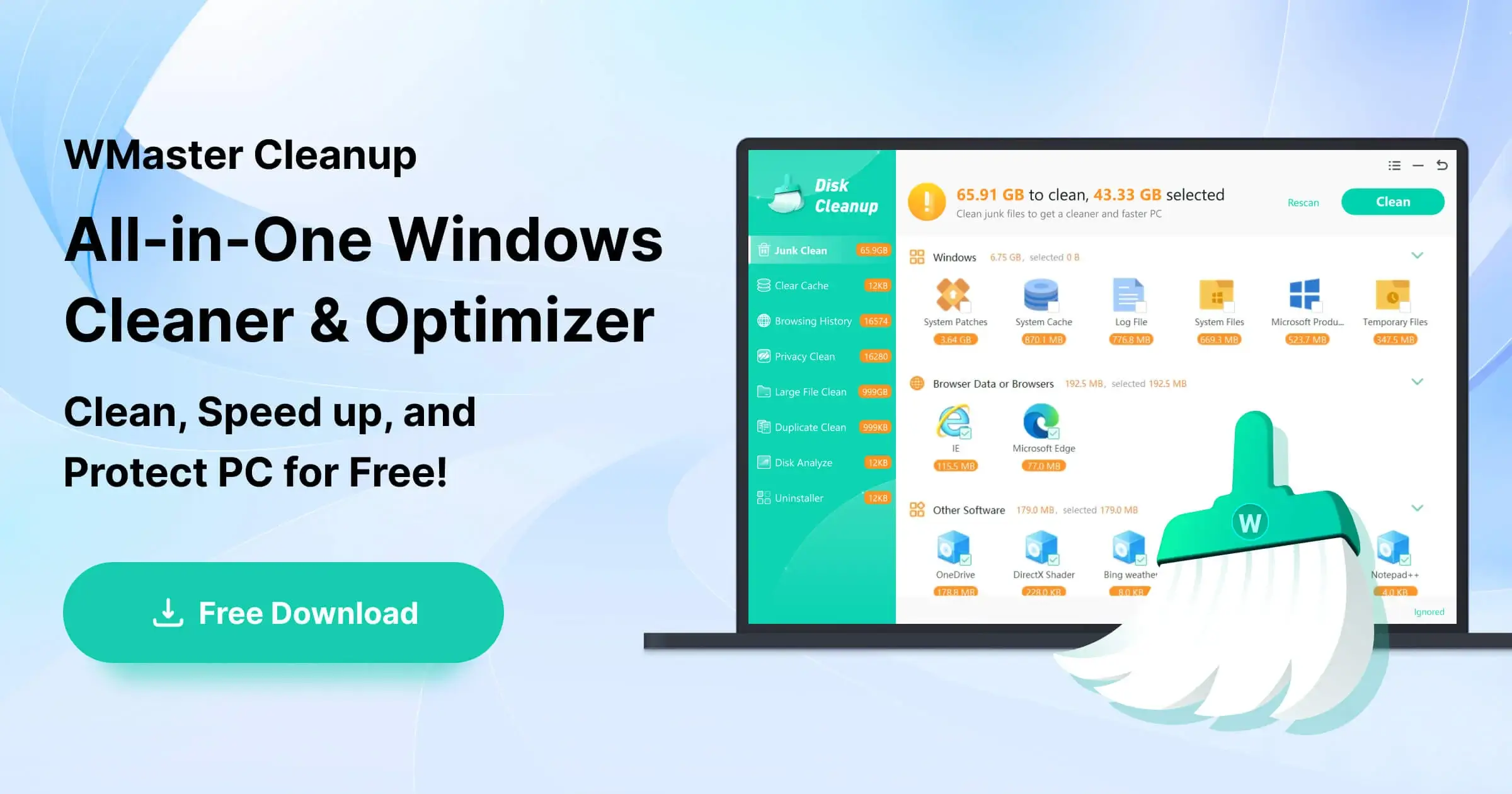
Clean the junk files in one click.
One click to boost FPS for max game performance.
All Features
Duplicate File Remover >
Uninstall Application >
Clear Cache >
Disk Space Analyzer >
Clear Browser History >
Disk Defrag >
Clear Privacy >
Clean C Drive >
Review the frequently asked questions and answers provided by WMaster Cleanup.
How to Use WMaster Cleanup? Unlock the detailed guide below.
Know about the story, mission, and values of WMaster Cleanup.
Welcome to contact us anytime for support, questions, or personalized assistance.
Practical tips and guides for protecting your privacy and cleaning browser data & cache on Windows.
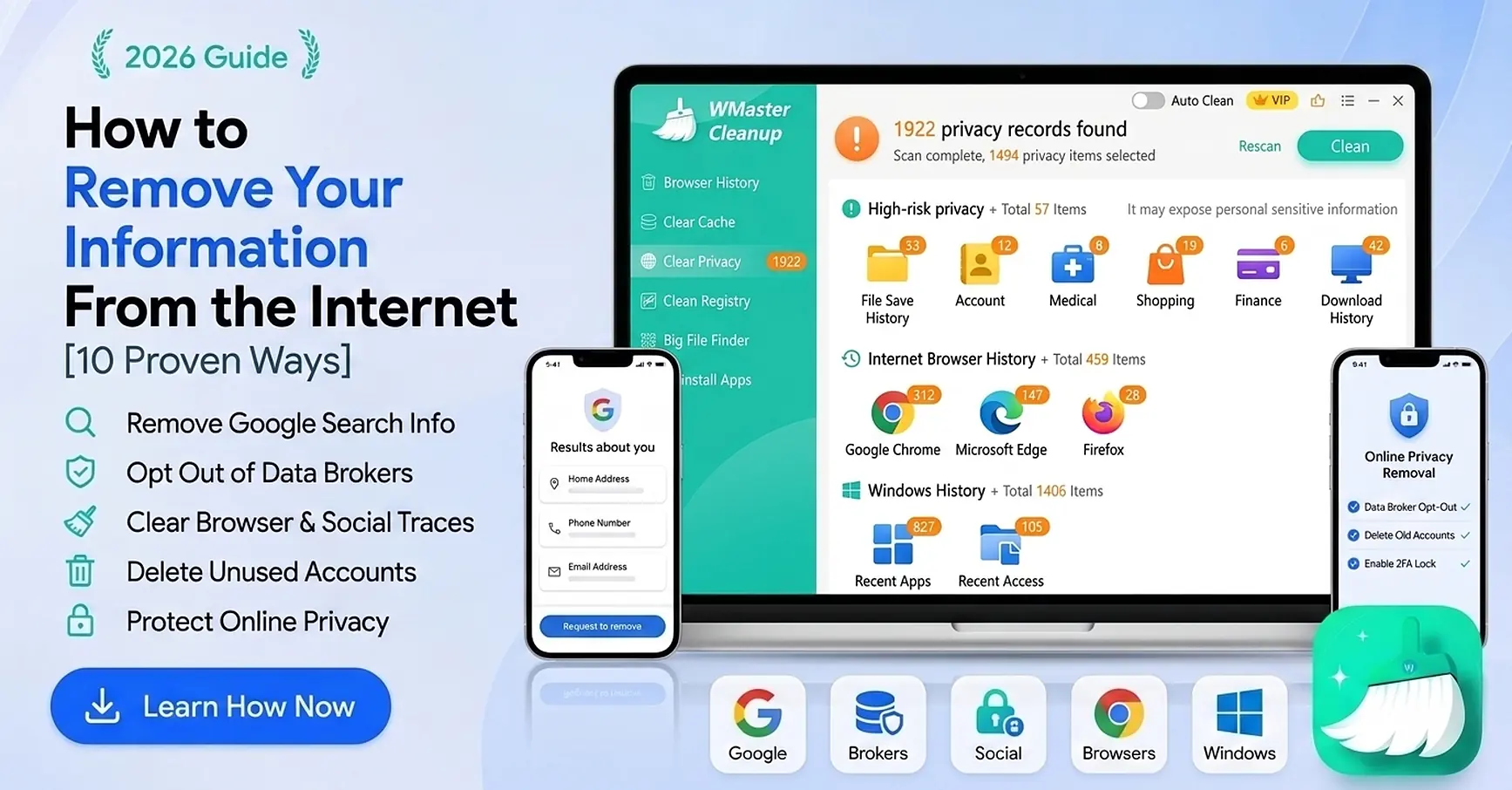
Want to remove your personal info from the internet? Discover 10 proven ways to clear your data, wipe public search results, and protect your privacy today.
Is your personal data exposed widely? Learning how to protect privacy on social media is non-negotiable. Find out 12 proven ways with no tech skills needed.
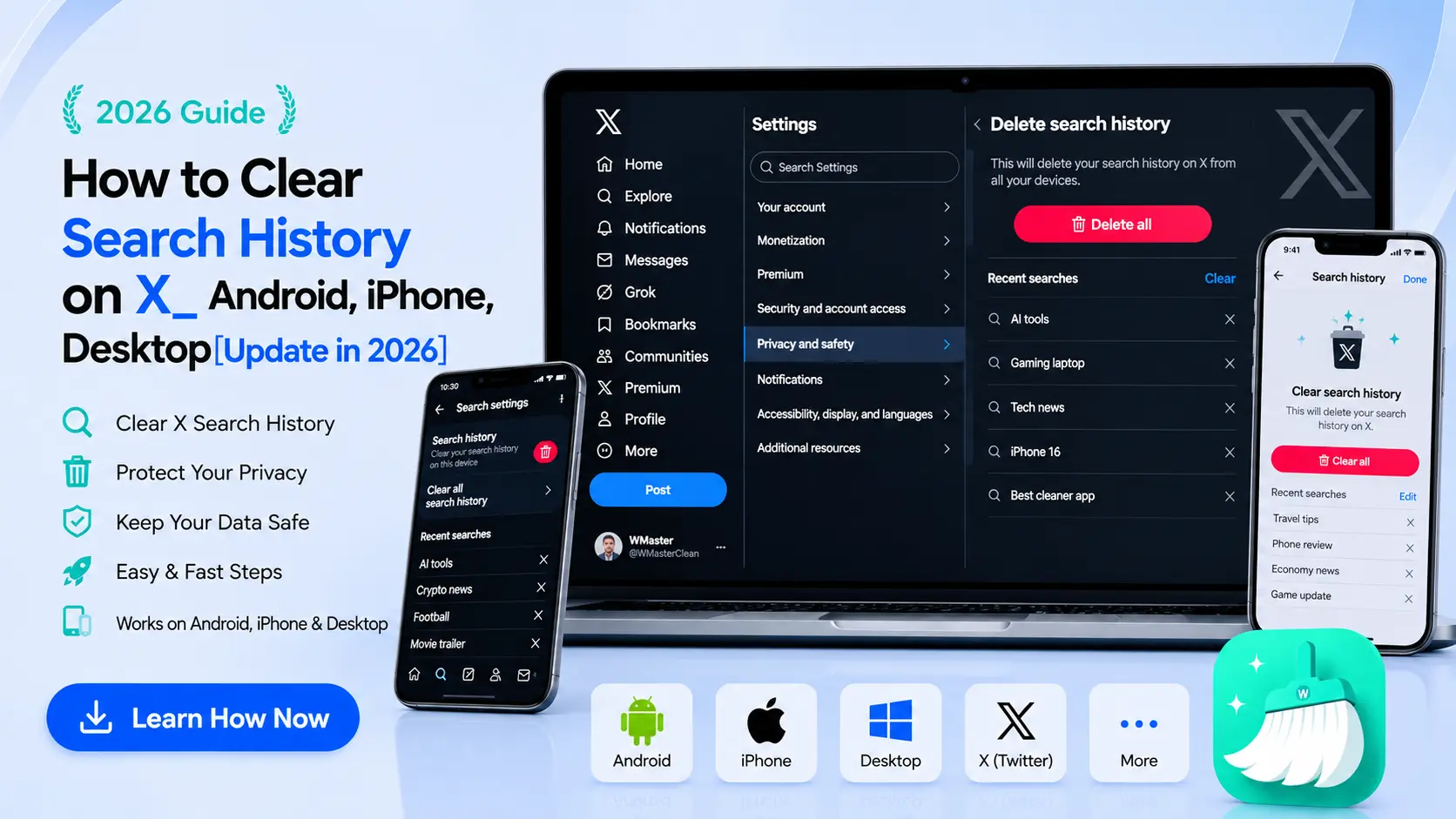
No matter what device, Android, iPhone, or desktop, learn how to clear search history on X to wipe out recent searches, reset your feed, and clean browser data.
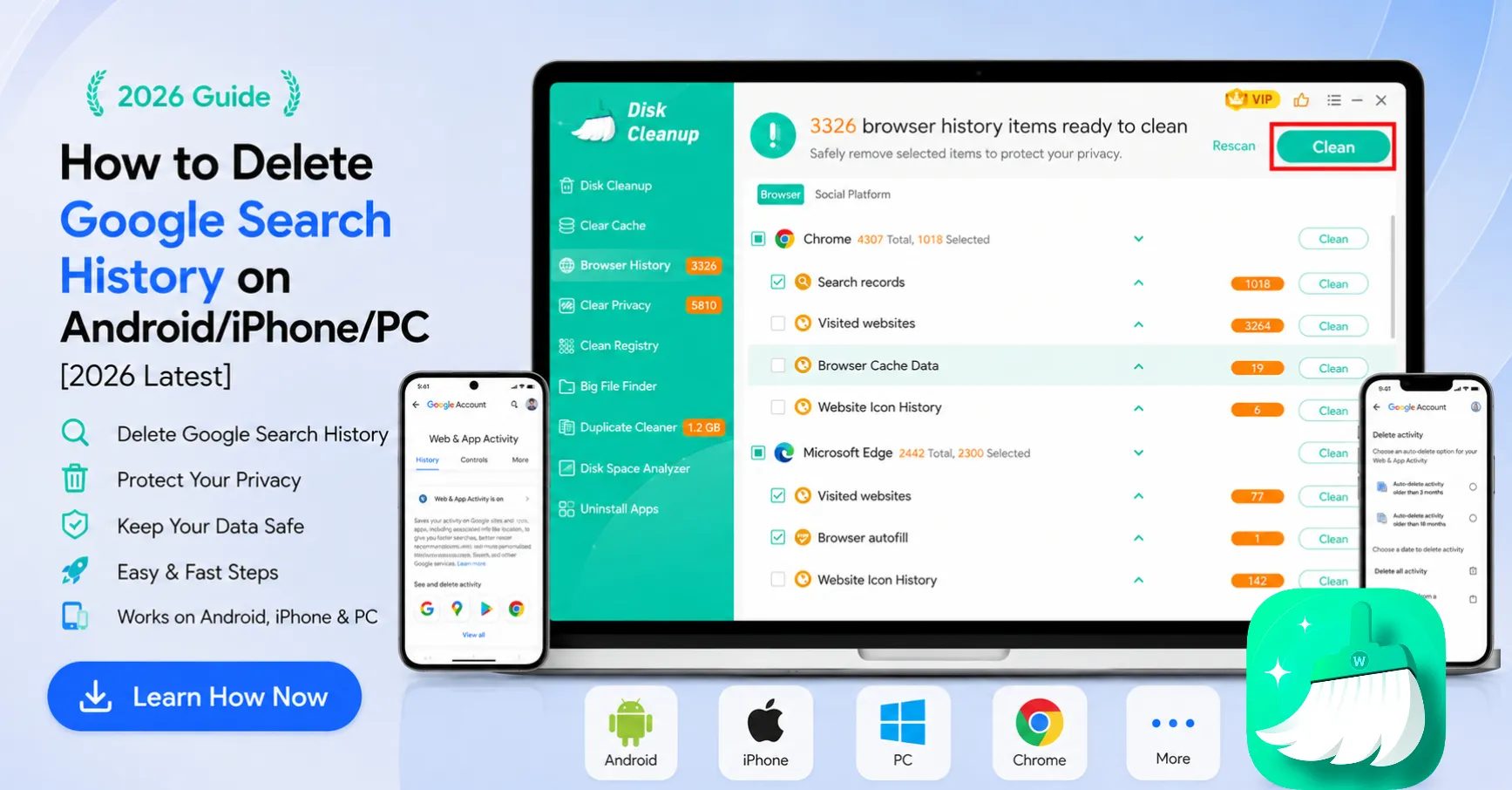
Want to clear your Google Search history? This 2026 guide shows how to delete all or selected searches on Android, iPhone, and PC in a few easy steps.
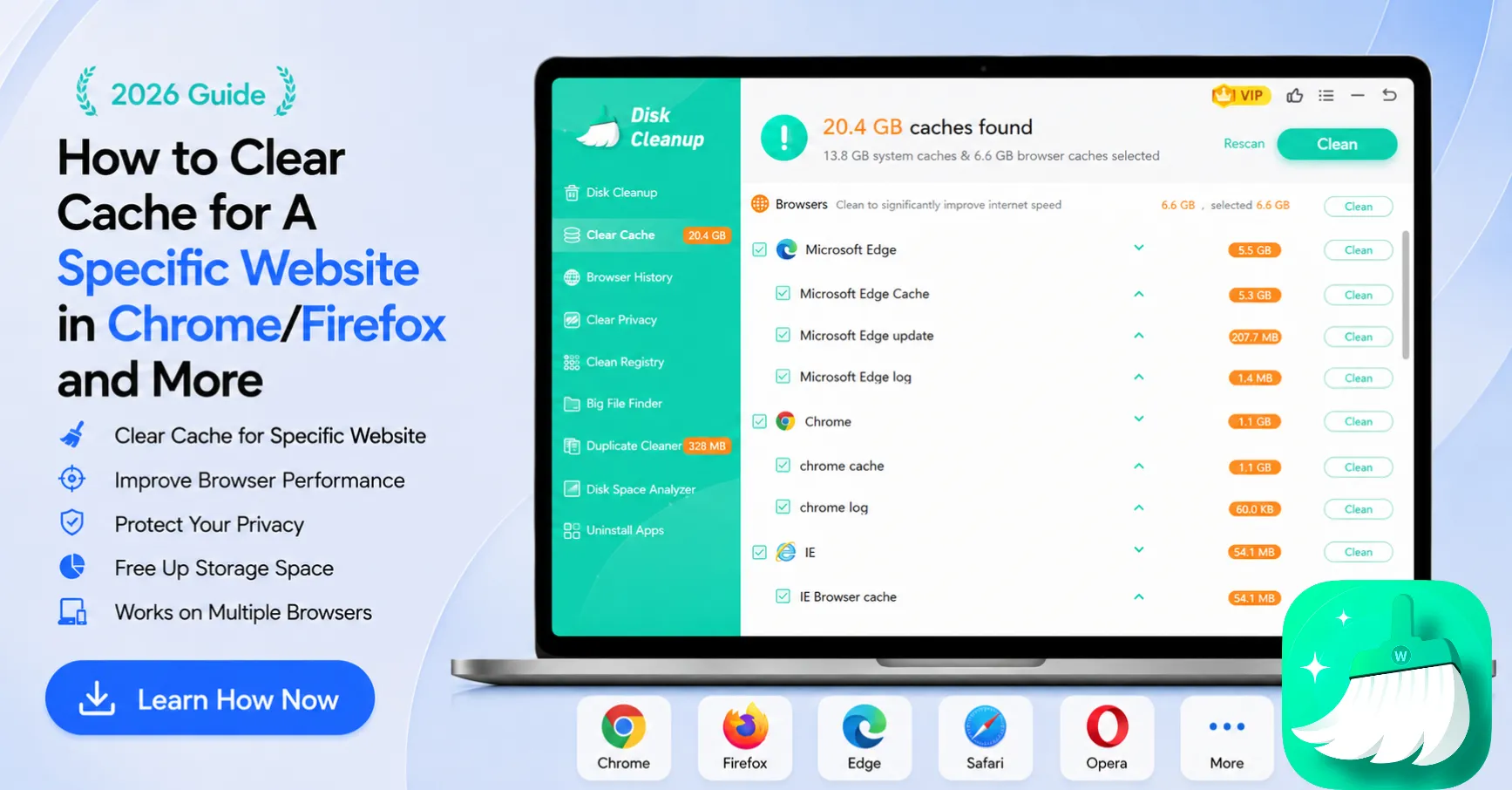
Knowing how to clear cache for a specific website across web browsers is vital if you don’t want to delete your entire browser history. Click to find out your best solution..
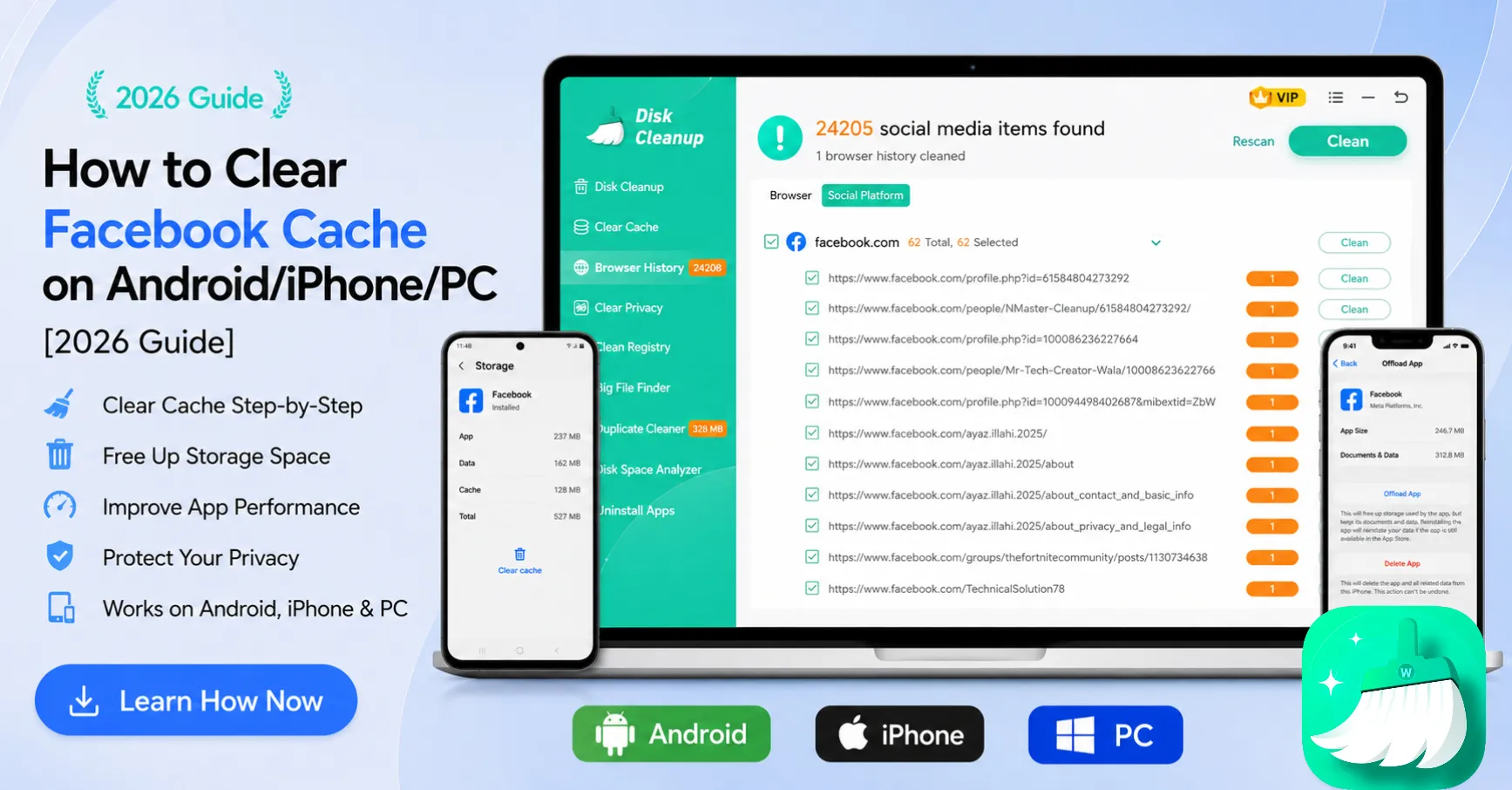
Find out how to clear Facebook cache on Android, iPhone, and PC. Improve Facebook app performance, free up storage, and fix loading issues with simple steps.
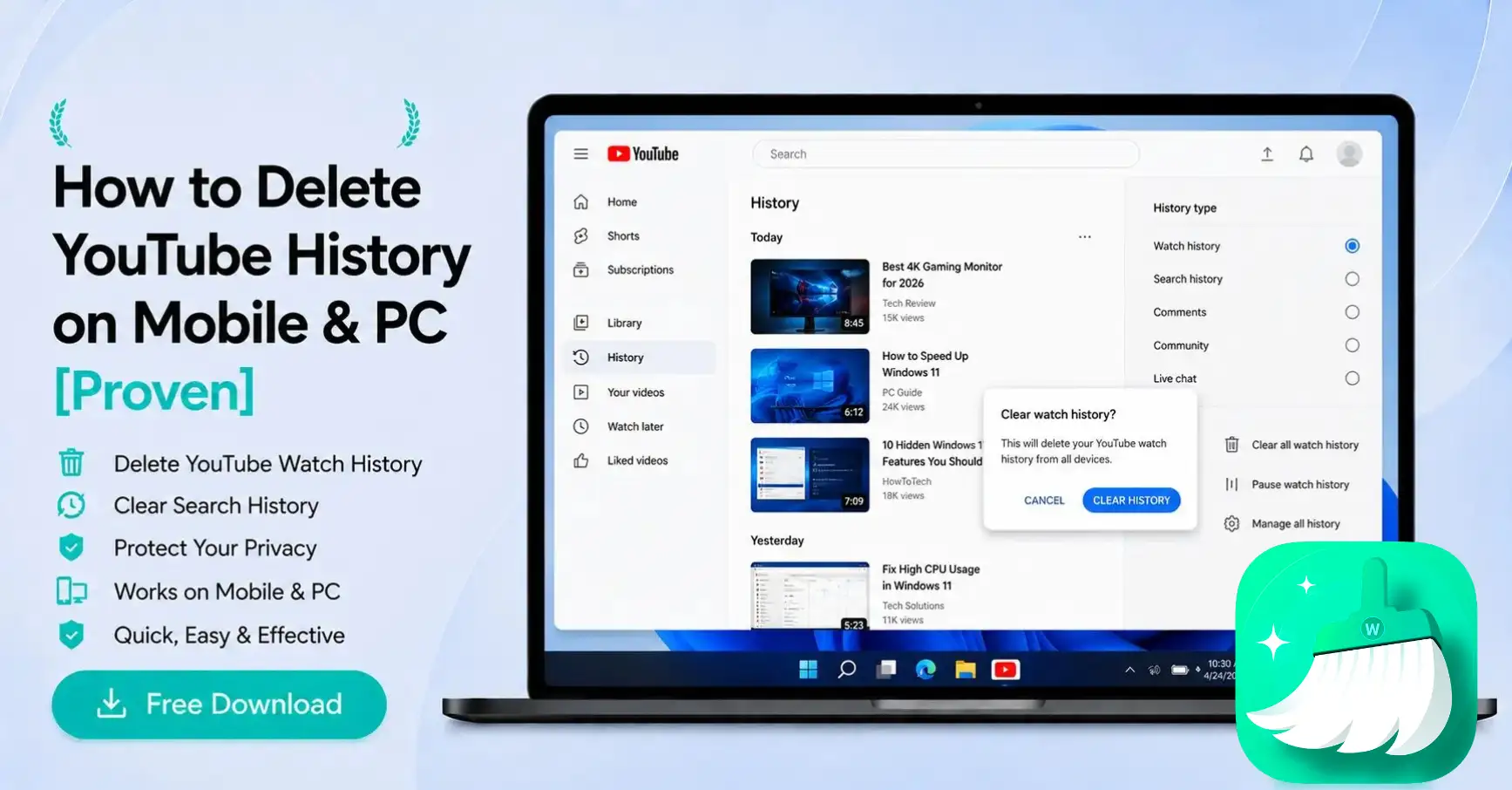
Annoyed by YouTube recommendations or worried about someone seeing your search history? Here is a step-by-step walkthrough on how to delete youtube history in 2026.
WMaster Cleanup