
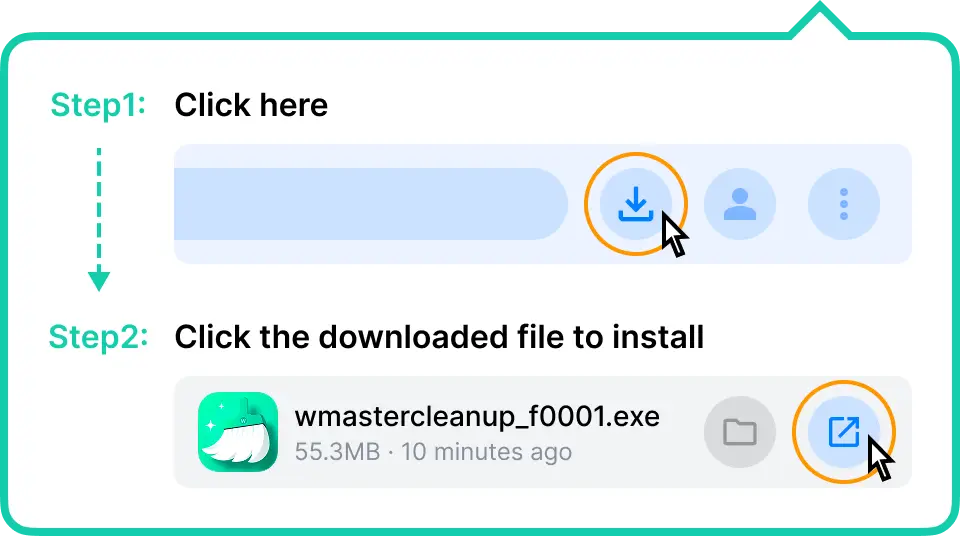
Step 1
Click the browser's upper-right download icon or press Ctrl + J to find and launch the downloaded file.
Step 2
Once prompted, click “Yes” on the system dialogues.
Step 3
Wait for the installation to be finished. Chrome will open it automatically when it's done.
Need more help? Refer to WMaster Cleanup user guide or contact support@wmaster.com
By downloading, you agree to the Privacy Policy and Terms of Use